What matters when choosing?
Measure the normal seating position and TV space before comparing screen sizes, then agree on essential services and shared responsibilities. If an existing display fits, check whether a compatible streaming device would provide the missing apps before replacing the screen.
| Concern |
What to check |
Who this matters to |
| Screen size and placement |
Measure the usual eye-to-screen distance and the available unit width and depth; compare these with the exact TV’s dimensions, including its stand. |
When the sofa and TV unit are close together, I need a screen that fits without crowding the room. Around 34% of consumers put room fit first. |
| Streaming and broadcast access |
Check must-have apps on the exact UK model, internet access at the TV’s position and local coverage if terrestrial channels matter. |
If housemates rely on different catch-up and subscription services, I want everyone’s essentials accessible from the chosen setup. Roughly 33% of consumers make service access their primary concern. |
| Shared costs and ownership |
Agree who owns the TV and manages subscriptions; check the household’s TV Licence position if anyone watches live TV or uses BBC iPlayer. |
Before sharing a TV, I want clear arrangements for subscriptions, ownership and any licence the viewing requires. About 20% of consumers prioritise those shared arrangements. |
| Occasional gaming and connections |
Check HDMI inputs, their position and any game mode on the exact model against the devices the household will connect. |
When a console shares the screen with streaming devices, I need practical connections without turning this into a dedicated gaming-TV purchase. Around 13% of consumers put that need first. |
Joybuy TVs for shared rooms
These TVs cover compact 32-inch sets and larger 43-inch 4K sets for shared-room viewing. Compare their stated resolution and smart platform, then check physical fit and essential services on the exact model.
 No image available
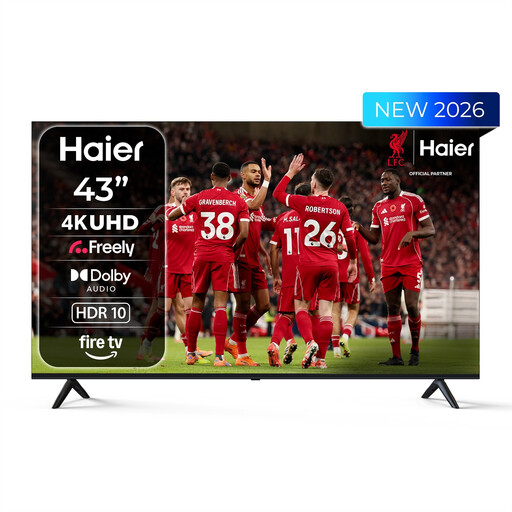
Haier H43K85GUF 43-inch 4K smart TV with Freely and Fire TV
Consider this larger-screen option if the usual seating position and TV unit can accommodate 43 inches.
The product name specifies 4K resolution, Freely, Fire TV and HDR10. Check the exact dimensions and required apps before choosing it for the room.
View on Joybuy
 No image available
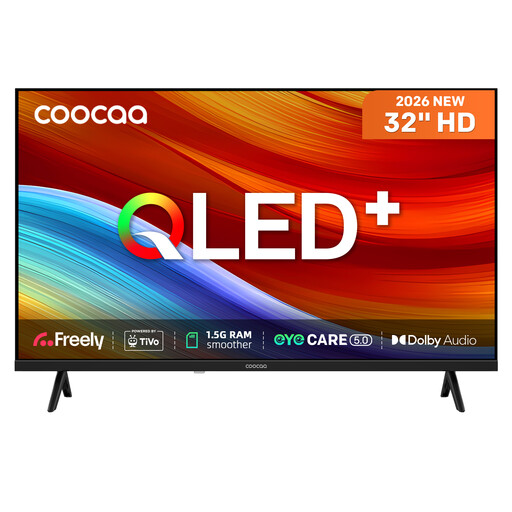
Coocaa 32CTQH38ZUK 32-inch HD QLED smart TV with Freely and TiVo
The 32-inch format is worth considering where a larger screen would crowd the shared room.
The product name specifies HD resolution, QLED, HDR10, Freely and TiVo. This is an HD rather than a Full HD choice; confirm the physical dimensions and essential UK apps.
View on Joybuy
 No image available
Toshiba 32WV2553DB 32-inch HD Ready smart TV with Freely
Consider this compact option when a 32-inch screen suits the normal seating position and available furniture.
The product name specifies HD Ready resolution, VIDAA OS, Freely and HDR10. Check its dimensions and the required UK services on this model.
View on Joybuy
 No image available
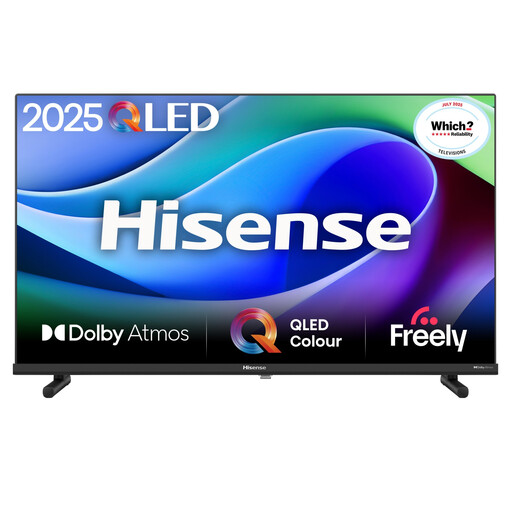
Hisense 32E5QTUK 32-inch Full HD smart TV
This is a compact-screen option for a household that wants Full HD rather than HD resolution at 32 inches.
The product name specifies VIDAA OS. Check its dimensions, required UK services and device connections on the exact model; confirm mounting compatibility if wall placement is planned.
View on Joybuy
 No image available
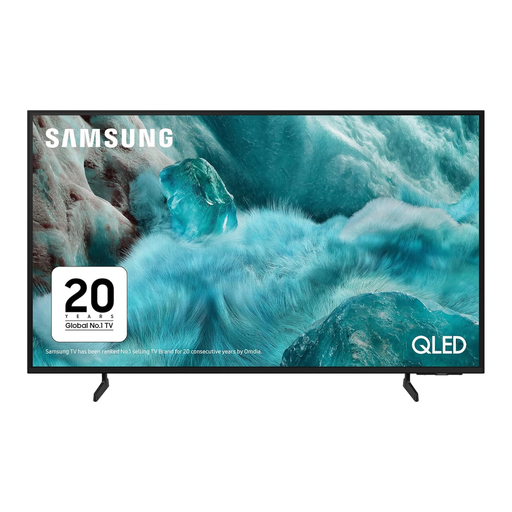
Samsung Q7F QE43Q7FAAU 43-inch 4K smart TV
Consider this 43-inch option if the shared seating distance and furniture allow a larger screen.
The product name specifies 4K resolution and Wi-Fi. Check the dimensions for your intended placement, along with required apps and connections on this exact variant.
View on Joybuy
Frequently asked questions
Which services should we check before choosing a smart TV?
Start with the services everyone considers essential, then confirm them on the exact UK TV model. Freeview lists BBC iPlayer, ITVX, Channel 4, 5 and UKTV Play for Freeview Play; catch-up viewing needs an internet connection, and other app support can vary by model.
Do we need a TV Licence in a shared house?
In the UK, you need to be covered to watch or record live TV, or to watch or download BBC iPlayer. TV Licensing says one licence covers the address under a joint tenancy, but arrangements involving separate room contracts or self-contained accommodation need checking against the household’s circumstances and existing coverage.
Is a 43-inch TV too large for a small shared room?
Not necessarily: it depends on the usual seating position and the space available for the TV and its stand. TCL UK uses about 1.3 metres as a practical starting point for a 43-inch 4K screen; measure the room and the exact TV rather than treating that distance as a fixed rule.
What should housemates do after setting up a smart TV?
Connect it to a suitable internet service, keep its software updated and agree how shared app accounts will be used. Freeview advises software updates for fixes and new functionality; each app’s availability and account rules still depend on the service and TV model.


