What to check before choosing
Decide how the room will receive live TV, then check streaming access and the connections needed for equipment you already use.
TV with Freeview Play
Choose it when: You have a working aerial and want live terrestrial channels through the TV guide as well as catch-up viewing on the TV.
Bear in mind: Freeview says live TV through its guide needs an aerial, while Freeview Play’s on-demand features need internet.
TV with Freely
Choose it when: You want an internet-delivered live-TV option in a room where using an aerial is inconvenient.
Bear in mind: This route depends on broadband; check that the exact TV carries Freely and the other apps you want.
TV with an external streamer
Choose it when: You want to replace the streaming device separately from an otherwise suitable HDMI television.
Bear in mind: The device uses an HDMI input and needs power and internet; it does not create aerial-based Freeview reception.
| Priority |
What to check |
Your needs |
| Live channels |
For live Freeview through its TV guide, check the aerial and use Freeview’s address-based channel checker. For aerial-free viewing, confirm an internet-delivered platform on the exact TV. |
I want to know whether live TV in this room will come from the aerial or the internet before choosing a set. |
| Streaming apps |
Check the exact model’s current UK app list for the services you use. If considering a separate device, check its app support and the TV’s HDMI connection; third-party apps can change. |
Streaming matters to me, but I do not want to rely on the word “smart” as a promise that a particular app is available. |
| Connections and power |
Count devices that will remain connected, including a streaming player, disc player, soundbar or console. Check the stick’s power requirements: Roku says some TV USB ports cannot power its Streaming Stick. |
I would rather leave my regular devices connected than swap HDMI cables whenever I watch something different. |
| Disc playback |
Check the separate player’s required TV input and allow space and power for it. If considering an integrated DVD TV, confirm the exact model has the drive you need. |
We still watch DVDs or Blu-rays, so I need a way to keep using the player after replacing the screen. |
Relevant brand references
These examples illustrate particular TV and streaming-device configurations; a brand reference does not establish that every model has the same features.
Sharp
The Sharp 1T-C32HD2225KB is a 32-inch HD Roku Freely TV.
- The listing specifies three HDMI ports, which may help when several external devices need connections.
- It is listed as HD; check the screen specification if resolution is a deciding factor.
Hisense
The Hisense E5Q 32E5QTUK is a 32-inch Full HD QLED smart TV with Freely.
- Its listed Freely integration makes it relevant to an internet-first small-room setup.
- Check the exact model’s inputs and current app list against the devices and services you use.
TCL
The TCL V5D 32V5D-UK is a 32-inch Full HD Fire TV with Freely.
- The listing brings Fire TV and Freely together on this model.
- It has two HDMI 1.4 ports; count connections before adding a disc player or other device.
Roku
Roku streaming players are an external-streaming option for a TV with HDMI, according to Roku Support United Kingdom.
- A separate player lets you change streaming hardware without replacing the television.
- A Streaming Stick needs suitable power; Roku says some TV USB ports require you to use a wall adaptor instead.
Small TV options on Joybuy
These are compact smart TVs to consider when replacing the screen itself. Compare each one with the aerial or internet-TV setup you intend to use, and allow for any separate streaming or disc hardware.
 No image available
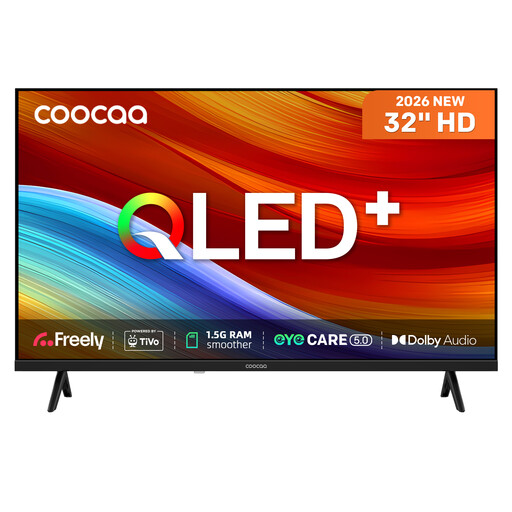
Coocaa 32CTQH38ZUK 32-inch QLED Freely TV
Consider this Freely model for an internet-first compact room. Its name specifies HD and HDR10; check the exact TV’s current apps and connections, and whether an aerial-based setup is also important to you.
View on Joybuy
 No image available
Toshiba 32WV2553DB 32-inch HD Ready Freely TV
Freely makes this a candidate where live viewing will use the room’s internet connection. The name also specifies VIDAA OS and HDR10; confirm your wanted apps and any terrestrial-TV requirements for this exact model.
View on Joybuy
 No image available
LG 32LQ63006LA 32-inch smart TV with Freeview HD
Consider this model if you want a TV-based Freeview route in a compact room. For live terrestrial channels through the Freeview TV guide, Freeview says you need a working aerial; check reception at your address and the exact model’s current apps.
View on Joybuy
 No image available
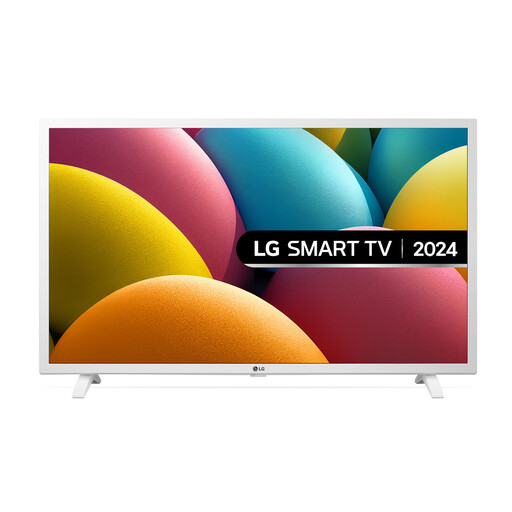
LG 32LQ63806LC 32-inch Full HD smart TV, white
This is a compact Full HD screen to consider for streaming. If live terrestrial channels are essential, confirm the exact model’s UK tuner and Freeview compatibility before choosing it, as well as its current apps and available connections.
View on Joybuy
 No image available
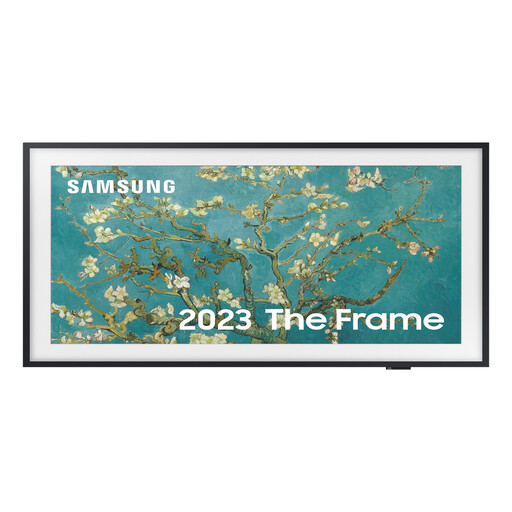
Samsung The Frame QE32LS03CBUXXU 32-inch Full HD TV
Its stated 32-inch size and Wi-Fi make it relevant to a compact-room replacement. Confirm this exact variant’s UK live-TV service compatibility and support for the streaming apps you want before relying on it for both.
View on Joybuy
Questions about small TVs and streaming
Do I need an aerial for live Freeview?
Yes, for live terrestrial Freeview through the TV guide on a Freeview TV or recorder. Freeview advises checking the channels predicted for your address, because reception varies by location.
Can a small TV show live programmes without an aerial?
Yes, through an internet-delivered service on a TV that supports it, such as a Freely-equipped model. That differs from aerial-based Freeview through its TV guide, so check the exact TV’s platform and the room’s broadband connection.
Can I add streaming to a non-smart TV?
Yes, if the TV has a suitable HDMI input and the external device supports the apps you want. Roku says its streaming players work with HDMI TVs; you will also need internet and a suitable way to power the device.
Can I keep using my DVD player with a replacement TV?
Yes, if the replacement TV has an input compatible with your player, commonly HDMI. Reserve enough inputs for any streaming device, console or soundbar you also intend to keep connected.
When is a TV Licence needed for streaming in the UK?
TV Licensing says you need to be covered by a TV Licence to watch live TV on any channel or streaming service, or to use BBC iPlayer, on any device. Consider what you plan to watch rather than whether the programmes reach the TV through an aerial or the internet.


