What matters when choosing
Set a limit for the space the monitor and stand can occupy, then decide whether screen detail or your intended device connection changes the choice.
| Concern |
What to check |
Who this matters to |
| Desk footprint |
Measure usable width and depth, including space for cables. Compare dimensions with the stand; check mounting compatibility if you intend to use an arm. |
I need room to move my mouse and use my keyboard without the stand taking over the desk. Around 42% of consumers put workable desk space first. |
| Visual detail |
Compare 1920 × 1080 Full HD with 2560 × 1440 QHD, then check the exact model’s panel and stated image specifications. |
Reading notes and examining scenery matter more to me than gaining desk space, provided a larger screen fits. For around 33% of consumers, visual detail is the primary concern. |
| Connections and motion |
Match your device, cable and chosen input to the resolution and refresh rate you want. Check input-specific limits on the exact model. |
I switch devices or want a particular refresh mode, so I need to know that my connection can deliver it. Connection and motion needs come first for around 25% of consumers. |
Joybuy monitor choices
These choices cover smaller Full HD monitors and 27-inch QHD alternatives. For a small desk, compare the stand footprint of each model before treating its screen size as a fit.
 No image available
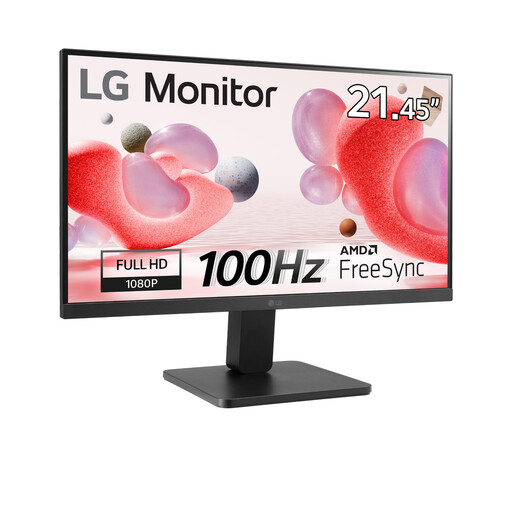
LG 22-inch Full HD VA monitor, 100 Hz
Consider this smaller Full HD screen when desk space is your main constraint. Its name specifies a VA panel, 100 Hz and HDMI; check its dimensions with the stand before ordering.
View on Joybuy
 No image available
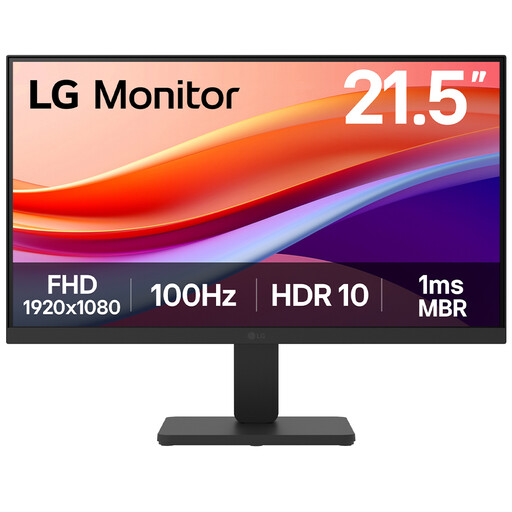
LG 22U401A-B 22-inch VA Full HD monitor
This 100 Hz HDMI model is another smaller-screen option for a crowded desk. Confirm which measurements describe the stand’s width and depth before relying on the listed overall dimensions.
View on Joybuy
 No image available
Samsung Odyssey G6 S27DG612 27-inch QHD OLED monitor
Consider this 27-inch QHD option if scene detail matters and your desk can accommodate a larger monitor. The name specifies OLED and 240 Hz; measure the stand area and check which modes your device and connection can deliver.
View on Joybuy
 No image available
Gawfolk 24.5-inch curved Full HD monitor, 100 Hz
This is a roughly 24-inch Full HD option if you want a curved screen. Its name specifies a 3000R curve, built-in speakers, HDMI and 75 × 75 mm VESA mounting; confirm the width and stand depth for your desk.
View on Joybuy
 No image available
HKC G27H2DPro 27-inch QHD Fast IPS monitor
This 2560 × 1440 option suits a detail-focused choice if a 27-inch monitor fits. Its name specifies 220 Hz; check the complete stand footprint and the refresh modes available through your intended device and connection.
View on Joybuy
Common questions
Is a 24-inch or 27-inch monitor more practical for mystery games on a small desk?
Choose the smaller Full HD route if keeping room for your keyboard and mouse is the priority; consider 27-inch QHD if the complete monitor fits and you want more detail for notes and scenery. BenQ UK and LG UK list their cited 23.8-inch models at about 540 mm wide and 181–183 mm deep with stands, compared with ASUS UK’s 615 mm width and 214 mm stand depth for the VG27AQ3A.
Do I need DisplayPort to use a monitor’s maximum refresh rate?
It depends on the exact monitor and mode. For the ASUS VG27AQ3A, ASUS UK specifies up to 144 Hz through HDMI and up to 180 Hz through DisplayPort, so using its stated 180 Hz maximum requires a compatible DisplayPort connection.
What if an online monitor purchase is unsuitable or faulty?
Treat a change-of-mind cancellation and a problem with a faulty or misdescribed monitor as different issues. GOV.UK states that online-order customers can cancel for a limited time even when an item is not faulty; check the applicable conditions and contact the seller promptly, keeping your order record and details of any fault.
How should I deal with an old monitor?
Check an appropriate electrical-equipment collection or take-back route rather than assuming the monitor belongs with ordinary household waste. GOV.UK describes electrical and electronic equipment as equipment dependent on electric currents or electromagnetic fields to work; ask your local authority or retailer which disposal options are available to you.


