What should you check before buying?
Start with the function you want, then check what the particular device needs for setup, everyday control and continued support.
| Priority | What to check | Your needs |
|---|
| Security support |
Find the exact model’s security-update support end date and its manufacturer’s route for reporting vulnerabilities. Check its password setup process. The National Cyber Security Centre advises avoiding devices whose support has ended or will end soon. |
I want to know how long the manufacturer plans to supply security updates before I make this device part of the home. |
| Accounts and connection |
Check the required app, compatible phone or tablet, account, Wi-Fi conditions and household access settings. Confirm which functions need an internet connection and what remains usable without one. |
Everyone who needs to manage the device should be able to access it without sharing an account in a way we are uncomfortable with. |
| Camera placement |
Assess the view from the intended mounting point and check the exact model’s audio and privacy controls. The Information Commissioner’s Office advises capturing only your own property where possible. |
If I install a camera or doorbell, I want to minimise unnecessary recording of neighbours, shared spaces and passers-by. |
| Storage and remote access |
Check where recordings are stored, what storage hardware is included and which features require a cloud subscription. For lighting, confirm whether remote control needs a hub or Bridge. |
I would rather know which features work locally and which depend on another device or service before setting up routines. |
| Fit for the task |
For a smart plug, confirm socket format, rated load and whether the connected appliance is suitable for unattended switching. For a connected appliance, check the exact model’s app functions and Wi-Fi coverage at its installation point. |
A schedule or notification is useful only if the device suits the appliance or household task I actually have in mind. |
Connected devices on Joybuy
These options cover smart plugs for suitable plug-in devices and cameras for household monitoring. Check each model’s setup and installation requirements against your home before choosing.
 No image available
Eve Energy Matter Smart Plug with Power Meter, UK Type G
Consider this plug if you want to monitor power use within a compatible smart-home setup. Its title refers to Wi-Fi while its listing description specifies Matter over Thread, so confirm the exact connection method before buying; the listing also identifies a Matter controller and Thread Border Router as requirements for full functionality.
View on Joybuy
 No image available
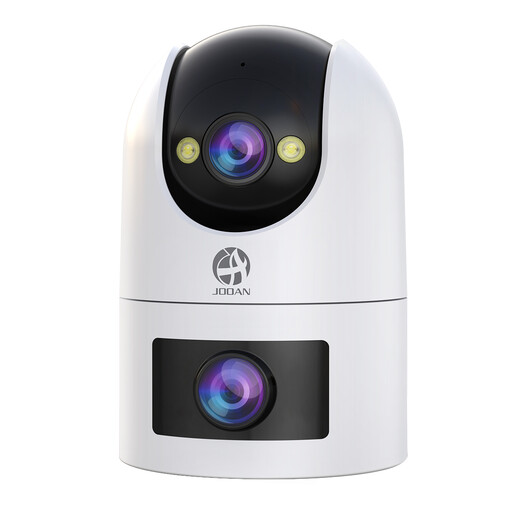
JOOAN Dual-Lens Security Camera, 360° View, IP66
For a planned home-monitoring position, this camera’s title identifies dual lenses, a 360° view, IP66 rating and card or cloud recording. Check whether a memory card is included and how the exact model handles audio and privacy zones. Position it to capture only your own property where possible, as the Information Commissioner’s Office advises.
View on Joybuy
 No image available
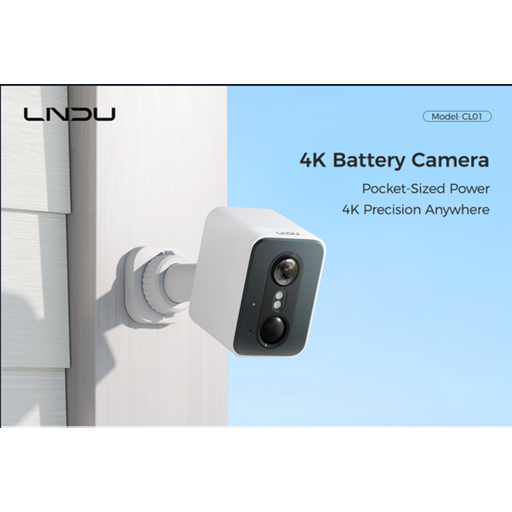
LNDU 4K Outdoor Security Camera, 128GB Local Storage
For outdoor monitoring, the product title states 2.4GHz Wi-Fi, a 143° field of view and 128GB local storage; these are listing specifications, not independent performance results. Check how storage and app access work for the exact configuration, and plan the view to minimise capture beyond your property.
View on Joybuy
 No image available
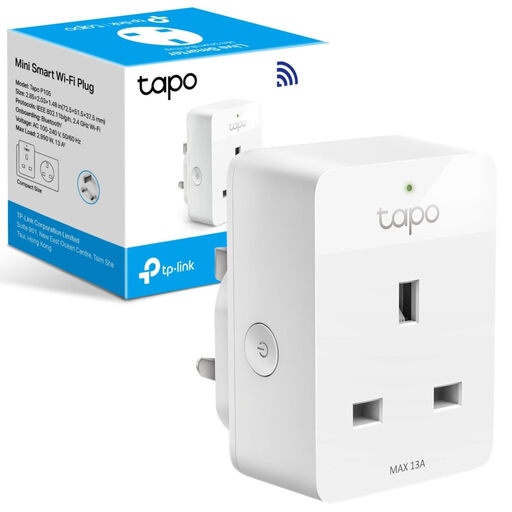
Tapo P105 Mini Smart Wi-Fi Plug (1-Pack)
This is an app-based option for controlling a suitable plug-in device; Tapo’s P105 guidance describes setup through its app. Before use, confirm that the exact plug fits your UK socket and that its rated load suits the appliance you intend to connect.
View on Joybuy
 No image available
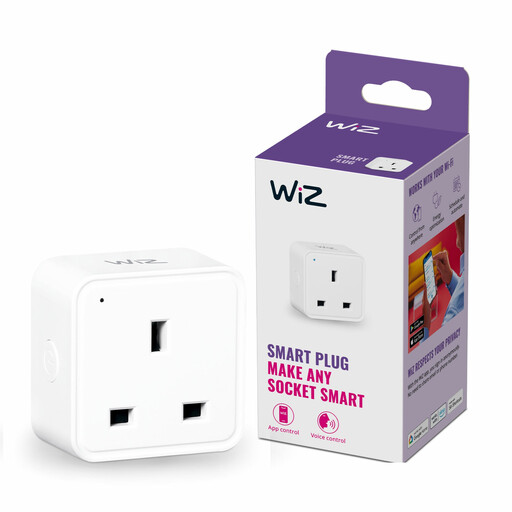
WiZ Smart Plug, White
Consider this plug for a compatible household device in a dry location, as specified in its listing. Check the exact plug’s UK socket format, rated load and app requirements before setting up control or schedules.
View on Joybuy
Common questions
What security information should I check before buying a smart device?
Check the exact model’s security-update support end date, password setup and manufacturer contact for reporting vulnerabilities. The National Cyber Security Centre also advises checking product and manufacturer reviews and the minimum requirements for using and managing the device.
Do smart speakers need an account and internet connection?
The setup instructions for Amazon’s Echo Dot (5th Generation) require an Amazon account, Alexa app, internet and Wi-Fi credentials; Google’s speaker and display instructions require a Google Account, Google Home app, internet and secure Wi-Fi. Check the chosen model’s requirements and which functions remain available without internet.
Can smart lighting work when the internet is down?
Some local control may remain available: Philips Hue says its lights can still be controlled during an internet outage. It says out-of-home control requires an account and Bridge, so check local and remote functions separately for the system you choose.
What should I check before positioning a camera or video doorbell?
Check the view from the intended mounting point and minimise capture beyond your own property where possible, as the Information Commissioner’s Office advises. Also confirm the exact model’s audio and privacy controls before relying on them to limit recording.
Does local camera storage make internet access unnecessary?
No: a local recording option does not establish how remote viewing, alerts or other connected features work. eufy describes different on-device and separate-hardware storage arrangements across its range; check the precise model’s included storage and internet requirements for each feature you intend to use.


