A smart-home device should be chosen for the household function it needs to perform, then checked against its exact security-update disclosure and reporting contact. For shared use, check who can change settings or view sensitive information, how access can be withdrawn, and whether accessories or subscriptions suit your setup; a brand-level policy cannot answer those model-specific questions.
Who benefits from checking shared access?
Shared-access organisers
If several people need to use household devices, check whether they can have appropriate access without sharing an administrator login, and how access can be changed when someone moves out. TP-Link and tado° describe different user roles and permissions for their products.
Privacy-conscious video buyers
If you are considering a camera, doorbell or baby monitor, decide who should be able to view footage and when recording should stop. The National Cyber Security Centre identifies smart cameras and similar devices as connected products to consider carefully; TP-Link describes privacy and sharing controls for selected Tapo products.
Household-system planners
If you want lighting, entertainment or heating to fit existing equipment and household routines, check compatibility and the controls available to each person. Philips Hue, tado° and Google TV illustrate different fitting, heating and viewing-profile considerations.
What should you check before buying?
For a new connected device used in a shared Great Britain home, match the checks to the people who will use it and the function it will perform.
Speakers and streaming devices
Choose this route: when the main need is shared voice control or separate viewing profiles.
Trade-off: profile features on a streaming device do not establish the security support or access controls of every model.
Lighting, plugs and appliances
Choose this route: when household members mainly need routine control of connected home equipment.
Trade-off: check whether your chosen setup needs an additional bridge and whether the app provides the sharing permissions you want.
Doorbells, cameras and baby monitors
Choose this route: when viewing, recording or alerts address a specific household need.
Trade-off: decide who can view live footage and recordings; TP-Link says availability of its newer sharing permissions may vary by account.
Thermostats and other networked devices
Choose this route: when shared heating schedules or room controls are the priority.
Trade-off: match the thermostat or receiver to the existing heating system; tado° says its X products cannot be added to a V1–V3+ Home.
| Concern |
What to check when buying |
Who this matters to |
| Security updates |
Match the stated minimum update period and security-issue reporting contact to the exact model and version. The National Cyber Security Centre identifies these as relevant checks for covered products. |
If I am choosing a device that will stay connected at home, I want to know how long security updates are stated to continue and how to report a problem; roughly 26% of consumers put update support first. |
| Shared access |
Check the available roles, whether permissions apply to one device or the whole home, and how to remove access. TP-Link describes account-dependent sharing features; tado° distinguishes its Admin from regular users. |
When several of us need different levels of control, I want clear roles and a straightforward way to change access; roughly 26% of consumers prioritise shared permissions. |
| Privacy and recordings |
Check physical and app-based privacy controls, recording options and who can view footage. TP-Link describes a privacy shield on the C225 V2; available controls vary by model. |
If a camera or monitor will be used in a shared space, I want control over who can view or record what happens there; roughly 21% of consumers put privacy first. |
| Home compatibility |
Match the fitting, heating arrangement and any required hub or border router to the exact product and installation. |
When I am adding a device to existing lighting or heating, I want it to fit the equipment already in my home; roughly 16% of consumers prioritise compatibility. |
| Accessories and services |
Check what is included and whether the features you want need separately purchased storage, a hub or a subscription. |
If I want to avoid discovering an extra requirement after choosing a device, I check its accessories and ongoing services first; roughly 11% of consumers put these costs first. |
Buying pitfalls to avoid
-
Assuming a brand-wide policy gives the exact model’s support period
Support information can apply to a particular model, version or purchase circumstance rather than every product in a brand’s range.
Match the stated minimum update period and reporting contact to the complete model and version you intend to buy. GOV.UK and National Cyber Security Centre guidance describe checks for relevant products; use the manufacturer’s applicable product information.
-
Assuming an invited user has only the permissions you intended
Depending on the product, a user may be able to access more than one device or change settings. TP-Link says its newer sharing permissions are being rolled out gradually and may vary by account.
Review the permissions in the app you will use, then check access with a household member before relying on it.
-
Comparing a device without checking its storage or hub setup
Recording options and starter-kit contents can affect whether the device provides the functions you want. TP-Link describes separate storage choices for its C225 V2, while tado° identifies a Thread border router as part of an X setup.
Check the exact box contents and which recording or control features require separate equipment or a subscription.
Brands relevant to these smart-home routes
These examples relate to particular product lines and features; a brand’s inclusion does not establish that every model suits your home or is available in the product list below.
TP-Link Tapo
A camera and connected-home route where privacy controls and household sharing are important.
- TP-Link describes a privacy shield for the C225 V2, along with separately purchased microSD storage or a cloud subscription.
- TP-Link says its sharing permissions are being rolled out gradually and may vary by account; check the exact model and account.
Philips Hue
Smart lighting for homes where the bulb fitting and control arrangement suit the installation.
- Philips Hue lists an Essential GU10 bulb with an output of 345 lumens.
- Philips Hue publishes a separate support policy for its Bridge; check the bulb’s own model-specific security information rather than applying the Bridge policy to it.
tado°
A heating-control route where the thermostat or receiver must match the existing system.
- tado° says regular users can control devices while one Admin manages invitations and subscriptions.
- tado° X is not compatible with a V1–V3+ Home; check the heating system and whether the chosen setup includes a required Thread border router.
Google TV
A streaming-device software route for households that want separate viewing profiles.
- Google documents multiple user profiles and restrictions for kids’ profiles.
- Those profile features do not establish the security-update period or access controls of every television or streaming device running Google TV.
Joybuy product options for connected monitoring
These Joybuy options focus on connected cameras, a video doorbell and baby monitors for room or entrance monitoring. Before relying on a model, check its exact security-update disclosure, reporting contact and household access controls.
 No image available
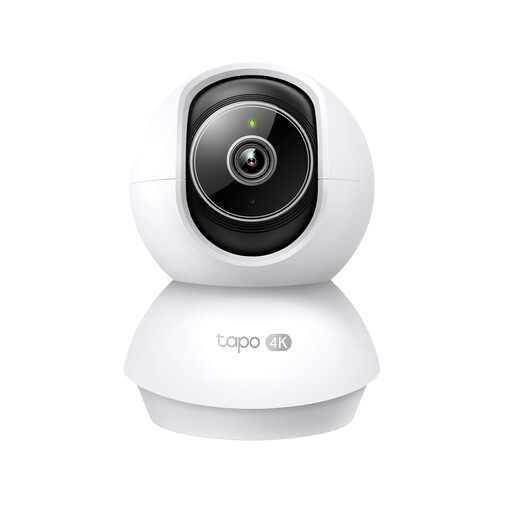
Tapo TC71 Pan/Tilt Home Security Wi-Fi Camera
Consider it for indoor room monitoring with app-based viewing and two-way audio.
The listing describes 2K video, pan/tilt control, baby-cry detection and privacy zones. A microSD card is not included, and cloud storage requires a subscription; the camera is designed for indoor use.
Check who can access the feed and whether the storage arrangement suits your needs.
Joybuy
 No image available
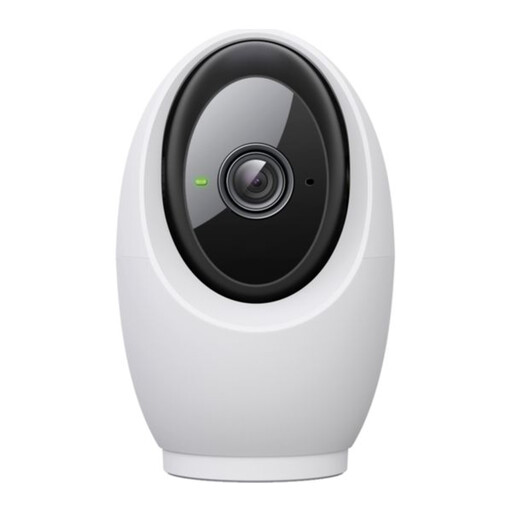
Tapo C260 Pan/Tilt AI Home Security Wi-Fi Camera
Consider it for indoor monitoring where a physical privacy mode and app-based viewing are relevant.
The listing describes 4K video, 360° horizontal pan, baby-cry detection and a mode that blocks the lens. A microSD card is sold separately, and cloud storage requires a subscription.
Check who can view the feed and which recording option provides the functions you want.
Joybuy
 No image available
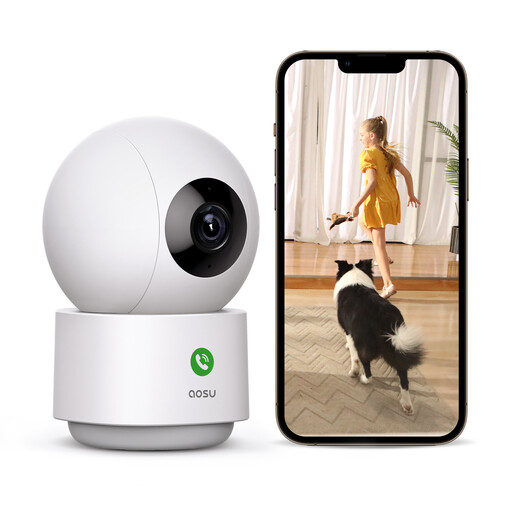
aosu 2K WiFi Camera Indoor Nanny Cam
Consider it for app-based baby-room or pet monitoring with two-way audio.
The listing describes 2K video, dual-band Wi-Fi, night vision and 24/7 recording, with 360° horizontal rotation and 155° vertical tilt.
Check the exact model’s access controls, security-update information and reporting contact before relying on it in a shared home.
Joybuy
 No image available
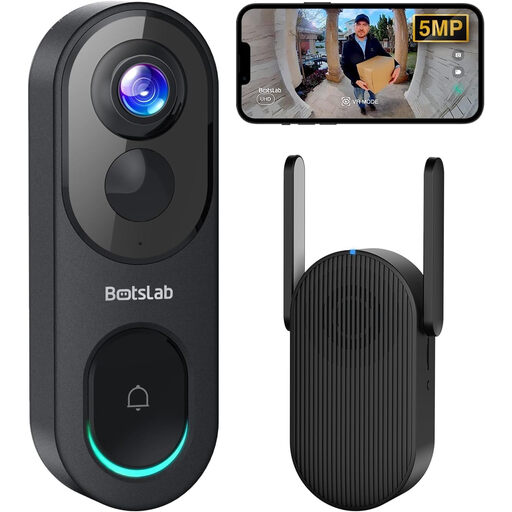
BOTSLAB R810 5MP Video Doorbell Camera
Consider it for entrance monitoring with visitor alerts and two-way audio.
The listing describes 5MP video and a base station with a pre-installed 32GB SD card. Cloud storage is optional, and the stated premium features require a subscription.
Check who can access alerts and recordings, and whether the included storage meets your needs.
Joybuy
 No image available
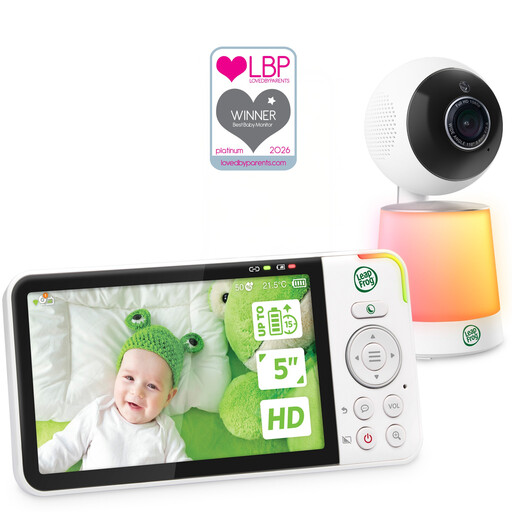
LeapFrog LF4915HD 5" PTZ Smart Monitor
Consider it for nursery monitoring with a parent display and app-based remote viewing.
The listing describes a 5-inch parent display, pan/tilt/zoom, two-way talk, a night light and lullabies. The baby unit requires mains power.
Check the intended users’ access and the model’s security-update disclosure and reporting contact.
Joybuy
Frequently asked questions
Does the Great Britain product-security regime apply to every smart device sold in the UK?
No. GOV.UK guidance describes coverage for relevant product types rather than every connected device, and states that the regime took effect on 29 April 2024. It also identifies an exception for certain products supplied in Northern Ireland, so check the product classification and supply region before applying Great Britain requirements.
Does the law guarantee that every new device will receive updates for a fixed number of years?
No single fixed period applies to every device. For a product covered by the Great Britain regime, check the manufacturer’s stated minimum security-update period for the exact model and purchase circumstances.
Should housemates use the device owner’s login?
Check whether the product offers invitations or roles that fit your household before relying on one shared login. TP-Link describes tiered sharing whose availability may vary by account, while tado° distinguishes its sole Admin from regular users; review the permissions in the actual app and device.
Will a camera need a monthly payment to save video?
It depends on the model and recording method. TP-Link says the Tapo C225 V2 can use a separately purchased microSD card or a separately subscribed Tapo Care cloud service; check which storage and playback features you want before choosing.
Can I add a tado° X thermostat to an older tado° Home?
No, according to tado°, X products cannot be added to a V1–V3+ Home. Check your existing heating arrangement and whether the chosen X setup includes the required Thread border router.


