Buying priorities
Start with the repeated task the device needs to handle, then check the account, network and support conditions that make that route practical in your home.
| Priority |
What to check |
Your needs |
| Ecosystem fit |
Check the exact model against the intended app and platform badge. For Matter devices, confirm the supported device category and functions, plus any controller, hub or Thread border-router requirement. |
I want lights, plugs, speakers or other accessories to work through the control system my household plans to use, rather than relying on separate apps for every device. |
| Network and setup |
Confirm the home Wi-Fi, router, phone or tablet, app and account requirements. Google’s Matter setup guidance, for example, lists an IPv6-enabled router as a requirement for that platform. |
I need a setup that works with the internet connection and devices already in the home, including any rooms where Wi-Fi coverage is weaker. |
| Security support |
Look for the manufacturer’s stated minimum security-update period for the exact model. Keep device apps, passwords and software updates manageable for the household member who will administer the system. |
I am buying something intended to stay connected, so I want to know how long important security updates are expected to be provided. |
| Everyday purpose |
Choose a speaker or display for voice-led information and routines; choose a connected TV or streamer for internet viewing on the main screen. Check the specific UK apps and interface before committing to a TV platform. |
I want the device type to solve a regular household task, whether that is music and reminders, shared viewing, or control of compatible accessories. |
Joybuy product options
Joybuy product options for the network and connected-TV routes when adding smart devices to a home.
 No image available
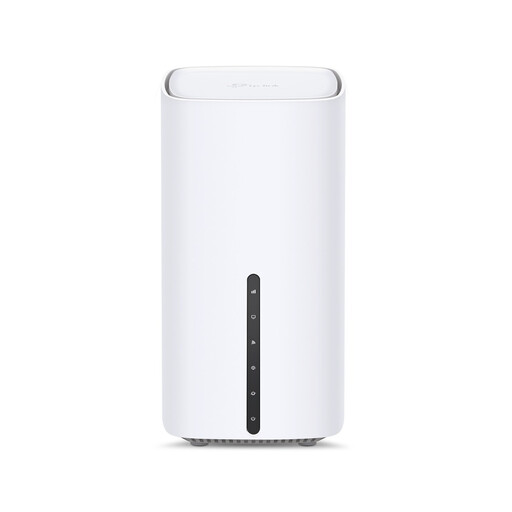
TP-Link Archer NX500 5G AX3000 Dual-Band Gigabit Router
For homes needing a primary or backup internet connection, or planning to extend connected-device coverage.
The product name identifies 5G, AX3000, dual-band wireless and Gigabit connectivity. Confirm IPv6 suitability for a planned Matter platform and check the manufacturer’s stated security-update period.
Joybuy
 No image available
Roku Streaming Stick 4K Doly Vision
For a dedicated TV-app route using a direct HDMI connection and voice remote.
The model is identified as a 4K streaming stick. Check that the UK streaming services you use are available for this exact version, and confirm the manufacturer’s stated security-update period.
Joybuy
 No image available
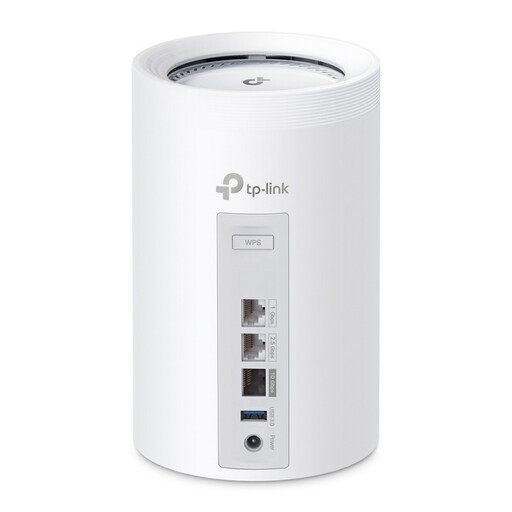
TP-Link Deco BE65 BE9300 Tri-Band Wi-Fi 7 Mesh System, 3-Pack
For homes addressing weak coverage across several rooms while adding more connected devices.
The name specifies tri-band Wi-Fi 7 and a three-pack whole-home mesh system. Check IPv6 needs for the intended Matter platform, suitability for the home layout and the manufacturer’s stated security-update period.
Joybuy
 No image available
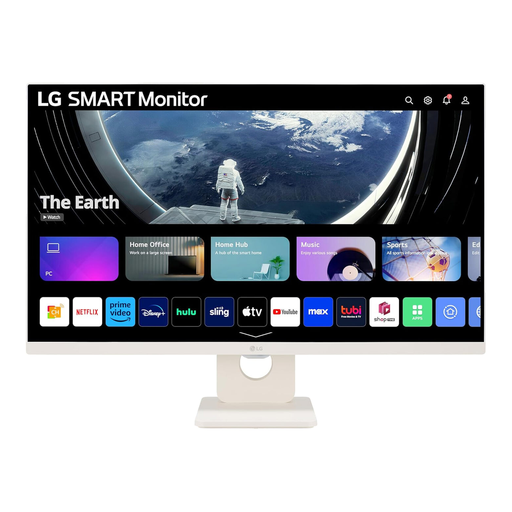
LG Smart Monitor 27U511SA-W 27-inch Full HD IPS Display
For a desk or secondary screen that combines display use with connected viewing and wireless sharing.
The title states a 27-inch Full HD IPS display, built-in speakers, Wi-Fi, Bluetooth and webOS smart TV apps. Check required UK services, household account permissions and the manufacturer’s stated security-update period.
Joybuy
 No image available
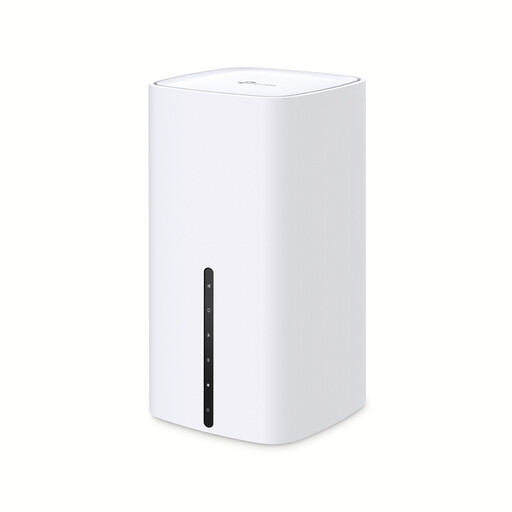
TP-Link Archer NX200 Wireless Dual-Band Gigabit Router
For homes without suitable fixed broadband, needing a backup connection or extending Wi-Fi coverage with EasyMesh.
The product name identifies a wireless dual-band Gigabit router. A compatible mobile-network SIM and suitable signal are needed for the stated 5G/4G route; check IPv6 suitability and the manufacturer’s stated security-update period.
Joybuy
Frequently asked questions
Which smart products are covered by the UK product-security regime?
The regime applies to relevant consumer products that connect to the internet or a network. Office for Product Safety and Standards and National Cyber Security Centre guidance includes examples such as smart speakers, smart TVs, streaming devices, smart domestic appliances, smartphones, games consoles and cellular tablets, while certain Northern Ireland products, electric-vehicle charge points, medical devices, smart-meter products and some computers and tablets are excluded.
What security information should I check before buying an in-scope smart device in the UK?
Check the manufacturer’s stated minimum security-update period for the exact model and look for a route to report security issues. The UK PSTI baseline also requires manufacturers of in-scope products not to supply devices using easily guessable default passwords, according to OPSS and NCSC guidance.
Does a Matter logo guarantee every feature will work in every smart-home app?
No. Matter can support control across compatible platforms, but the exact device type and feature still need to be supported by your chosen platform. Check whether setup requires a hub, IPv6 or a Thread border router before buying.
Can a household share access to smart devices without sharing one login?
It depends on the platform’s household-member and permission settings. Apple states that its Home app can provide guest access with permission controls for specified accessories, so check the current access options before placing shared devices in rooms used by several people.


