What matters when choosing?
Start with the area that genuinely needs monitoring, then check the installed view and recording controls; decide how to retain footage once the camera position works for your home.
| Concern | What to check | Who this matters to |
|---|
| Capture beyond your boundary |
Check the view from the mounting point and whether the exact model can block excluded areas in both live and recorded video. Assess audio controls separately. |
I need to see my entrance without recording a neighbour's property or a shared route unnecessarily; around 33% of consumers put boundary minimisation first. |
| Communal-entrance practicality |
Check the doorway angle, the proposed mounting method and any applicable tenancy, lease or building rules. |
If my door faces a shared landing, I need a useful view that works within the installation rules for my home. Around 25% of consumers primarily need a workable communal-entrance setup. |
| Coverage of your property |
Map the doorstep and private perimeter separately; choose a camera position for the area you need, and distinguish alert zones from recording masks. |
I want to cover my side gate or driveway, but a broader view could also include areas I do not need to monitor; roughly 25% of consumers prioritise matching coverage to the layout. |
| Access to recordings |
Check the exact model's recorded-history entitlement, retention period and required storage medium or plan. |
When I need to replay an event, I want to know where the footage will be kept and who maintains it; around 17% of consumers put control of recording access first. |
Joybuy product choices
These doorbells and cameras cover front-door viewing, outdoor coverage and locally recorded setups. For a view facing a shared area, choose by the intended position and check the exact model's recording-blocking and audio controls before purchase.
 No image available
BOTSLAB R810 5MP video doorbell with 32GB SD card
Consider this doorbell if your main need is to view visitors at a front door that can be framed without unnecessary shared-area capture.
The product name specifies a 5MP camera, a 32GB SD card, package detection and two-way audio.
If the door faces a shared corridor or pavement, check the installed view and whether this exact model can block areas from recordings and control audio recording.
View on Joybuy
 No image available
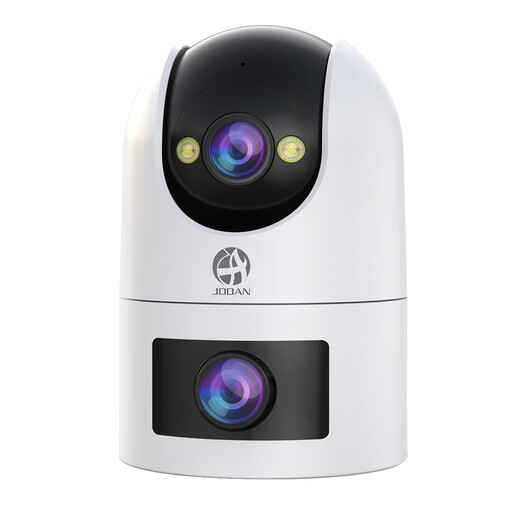
JOOAN dual-lens security camera with IP66 rating
Consider an outdoor camera when the private area to monitor is away from the front doorstep.
The product name specifies dual lenses, a 360° view, an IP66 rating and cloud or card storage.
Check what both lenses capture from the intended position, whether the exact model offers a recording-blocking mask and audio controls, and what card its recording setup requires.
View on Joybuy
 No image available
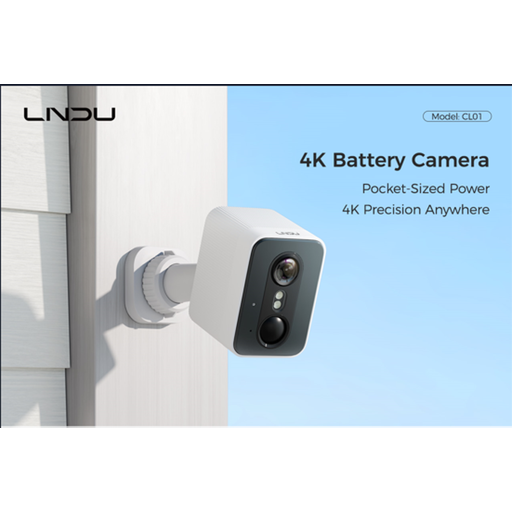
LNDU 4K outdoor security camera, 143° view
This outdoor camera is a candidate where a private yard or driveway, rather than visitor interaction, determines the viewing position.
The product name specifies a 143° field of view, 2.4GHz Wi-Fi and 128GB local storage.
Check what falls within that view, how local storage works on the exact model and whether it offers recording-blocking and audio controls.
View on Joybuy
 No image available
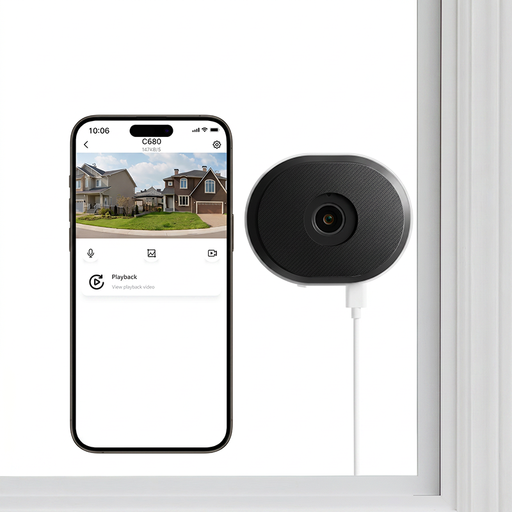
ZOSI C680 3MP 2K window security camera, UK variant
Consider a window-facing setup only if the view through the glass covers the private area you need without unnecessary shared or public space.
The product name specifies an indoor plug-in camera, 2.4/5GHz Wi-Fi, 24/7 recording and two-way talk.
Check the actual view through your window, the recording media needed and whether this exact model can block areas from recordings and control audio.
View on Joybuy
 No image available
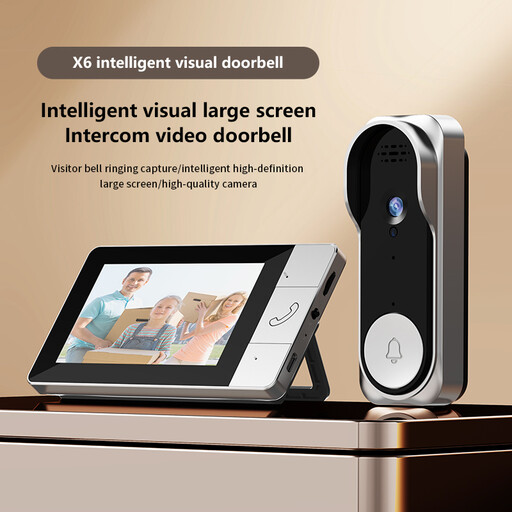
Verbex NT601A video doorbell
This front-door option is worth considering if visitor viewing is the priority and a Wi-Fi connection is not part of your intended setup.
The product name describes a video doorbell that does not require Wi-Fi. Check the exact recording setup and whether a TF card is needed.
Before installing it at a shared-facing entrance, check the door-facing view, applicable building rules and the model's visual and audio controls.
View on Joybuy
Questions about shared-area cameras
When does UK data protection law apply to a home doorbell or camera?
According to the ICO's current public guidance, it applies when home CCTV captures someone else's property, a public area or a communal space. The ICO advises positioning cameras to capture only your own property where possible and notes that its guidance is under review following changes made by the Data (Use and Access) Act.
Do I need a sign if my camera records beyond my property?
The ICO's home-CCTV complaints guidance says to put up signs if footage captures areas outside your property boundary, such as a street, a neighbour's property or a shared space. Check the camera's actual view after installation rather than judging by its intended position alone.
Should I record audio when a camera faces a shared area?
Normally, avoid recording conversations between members of the public where data-protection responsibilities apply. The ICO considers such recording highly intrusive and unlikely to be justified without a clearly justified need and robust supporting evidence; check whether the exact device lets you switch audio recording off.
Will a privacy zone stop all activity from a blocked area?
Not necessarily: Ring says its Privacy Zones hide blocked areas from live and recorded video, but motion may still be detected behind them. Check support for your exact model, adjust motion settings separately where available and test both footage and notifications after installation.
How should I choose between cloud and local recording?
Choose by how you need to access footage and what you can manage yourself. Ring says recorded-video review requires a subscription, while Google says Nest history varies by model and plan; Reolink describes local recording to microSD cards, NVRs or Home Hubs. For any exact model, check retention, access and the storage equipment required.


