Buying priorities
Start with the household function you genuinely need, then check the data, access and support commitments that come with it.
| Priority |
What to check |
Your needs |
| Data collection and sharing |
Check which information is needed for the core function, which permissions are optional, and whether data can be shared with third parties or linked services. |
I want to know what the device and app collect before enabling personalisation, location, voice features or integrations. |
| Security-update support |
Find the exact UK model and hardware version in its PSTI statement. Check the defined support period and its end date rather than relying on a warranty or brand-wide claim. |
I need a clear security-support end point for a device that may stay in my home for years. The UK PSTI framework requires a defined support period for relevant consumer connectable products. |
| Recording and household access |
Compare physical privacy controls, privacy modes, local and cloud storage, remote viewing, shared-user permissions and encryption settings. |
For a shared indoor room, I want control over when a camera records, where footage is kept and who can view it. |
| Account and subscription dependency |
Check which functions need an account, continuous internet connection, cloud service or paid plan. Review live view, event history, alerts, recording and shared access separately. |
I want the functions I expect to remain available without discovering later that recording history or other features require an ongoing plan. |
Joybuy product options
Joybuy indoor-camera options for households weighing local recording, remote viewing and privacy controls in shared living spaces.
 No image available
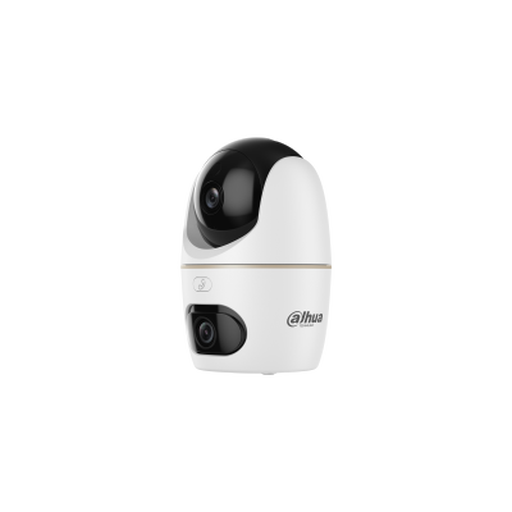
Dahua 5+5MP Indoor Wi-Fi Dual-Lens Pan & Tilt Camera
For indoor household monitoring where a stated privacy mode and removable local recording matter.
Stated features include dual lenses, pan and tilt coverage, human and pet detection, two-way audio and microSD support up to 256GB. Confirm the exact UK security-support period, DMSS account and permission settings, sharing controls, cloud options and card inclusion before purchase.
Joybuy
 No image available
CINMOORE 2.5K Indoor Camera with Non-Subscription AI Detection
For households that want stated local person, pet and baby-cry detection without a subscription.
The listing states 2.5K video, pan and tilt operation, 2.4GHz Wi-Fi, two-way audio, microSD support up to 256GB and optional cloud storage. The microSD card is not included; check the UK support period, account requirement, cloud terms, sharing controls and optional app permissions.
Joybuy
 No image available
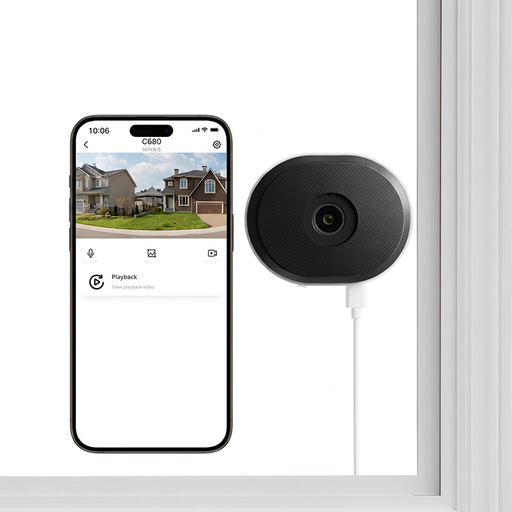
ZOSI C680 3MP 2K Window Security Camera
For indoor window placement where drill-free mounting and local microSD recording are useful.
The listing states an adhesive glass mount, dual-band Wi-Fi, human and vehicle detection, two-way talk, microSD support up to 256GB, optional cloud backup and ZOSI NVR compatibility. The card is not included; assess the intended viewing direction and check account, support and privacy settings before installation.
Joybuy
 No image available
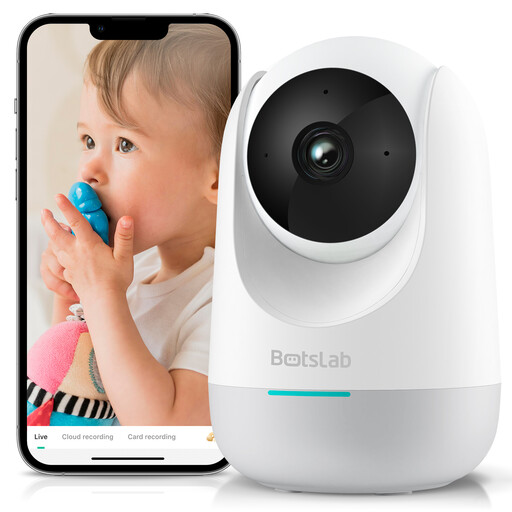
Botslab C212 3MP 360° Indoor Camera
For simple indoor family, pet or room checks using smartphone-controlled pan and tilt coverage.
Stated features include 3MP video, 360° pan and tilt control, human detection, infrared night vision and two-way audio. Check storage and retention options, account and permissions, shared-user controls, privacy-mode behaviour and the exact UK security-support period.
Joybuy
 No image available
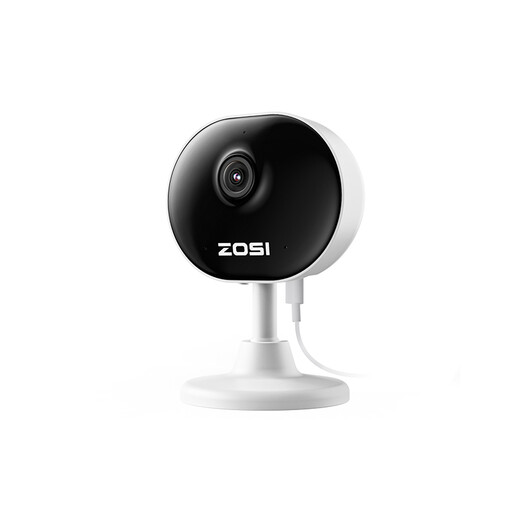
ZOSI C688 1080P Indoor Wi-Fi Camera
For basic indoor monitoring with flexible, drill-free placement and app-based alerts.
The listing states 1080P video, 33ft night vision, motion zones, push and email alerts, two-way audio, 360° adjustment, a magnetic base and 3M adhesive mounting. Check recording storage, subscription and account terms, privacy controls, sharing settings and UK security support.
Joybuy
Frequently asked questions
Are security-update support periods a legal requirement for UK smart-home devices?
For relevant consumer connectable products covered by the UK PSTI regime, manufacturers must meet baseline security requirements, and the regulations define a support period as a minimum period with an end date for security updates. The regime came into effect on 29 April 2024, but coverage has exceptions, so check the exact product’s UK PSTI statement.
Does a local-storage camera avoid cloud storage and subscriptions completely?
Not necessarily. eufy states that Indoor Cam E30 can record to a microSD card and offers optional cloud storage, while remote viewing remains available through its app. Check the exact model’s storage, account, remote-access and cloud-backup settings, and whether storage media is included.
What does a Ring camera still do without a subscription?
Ring states that you can view live video and respond to alerts without a subscription, but recorded events are available only after subscribing. Check the plan requirements if video history, video search, AI alerts or continuous recording are important to your household.
Can privacy settings remove all data sharing from a voice assistant?
No universal answer applies. Apple states that Siri data flows vary by device capability, feature and settings; some requests may send audio and contextual information for processing, while opting in to Improve Siri and Dictation changes additional collection, storage and review. Check the current privacy notice and settings before enabling optional voice features.
What should I do during app setup?
Review every requested permission and avoid accepting optional collection simply because it appears during setup. The Information Commissioner’s Office recommends checking what data the device needs to work, what additional data it can collect, whether it is shared with other organisations and whether permissions can be changed later.


