What should you check before buying?
Start with the job you want the control to do, then check its app, network and support requirements. A hub or platform may be an additional part of the setup rather than an alternative to a plug, light or thermostat.
| Concern |
What to check when buying |
Who this matters to |
| Existing-system compatibility |
Check the exact model’s app, account, router, hub and feature requirements against the setup you already use. |
If I want a new control to fit my current router, app and platform, compatibility is the first thing I check; around 26% of consumers put that fit ahead of other concerns. |
| Security-update support |
Find the stated minimum update period for the exact model and version, and check when that period ends. |
I want to know how long the precise model is expected to receive important security updates before adding it to my home; around 26% of consumers put update support first. |
| Fit to the control task |
Confirm that the plug, light or thermostat can perform the intended task with your appliance, fitting or heating system. |
If I need to switch an appliance, adjust a light or manage heating, I want to check that the control suits that actual job; around 21% of consumers prioritise task fit. |
| Privacy and household access |
Review data collection, app permissions, linked services and who can control devices remotely. |
When connected controls involve household data or remote access, I want to understand what is collected and who can operate them; privacy and sharing come first for around 16% of consumers. |
| Extra setup requirements |
Check whether the chosen feature needs a hub, controller, compatible border router or particular installation arrangement. |
If a feature depends on extra equipment or an installation step, I want to understand the whole setup before choosing; around 11% of consumers prioritise these requirements. |
Smart-home brands to consider
These examples cover particular product lines and support conditions; a brand’s inclusion does not establish compatibility or update support for every model.
TP-Link Tapo
Smart plugs for switching compatible appliances, including models with app-based energy information and Matter-compatible control.
- TP-Link’s UK product materials describe the P110M’s app-based energy information and Matter-compatible control.
- The product page and later firmware announcement describe different stages of Matter energy-monitoring availability. Check the exact hardware, firmware and controller, as well as the model’s update period.
Philips Hue
A coordinated lighting system with a Bridge for compatible lights and accessories.
- Signify’s UK policy describes a minimum three-year security and interoperability update commitment for the Hue Bridge under its purchase-policy conditions.
- Signify says software updates for Hue Bridge v1 ended on 30 April 2020. Check the Bridge generation and the conditions attached to the current support commitment.
IKEA Home smart
Smart lights, plugs and compatible accessories coordinated through the DIRIGERA hub and IKEA Home smart app.
- IKEA’s setup guidance says DIRIGERA needs a working router with an available Ethernet port.
- IKEA’s published policy distinguishes three years of support after purchase for DIRIGERA or TRÅDFRI hubs from five years for specified other smart products connected to a supported hub or gateway.
tado°
Connected heating controls for households that can confirm the exact heating-system and kit requirements.
- tado° says its X devices can work with a compatible third-party Thread border router.
- tado° X devices cannot be added to V3+ or earlier tado° setups; tado° also says X supports a smaller range of modulating boilers than V3+.
Joybuy products for connected home controls
These Joybuy listings cover smart plugs, a smart-home hub and connected lighting for appliance switching, device coordination and lighting control.
 No image available
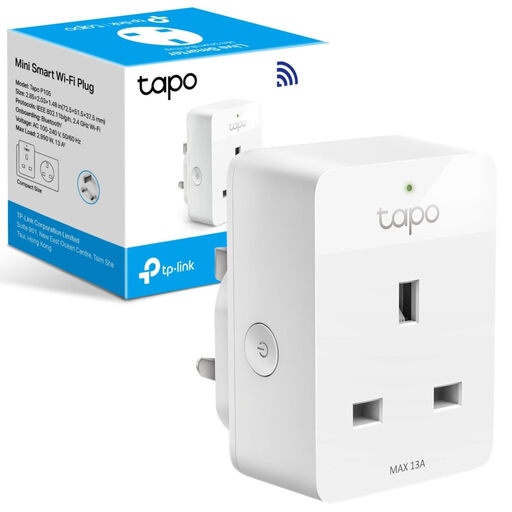
Tapo P105 Mini Smart Wi-Fi Plug (1-Pack)
For scheduling or remotely switching a compatible plug-in appliance; check that it resumes the desired operation when power returns.
Joybuy
 No image available
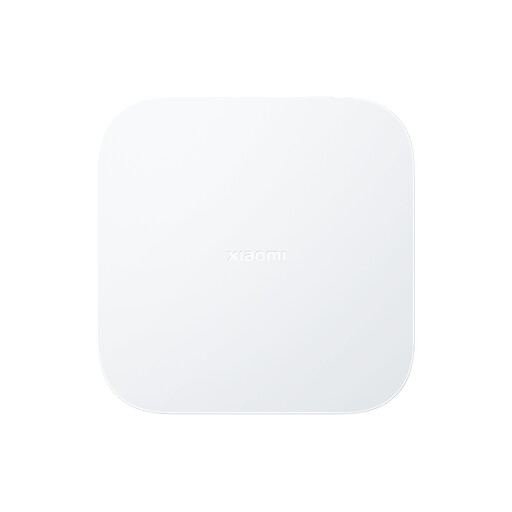
Xiaomi Smart Home Hub 2
For coordinating compatible Xiaomi or Mijia smart-home devices; check that the devices and intended automation work with this hub.
Joybuy
 No image available
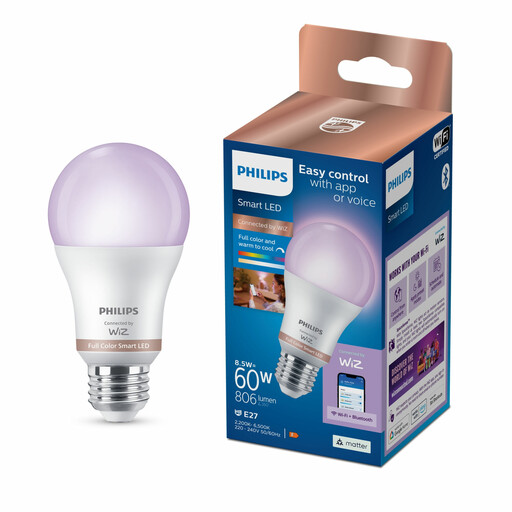
Philips Smart Light Bulb, E27, Full Colour & Warm/Cool Spectrum, 60W
For connected lighting in an E27 fitting, with full-colour and warm-to-cool spectrum options.
The product description specifies use in dry environments or in luminaires approved for the application area.
Joybuy
 No image available
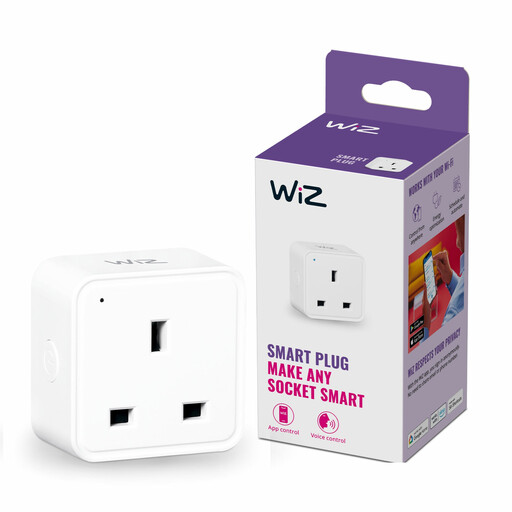
WIZ Smart Plug, White
For scheduling or remotely switching compatible lamps, fans and other appliances that operate through on/off power control.
The product description specifies use in dry environments or in a luminaire approved for the application area.
Joybuy
 No image available
Eve Energy Matter Smart Plug with Power Meter, UK Type G Plug
For remote switching and power-use monitoring of compatible appliances.
The listing specifies Matter over Thread. Full Thread functionality requires a compatible Matter controller and Thread border router; the product is for indoor use only.
Joybuy
Smart-home control FAQs
Does UK law require a consumer smart device to state how long it will receive security updates?
Where the UK consumer connectable-product security regime applies, manufacturers must state a minimum security-update period. The requirements took effect on 29 April 2024 and also cover default passwords and a vulnerability-reporting contact, according to GOV.UK and the National Cyber Security Centre. This does not mean every device has the same support period or works with every platform.
Does Matter compatibility guarantee that every feature will work in my usual app?
No; check the exact feature, firmware and controller for your setup. TP-Link’s UK P110M product page directs users to its app for energy monitoring, while a later TP-Link announcement describes a Matter energy-monitoring firmware rollout, so confirm availability for the version you plan to use.
Should I buy a device just because its app still opens?
No; check the manufacturer’s current support information for the exact generation. Signify says software updates for Philips Hue Bridge v1 ended on 30 April 2020, which is a reason to distinguish it from a currently supported Bridge.
What should I check before sharing control with other household members?
Review account roles, remote-control rights, linked services and privacy permissions before granting access. Apple says residents in Apple Home can access all home accessories, so check the platform’s actual permissions rather than assuming a shared role is limited to a particular device.
What should I do after setting up a connected control?
Follow the manufacturer’s update instructions, review account and privacy settings, and check the device’s support status over time. The National Cyber Security Centre advises keeping smart devices updated; TP-Link says Tapo and Kasa firmware updates are managed through the Tapo app.


