What to check before buying
For relevant consumer connectable products supplied in the UK, check the manufacturer’s stated minimum security-update period and reporting contact for the exact model; the applicable requirements depend on the product. The NCSC also advises checking setup requirements. For cameras, the Information Commissioner’s Office (ICO) advises positioning them to capture only your property where possible.
Smart speakers
When it fits: Choose a speaker when hands-free commands are the main task and the household can use its required app and account.
Trade-off: Check the exact model’s update commitment. Amazon’s additional four-year undertaking has specific conditions for new devices sold by Amazon on Amazon.co.uk.
Cameras and doorbells
When it fits: Choose this route when live monitoring or recorded events are the main need, and decide which before comparing models.
Trade-off: TP-Link describes a separately purchased microSD-card option or cloud service for the Tapo C120; Ring says reviewing recorded video requires a subscription, while live video and alerts work without one.
Smart plugs and lighting
When it fits: Consider a plug for switching a suitable appliance, or connected lighting for controllable bulbs.
Trade-off: TP-Link specifies that the Tapo P110 needs no hub, while Philips Hue says its lighting starter kits include a Bridge; check the contents of the exact kit.
Smart displays
When it fits: Consider a display when on-screen controls matter alongside voice control.
Trade-off: Google’s published five-year minimum for Nest Hub (2nd gen) ended on 30 March 2026. Its current critical-update status does not state a new minimum end date.
Connected domestic appliances
When it fits: Consider a connected appliance when you are already choosing a replacement and its app-linked features would be useful.
Trade-off: Home Connect features depend on the appliance model; check the exact model’s functions and update commitment.
| Concern |
What to check when buying |
Who this matters to |
| Security updates |
Find the stated minimum period and security-reporting contact for the exact model and version. |
If I want to know how long a device is promised important updates, I would check the manufacturer’s commitment rather than rely on a general brand statement; about 25% of consumers put update support first. |
| Recording and privacy |
Check what works without payment, the recording options and whether the camera view extends beyond your property. |
If I need to review events as well as receive live alerts, I would compare storage and privacy arrangements; around 20% of consumers prioritise recorded monitoring. |
| Setup compatibility |
Compare the exact model’s network, account, app and mobile operating-system requirements with your household’s equipment. |
For a device I need to set up and manage with the phone, tablet and connection already at home, compatibility is central; about 20% of consumers put workable setup first. |
| Ongoing requirements |
Check whether the intended functions need a subscription, separately purchased storage or a hub. |
If I want to understand what is needed after installation, I would check plans and accessories for the exact product or kit; roughly 15% of consumers prioritise predictable ownership requirements. |
| Everyday task |
Name the action you expect to use, such as voice control, switching, lighting, monitoring or appliance control. |
When I want one specific household task to be easier, I would match the device type to that job before comparing features; around 20% of consumers prioritise the intended everyday function. |
Joybuy camera and doorbell choices
These Joybuy choices focus on indoor and outdoor cameras and video doorbells for home monitoring. Their listed functions do not establish an exact model’s security-update commitment or household compatibility, so check both before buying.
 No image available
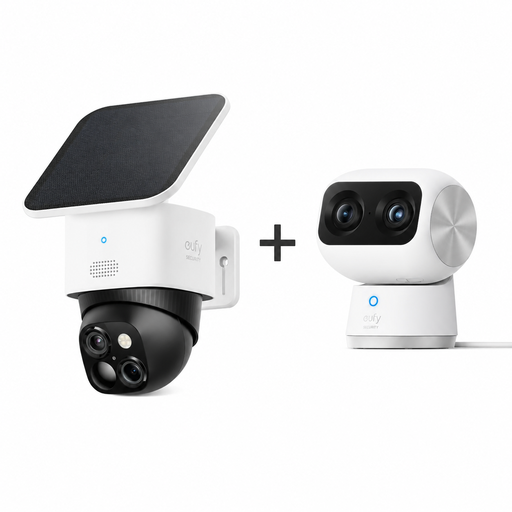
eufy Indoor Cam S350 and SoloCam S340 Camera Kit (4K UHD / 3K)
For households comparing indoor and outdoor camera monitoring, this kit names an indoor camera and an outdoor camera.
The title identifies the Indoor Cam S350 as 4K UHD and the SoloCam S340 as 3K and solar-powered.
Joybuy
 No image available
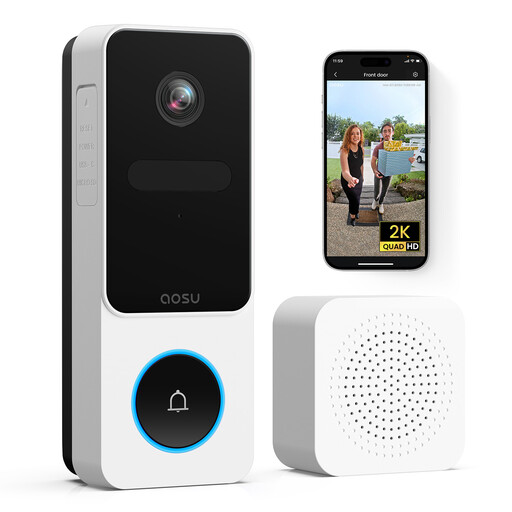
aosu 2K HD Video Doorbell with Gong, 170° View
For a household focused on visitors and parcels at the door, the listing describes a video doorbell with detection and two-way audio.
The title specifies 2K HD, a 170° view, 2.4GHz Wi-Fi and Alexa compatibility.
Joybuy
 No image available
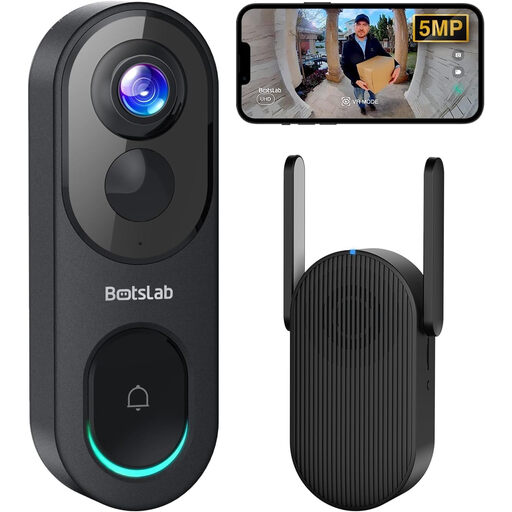
BOTSLAB R810 5MP Video Doorbell Camera with 32GB SD Card
For doorstep monitoring where locally stored recordings are a priority, the product title identifies an included 32GB SD card.
The title describes a wireless 5MP video doorbell camera.
Joybuy
 No image available
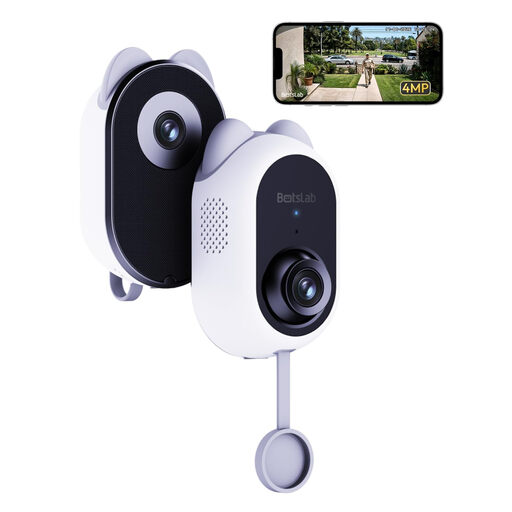
BOTSLAB W101 4MP Indoor Window Camera, Dual Lens
For monitoring through a window, this model is identified as an indoor window camera with dual lenses.
The title specifies 4MP and 2.4/5GHz Wi-Fi. The microSD card is not included, and the front camera supports live view and two-way talk only.
Joybuy
 No image available
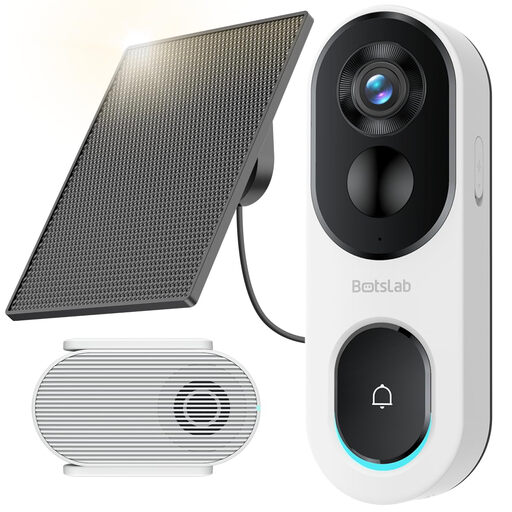
BOTSLAB R810SE 2K Solar-Powered Doorbell Camera
For doorstep visitor and delivery monitoring, this doorbell camera is described as solar-powered.
The title specifies 2K video and 2.4GHz Wi-Fi. The memory card is not included.
Joybuy
Smart device buying FAQs
Does UK law set one minimum number of update years for every smart-home device?
The UK product-security requirements described by the NCSC do not set one update period for every relevant device. Check the manufacturer’s stated minimum for the exact product, and whether the product category falls within the applicable requirements.
Can I set up a smart device using only a computer?
Do not assume that you can. The NCSC advises checking setup requirements before purchase; TP-Link says its Tapo camera app is for iOS and Android, while Google describes phone- or tablet-led setup for its speakers and displays.
Will a camera save footage without a subscription?
That depends on the camera and the recording function you want. TP-Link describes separately purchased microSD storage for the Tapo C120, while Ring says a subscription is needed to review recorded video on its cameras and doorbells; Ring says live video and alerts are available without one.
What should I do after setting up a connected device?
Follow the manufacturer’s setup and update instructions and keep the device software current. The NCSC warns that missing security fixes can increase risk; TP-Link provides Tapo firmware-update instructions through its app.
Can a home doorbell record beyond my property boundary?
The ICO advises positioning cameras to capture only your property where possible. The ICO says data-protection law applies if a camera captures someone else’s property, a public area or a communal space; its domestic CCTV guidance is under review following legislative changes.


