What should you check before buying?
Start with the exact model’s support commitment, then check who can manage it and what its app, network and recording features require. The concerns below describe consumers whose primary buying priority is each issue.
| Concern | What to check | Who this matters to |
|---|
| Security-support period |
Find the manufacturer’s current update commitment for the exact model and generation; distinguish a minimum period from a model-specific end date. |
If I expect to keep a connected device for years, I want to know when its promised security updates end before choosing it. Around 36% of consumers put that support-lifecycle question first. |
| Account and access control |
Identify the owner account and check what invited users can view or change. Google Home and Ring describe different household permission levels. |
When several people use a home device, I need to share access without giving everyone control of settings or activity. For around 29% of consumers, permission boundaries are the main concern. |
| Camera storage and subscriptions |
Check which recording and playback features require a subscription; for local storage, confirm camera-to-hub compatibility and what storage hardware is included. |
If I want to revisit camera footage, I need a recording arrangement I am willing to maintain, whether that means a cloud plan or compatible local storage. Around 21% of consumers make that choice their primary concern. |
| Platform and setup |
Confirm the required app, account, phone or tablet, Wi-Fi connection and platform compatibility before purchase. |
A tracker or speaker is of little use to my household if the intended owner cannot set it up or manage its account. Platform and setup fit comes first for around 14% of consumers. |
Relevant brands for reference
These product lines illustrate different support, access and storage arrangements; check the exact device rather than applying a brand-level description to every model.
Ring
Connected doorbells and cameras for households comparing published model-level security-update dates and app-managed access.
- Ring lists minimum security-update dates for named devices and describes levels of shared-user permission.
- Recording features vary by UK subscription plan. A published update date does not guarantee the device’s physical lifespan.
Google Nest / Google Home
Connected-home devices and household management through Google Home.
- Google states that its Nest connected-home devices receive automatic security updates for at least five years from the start of sales on the US Google Store; Google Home distinguishes Admin and Member access.
- That policy is not a UK listing-specific end date. Admin access can grant broad control and access to home activity.
eufy Security
A camera-and-hub route for households considering local footage storage.
- eufy’s UK HomeBase S380 listing describes 16GB of built-in storage and expansion up to 16TB.
- Camera compatibility must be checked, and eufy says a drive for storage expansion is not included with the described HomeBase setup.
Apple
AirTag tracking through Apple’s Find My ecosystem for households that can assign a clear account owner.
- Apple says an AirTag can be shared with other people.
- It can be registered to only one Apple Account at a time; the previous owner must remove it before a new owner can add it.
Connected cameras on Joybuy
These outdoor cameras offer different combinations of solar power, local recording and app-connected use. For any model you are considering, check the manufacturer’s current security-update commitment and the access controls your household will need.
 No image available
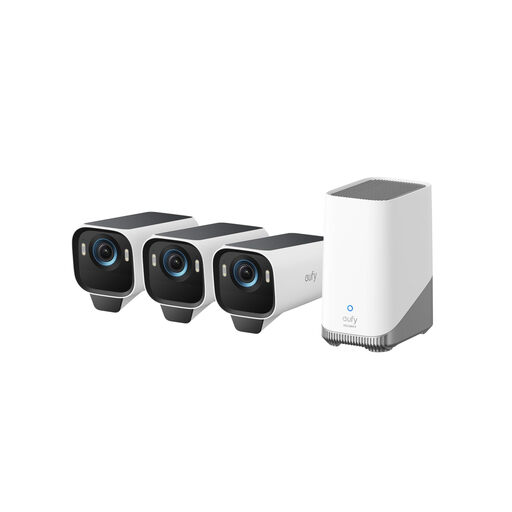
eufy Security eufyCam S3 Pro 3-Cam Kit
Consider this kit if you want three outdoor cameras and can accommodate their solar panels. The product name specifies 4K video, wireless cameras and local storage. Check the exact model’s update commitment and household access controls before sharing the system.
Joybuy
 No image available
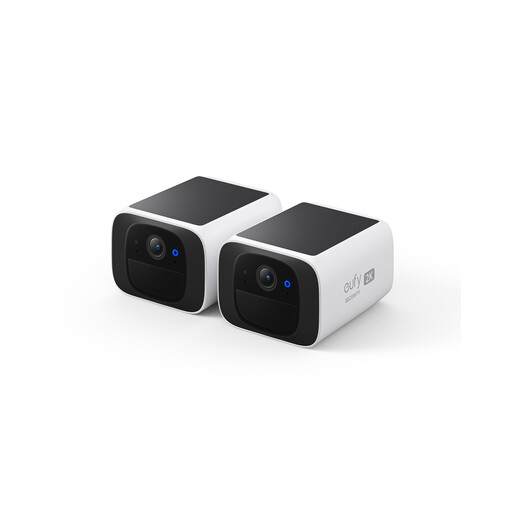
eufy SoloCam S220 2K Solar, 2-Pack
This two-camera outdoor pack suits a setup with 2.4 GHz Wi-Fi and solar charging. The product name states HomeBase S380 compatibility; the listing also describes on-device storage but says thumbnail previews are temporarily stored in the cloud. Confirm the update commitment and sharing permissions for this model.
Joybuy
 No image available
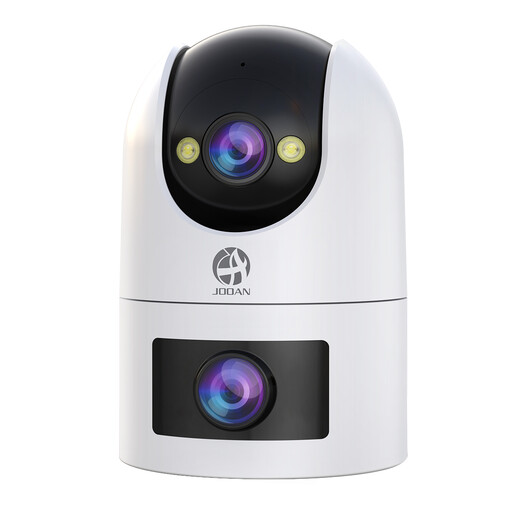
JOOAN Dual Lens Security Camera, 5G/2.4G Wi-Fi
Consider this camera if several people need to view footage, but check what each invited CAM720 app user can control. Its product name specifies dual-band Wi-Fi, a 360° view and card or cloud storage. Confirm the update commitment and the recording arrangement you intend to use.
Joybuy
 No image available
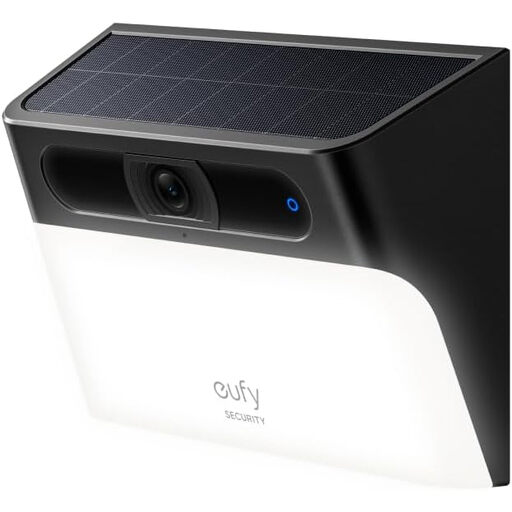
eufy Security Solar Wall Light Cam S120
This wall-mounted option combines an outdoor camera, solar charging and motion-activated lighting. The listing describes local event storage and a 2.4 GHz Wi-Fi connection. Confirm this SKU’s resolution, the model’s update commitment and sharing controls before buying.
Joybuy
 No image available
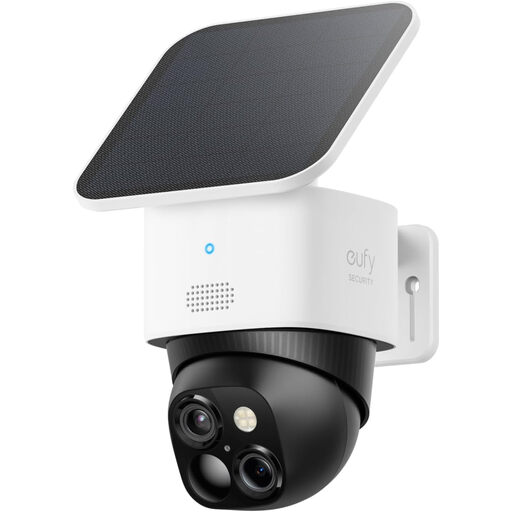
eufy Security SoloCam S340 Dual Cameras Solar
Consider this outdoor camera if its dual-camera, solar-powered arrangement fits the area you want to monitor. The product name specifies 3K video, 360° surveillance, 2.4 GHz Wi-Fi and HomeBase S380 compatibility. For the intended local-recording setup, confirm whether a HomeBase is required and included; also check the update commitment and account permissions.
Joybuy
Frequently asked questions
What security-update information should I look for on a UK smart device?
Look for the manufacturer’s minimum security-update period for the exact product. The UK product-security regime, which came into effect on 29 April 2024, includes a requirement concerning information on minimum security-update periods for relevant consumer connectable products. Check whether the particular product falls within its scope rather than assuming every connected device is covered in the same way.
Does a security-update end date guarantee that a smart device will keep working?
No. Ring says its software-security-update period does not guarantee how long a device will physically last. Check service and subscription dependencies separately, particularly if you are considering a refurbished or second-hand device.
What should I check before choosing a camera with local storage?
Confirm that the exact camera works with the proposed hub, what storage is included and whether expansion requires another drive. For example, eufy’s UK HomeBase S380 listing describes 16GB built in and expansion up to 16TB, but says the expansion drive is not included.
How can I share access to a smart-home camera?
Keep a clear owner account and use the platform’s permission controls to give other people the access they need. Google Home distinguishes Admin and Member roles, while Ring describes Limited, Standard and Advanced permissions; check what each role can view or change before sending invitations.
Can an AirTag be registered to two household accounts?
No. Apple says an AirTag can be registered to one Apple Account at a time, although it can be shared with others. If it belongs to a previous owner, that person must remove it from their account before a new owner can add it.


