Voice-and-screen households
You want hands-free controls or a shared display, and need to know when microphones or cameras can be switched off and which functions that disables.


Choose a device by the job you need it to do: voice control, a camera view, nursery monitoring, a screen or smart-home automation. Then check the exact model’s privacy controls, what stops working when you use them, how recordings and account access are handled, and the conditions attached to its security-update commitment.
You want hands-free controls or a shared display, and need to know when microphones or cameras can be switched off and which functions that disables.
You need a doorbell, indoor camera or nursery view and want to manage framing, recordings and who can access them.
You are connecting existing devices and accounts, so compatibility, local automation and ongoing security updates matter to your choice.
Start with the function you need, then check the exact model’s controls and what changes when you use them.
| Concern | What to check when buying | Who this matters to |
|---|---|---|
| Microphone and camera controls | Check for a physical control or lens shield, how to tell it is active, and which features stop when used. | If I want to mute a microphone or cover a lens, I need to know whether voice commands or viewing will also stop. Consumers who put sensor control first account for around 28%. |
| Security-update support | Check the full model and version, the stated minimum support period, and any seller or date conditions. | If I plan to keep a device for years, I want a clear update commitment for the exact model I am buying. Consumers who prioritise update support account for around 22%. |
| Data and recordings | Review voice, audio and video settings, storage choices, sharing permissions and how each control applies to the model. | When I use a camera or voice service, I want to understand what is collected, stored or shared. Consumers who put data and recording controls first account for around 22%. |
| Network and household access | Check Wi-Fi and app requirements, setup needs, compatible devices and how access is managed for household members. | If several people need to use the device, I want it to work with our network and give the right people access. Consumers who prioritise compatibility and household access account for around 17%. |
| Storage and ongoing costs | Check whether recording needs a separately purchased card, a subscription or another accessory. | If I mainly need live viewing, I do not want to pay for storage or video history I will not use. Consumers who put ongoing costs first account for around 11%. |
A physical control addresses a particular sensor, but it does not by itself explain how an enabled app or account handles other information.
Review sensor controls alongside the device’s current collection, history and sharing settings. Consider which functions you are willing to lose when a control is switched off.
Ring says motion behind a Privacy Zone can still trigger a recording, and the feature is not available on every model.
Check the exact model, the intended camera angle and its separate image-masking and motion settings.
Support information can depend on the model, seller or the date an end-of-life period begins. TP-Link’s C225 V1/V2 statement measures support from the product’s last end-of-life date.
Record the full model and version, then check the stated minimum period and the conditions used to calculate it.
These functions can have different network and storage requirements. TP-Link lists a separate microSD card and an optional cloud service for the Tapo C225; Google Nest says video-history features can depend on an eligible subscription.
Decide whether you need a live view, access away from home or saved footage, then check the requirements for each function on the exact model.
A compatible microSD card may need to be purchased separately, while cloud video history may involve a subscription.
Ring cameras and doorbells may suit households seeking a remotely accessible entrance or camera view and willing to configure recording and image masking.
The Tapo C225 V2 is an indoor-camera option for buyers who want a lens shield and a choice of local or cloud recording.
The connected SCD971/26 combines a parent unit for local video monitoring with optional app-based remote viewing.
Hub M3 may suit households connecting compatible accessories and looking for local execution of some automations.
Nest Hub Max may suit a household that wants display functions alongside camera and microphone controls.
These choices cover indoor and outdoor home-camera monitoring and Wi-Fi nursery viewing. Check each exact model’s privacy controls, recording setup and network requirements.
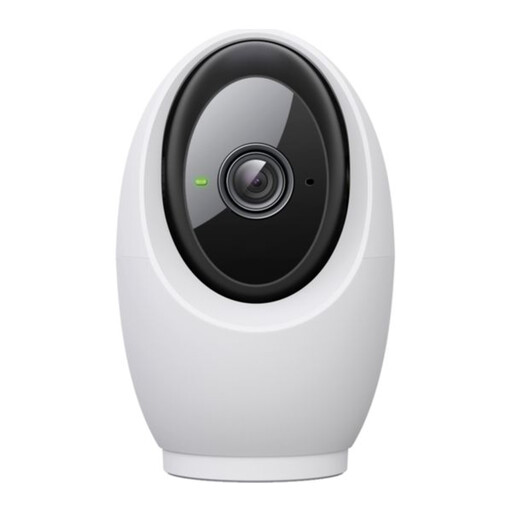 No image available
Consider it for indoor room monitoring if a physical lens-blocking mode and local recording matter; the microSD card is sold separately. Check how the privacy mode affects the view you need.
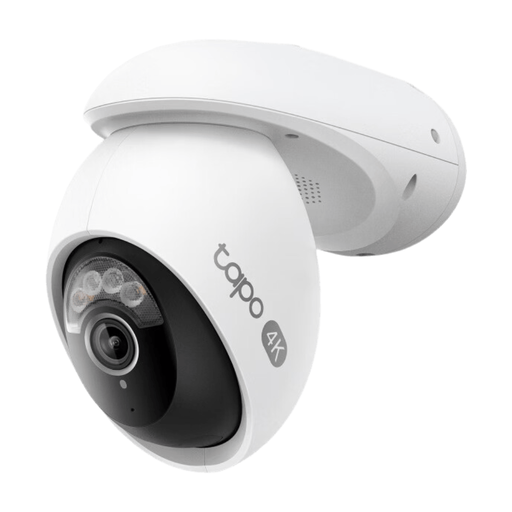 No image available
Consider this outdoor camera if local microSD recording is important. Check the model’s recording and privacy settings against the coverage you need.
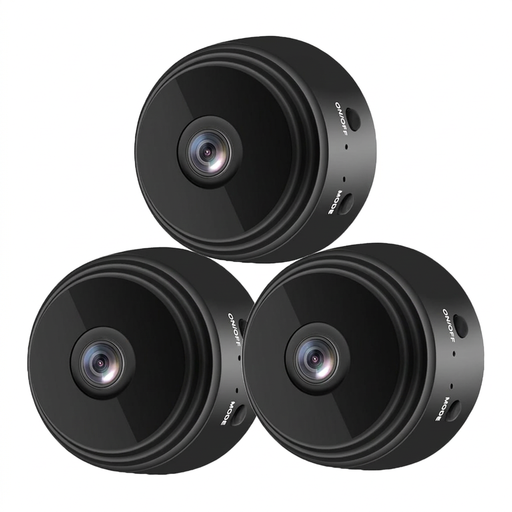 No image available
This indoor pack is for app-based video monitoring. The product title specifies 1080P HD, Wi-Fi and Bluetooth, a 150° wide angle and video-only operation; a microSD card is not included.
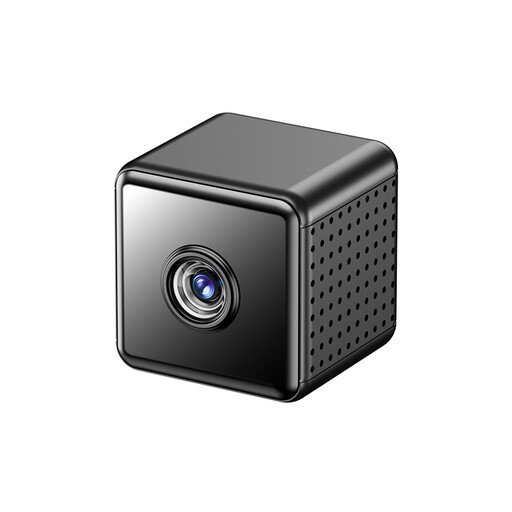 No image available
For indoor live viewing and motion alerts, check that your network supports 2.4GHz Wi-Fi. The product information also specifies USB power.
 No image available
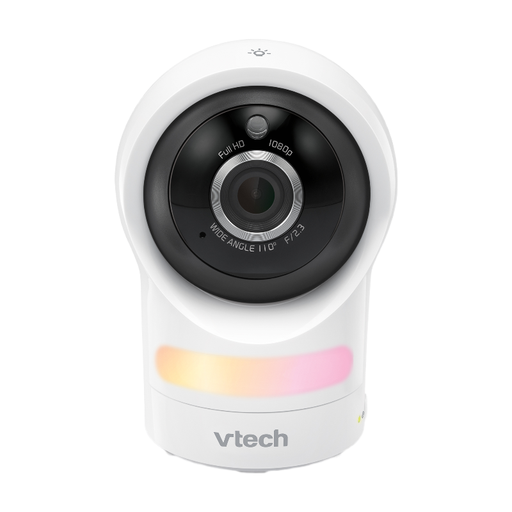
For nursery viewing on a smartphone over Wi-Fi, the product information lists app-based Full HD streaming and two-way talk. The camera needs to remain plugged into a mains outlet during use.
No single update period applies to every device. The UK consumer-connectable product security regime, which took effect on 29 April 2024, requires manufacturers of covered products to state a minimum security-update period; the Office for Product Safety and Standards’ GOV.UK guidance does not set one universal duration. Check the exact model and any conditions on its stated period.
Philips says video monitoring through the parent unit can work without Wi-Fi on the SCD971/26. Remote app viewing uses Wi-Fi or mobile internet, and Cry Translation requires Wi-Fi; these conditions should not be assumed for other monitors.
No. Ring says movement behind a masked Privacy Zone can still be detected and trigger a recording. The zone masks part of the image, so check the exact model’s separate motion settings too.
Not necessarily. TP-Link says the Tapo C225 uses a separately purchased microSD card for local recording, while Tapo Care cloud storage is a separate subscription. Check which recording and replay functions the exact model offers without either option.
Check that the hub supports the devices and automations you want, and distinguish local automation from functions that still rely on an internet connection or account. Aqara describes local execution for certain Hub M3 automations, not universal offline operation.