What to consider before buying
For a shared home, decide what each person needs to control or keep private before comparing the convenience of different connected devices.
| Concern |
What to check when buying |
Who this matters to |
| Household permissions and account separation |
Compare user roles, access to settings or activity, and permissions in separate accessory apps. |
I want housemates to operate shared devices without automatically gaining the same account or administrator access; around 33% of consumers put permission boundaries first. |
| Voice and personal-information privacy |
Check profile and account requirements, personal-results settings, privacy information and physical microphone or camera controls. |
I want communal voice routines but need to decide what the device hears or reveals about me; around 27% of consumers prioritise voice and personal-information privacy. |
| Camera visibility and placement |
Check who can view footage, the field of view, masking and audio settings, and what recording features require. |
I mainly want to limit who sees camera activity and what the camera captures; around 20% of consumers focus first on camera privacy and placement. |
| Security updates and ongoing services |
Find the exact product’s stated minimum security-update period and check separately for any app, hub or recording-plan requirements. |
I need to understand how long the device receives security updates and whether a service is needed for the features I want; around 20% of consumers put support and ongoing services first. |
Related Joybuy products
These Joybuy options cover connected plugs, lighting and hubs for shared household routines; check each product’s own app and access settings before relying on it for account separation.
 No image available
Eve Energy Matter Smart Plug with Power Meter, UK Type G Plug
For scheduled shared-appliance routines; check that the household’s chosen platform and access arrangement meet your needs.
Supports Matter over Thread and energy monitoring, with a maximum load of 13 A or 2,900 W. A Matter controller and Thread border router are required for full Thread-network functionality. Indoor use only.
Joybuy
 No image available
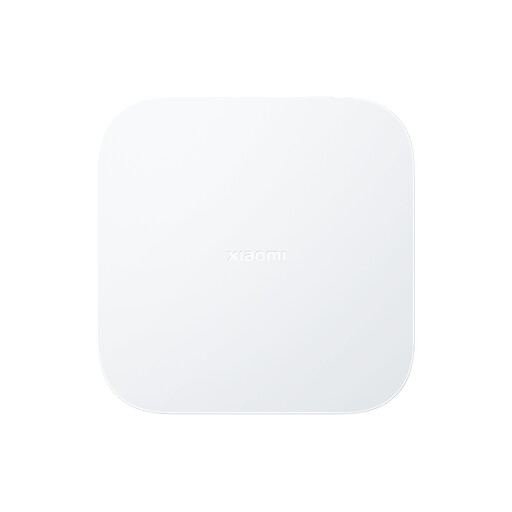
Xiaomi Smart Home Hub 2
For coordinating compatible connected-home devices and routines; confirm which permissions are available in the hub and accessory apps.
The listing describes Wi-Fi, Bluetooth Mesh and Zigbee 3.0 support, and use with compatible sensors, lights, switches and appliances.
Joybuy
 No image available
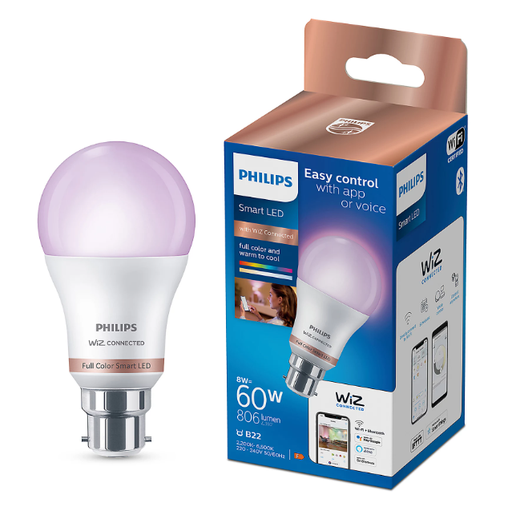
Philips Smart Light Bulb, B22, Full Colour and Warm/Cool Spectrum, 60W
For scheduled connected-lighting routines; check how household access is managed in the app used with the bulb.
The listing describes app control through the WiZ app without additional hub or gateway hardware. Follow the installation guidance: switch the power off and use a qualified electrician or competent person. Check the stated suitability before using it in enclosed luminaires or humid locations.
Joybuy
 No image available
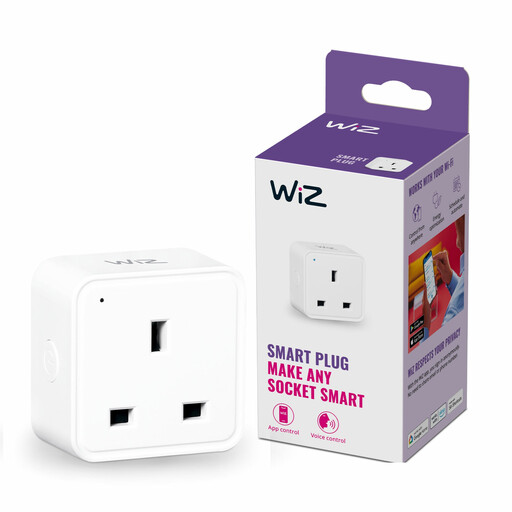
WiZ Smart Plug White
For app-controlled schedules involving lamps and other household devices; check the app’s sharing permissions separately.
The listing describes Wi-Fi connectivity and daily or weekly scheduling without an additional hub or gateway. Use only in dry environments or in a luminaire with appropriate IP protection.
Joybuy
 No image available
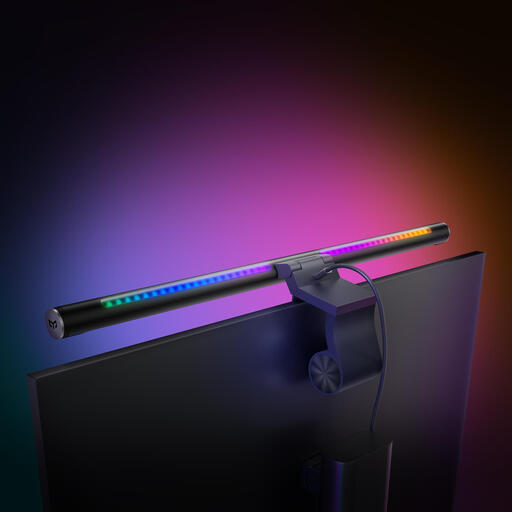
Yeelight Screen Light Bar Pro Libra 2
For connected desk lighting where local adjustment is useful; check which controls and sharing options are available through the connected platform.
The listing describes Matter compatibility and voice-assistant control, plus knob adjustment for brightness and colour temperature and lighting scenes.
Joybuy
Shared-home smart device FAQs
Will a voice profile give each housemate a separate account?
Not necessarily. Alexa documentation says individualised experiences require Alexa Profiles on the same Alexa account, while Google describes Voice Match as a way to personalise responses on supported shared devices. Check account linking and personal-results settings separately.
Can a guest use Apple Home to control only the shared lights?
Do not rely on Apple Home’s Guest role for general lighting access: Apple describes it as local-only, scheduled access to selected security-related accessories. Check whether another access arrangement suits the household, and remember that accessory-maker apps may have separate permissions.
What should I check about security updates before buying?
Find the manufacturer’s published minimum security-update period for the exact connected product and compare it with how long you expect to use it. The Information Commissioner’s Office also advises checking what information a device collects and shares; an update period does not itself promise that every app or paid feature will remain available.
Does sharing a camera require a recording subscription?
It depends on the service and the function you want. Ring says Shared Users can access Live View without a subscription, but reviewing recorded video requires one; check the chosen camera’s current terms.
Can a home camera capture a shared corridor or a neighbour’s property?
The Information Commissioner’s Office advises positioning home cameras to capture only your own property where possible. It says data protection law applies if footage captures someone else’s property, a public area or communal space. This is conditional guidance, not a blanket ruling on a particular installation; the ICO marks its public home-CCTV guidance as under review.


