Households sharing a living space
If several people will use a speaker, hub or connected TV, consider who can change settings, which accounts they will use and whether a physical privacy control fits the room.


For shared timers or control of compatible devices, consider a speaker or hub; choose a doorbell or camera when answering visitors or visual monitoring is the task and residents have agreed who can access it. Before buying, check the exact model’s security-update commitment, household permissions and recording requirements. In the UK, the Information Commissioner’s Office says data-protection law applies if home CCTV captures someone else’s property, a public area or communal space.
If several people will use a speaker, hub or connected TV, consider who can change settings, which accounts they will use and whether a physical privacy control fits the room.
Decide where the device will point and who can receive alerts or view footage. For a UK home camera that captures someone else’s property, a public area or communal space, the Information Commissioner’s Office says data-protection law applies.
Compare physical controls, account access and the security-update commitment for the exact model. Manufacturer terms can depend on the product, its end-of-life status or how it was purchased.
Choose the device by the household task first, then check how its controls and support terms work for everyone affected.
| Priority | What to check | Your needs |
|---|---|---|
| Device purpose | Match a speaker to shared voice tasks, a compatible hub to accessory control, a connected TV to shared viewing, or a doorbell or camera to a defined visual task. Check that existing devices work with the ecosystem. | I want the device to solve a particular household task, rather than add a camera where voice control or shared viewing would suffice. |
| Privacy controls | Look for a physical microphone-off control or camera cover where relevant. Check app settings, saved recordings and who can change them; a cover does not manage previously saved footage. | People sharing the room should be able to understand when a microphone or camera is active and how to limit collection. |
| Household access | Check named-user roles, device-by-device sharing and who may view feeds, change settings or invite others. Review permissions in accessory apps as well as the main ecosystem. | Different residents may need different access, without everyone using the owner’s account. |
| Security updates | Find the manufacturer’s UK support statement for the exact model. Check its stated period, end-of-life status and any purchase-channel conditions rather than relying on a brand-wide figure. | I want to know the stated update commitment before choosing a device that will stay connected at home. |
| Camera placement | Plan the mounting position and intended view before purchase; check whether available controls can limit unnecessary capture. The Information Commissioner’s Office says UK data-protection law applies when home CCTV captures someone else’s property, a public area or communal space. | For a doorbell or outdoor camera, I need to consider what it will see beyond my own property. |
| Recording access | Distinguish live view from reviewing saved video. Check storage, retention, subscription requirements and which household members can access recordings for the product you choose. | Visitor alerts may be enough for me, or I may need to review an event afterwards. |
A doorbell or camera may capture beyond the intended entrance. The Information Commissioner’s Office says UK data-protection law applies if home CCTV captures someone else’s property, a public area or communal space.
Plan the mounting position and view before purchase, and check whether the model offers controls to limit unnecessary capture. Do not assume a domestic camera can freely record beyond the property.
Published security-support commitments have limits that can depend on the exact model, purchase route or end-of-life status. Amazon says its Echo commitment is not a guarantee of device lifespan; TP-Link ties its stated framework to product end of life.
Check the current UK statement for the model you intend to buy, particularly for older stock, refurbished devices or purchases through another seller.
Owner access may allow someone to change settings or manage other users when they only need to operate one device.
Use named accounts and suitable roles where available. When someone no longer needs access, check both the home ecosystem and each accessory’s own app.
For Ring doorbells and cameras, Ring says live view is available without a subscription, but reviewing recorded video requires one. Other products have their own terms.
Decide whether alerts and live view meet the household’s needs. If past events matter, check the chosen product’s recording plan, retention and shared-user access before buying.
A smart-speaker option for shared voice tasks and control of compatible devices through Alexa.
A doorbell and camera option for households arranging visitor alerts and access for several people.
A connected-camera range for buyers comparing model-specific privacy features and security support.
An ecosystem route for a household using compatible Apple devices and shared Home app access.
These options are cameras for indoor or outdoor monitoring and a doorbell for answering visitors. Choose between them by the intended location and task, then check placement, shared access and security-update terms for the exact model.
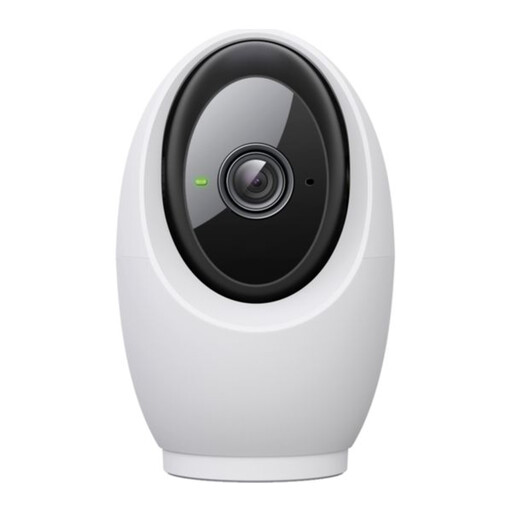 No image available
A pan/tilt Wi-Fi camera to consider where residents have agreed on a monitoring location. Before sharing it, check who can view the feed, how recording can be stopped and the exact model’s security-update commitment.
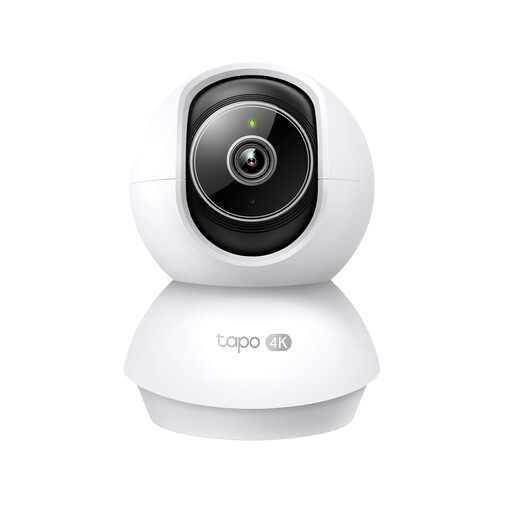 No image available
A pan/tilt Wi-Fi camera for an agreed indoor monitoring task; its listing specifies indoor use only. Check sharing permissions, recording controls and the exact model’s security-update commitment before placing it in a shared room.
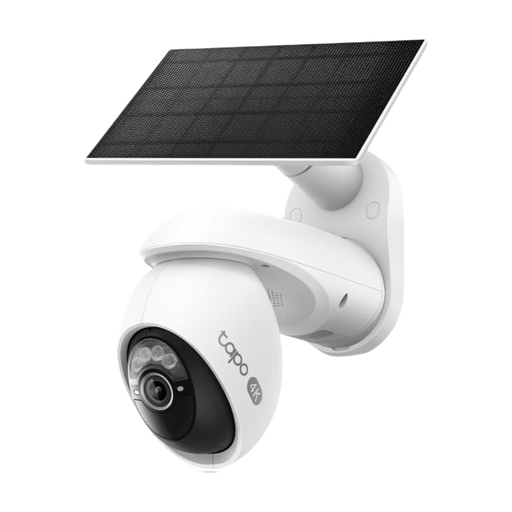 No image available
This solar-powered pan/tilt kit is an option for an outdoor monitoring location where mains power is inconvenient. Check sunlight at the intended position, who can access the feed and how the camera can be aimed away from unnecessary capture. Confirm the C660 KIT’s security-update terms.
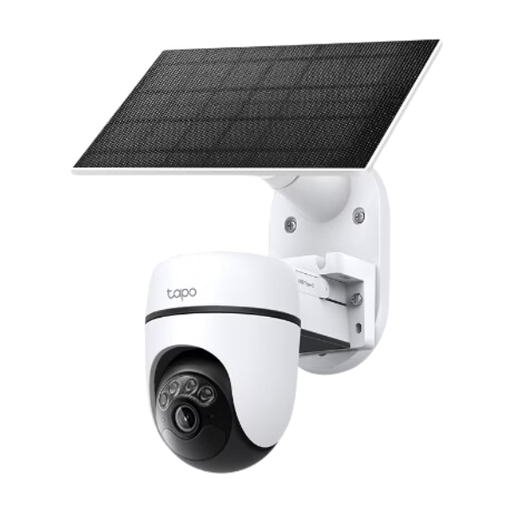 No image available
Another solar-powered pan/tilt kit for a planned outdoor camera position. Assess sunlight and the intended field of view, then check shared-user permissions, capture-limiting controls and security-update support for the C610 KIT itself.
 No image available
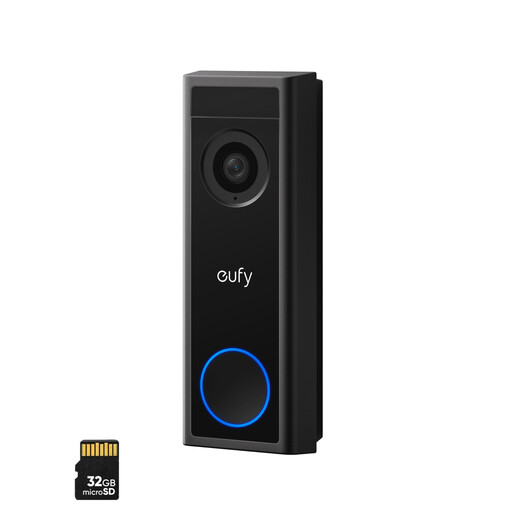
A battery- or hardwire-powered doorbell for a household that wants to answer visitors by video call. Its stated 24/7 recording requires hardwiring; check the installation requirements if that feature matters. Plan its view and confirm user permissions and security-update support for the C31.
The Information Commissioner’s Office says it applies when home CCTV captures someone else’s property, a public area or communal space. The ICO advises positioning cameras to capture only your own property where possible; its home CCTV guidance is under review, so check its current guidance for a planned installation.
Look up the exact model in the manufacturer’s UK security-support or product-security statement, including any purchase-route or end-of-life conditions. For example, Amazon publishes Echo support information by product, while TP-Link United Kingdom says its defined support period ends three years after product end of life.
Yes. Ring says live view for its doorbells and cameras is available without a subscription, but reviewing recorded video requires one. Check the current terms for the Ring device and recording arrangement you intend to use; other brands may differ.
Yes, if the chosen ecosystem provides suitable roles. Apple Home documents resident and guest access, while Ring documents different user permission levels and device-specific sharing. Check permissions in each accessory app as well as the main home app.
Remove their access in the main home ecosystem and review access granted separately in each device maker’s app. Apple specifically warns that removing someone from Apple Home may not remove permissions previously granted through an accessory’s own app.