What to check before buying
Begin with the routine you want to make easier, then check the privacy controls, update commitment and compatible apps or devices needed to use it.
| Concern |
What to check when buying |
Who this matters to |
| Voice and personal-data control |
Check the exact model’s microphone control and review the service’s data, sharing and voice-history settings. |
If I use voice routines, I want to know how to disable the microphone and manage related account data. Consumers who put voice-data control first make up around 25% of this scenario’s audience. |
| Security-update commitment |
Find the manufacturer’s statement for the exact model, including its end date and any purchase or pairing conditions; check hubs and paired devices separately. |
If I plan to keep a device for years, I want a clear update commitment for each part of the setup. Consumers who prioritise the security-support period make up around 25% of this scenario’s audience. |
| Useful household routines |
Check the specific product’s controls, required app and setup for the routine you intend to use. |
I want a connected feature to simplify a repeatable task, not add setup without a purpose. Consumers who put everyday routines first make up around 20% of this scenario’s audience. |
| Compatibility with existing devices |
Check the exact device, controller, app and feature together; compatibility with a platform does not guarantee every feature works through it. |
If I already use a particular app or controller, I want the new device and the feature I need to work with it. Consumers who prioritise ecosystem fit make up around 15% of this scenario’s audience. |
| Connected appliance features |
Confirm the exact appliance supports the feature you would use, and review its app permissions and update information. |
I want remote status or notifications only if they solve a real need in my household. Consumers who prioritise useful appliance features make up around 15% of this scenario’s audience. |
Joybuy product choices
These Joybuy choices cover connected plugs and home controls, a connected washing machine and motion-activated lighting. Check each product’s stated compatibility and setup requirements against the routine you want.
 No image available
Eve Energy Matter Smart Plug with Power Meter
For scheduled switching and energy-use tracking in a compatible smart-home setup.
The product name specifies Matter over Thread, a power meter, remote control and a UK Type G plug. Full Matter and Thread functionality requires a Matter controller and Thread border router.
Joybuy
 No image available
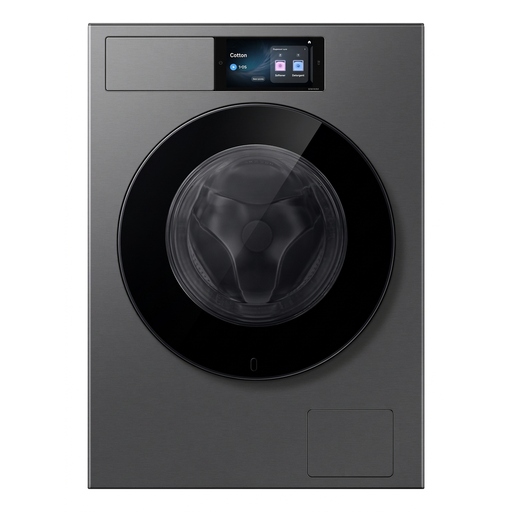
Samsung Series 9 AI Home Washing Machine WF90H09C4ST1, 9 kg, 1400 RPM
Consider it for a laundry routine where remote status or notifications would be useful; confirm the connected features and update information for this exact model.
The product name identifies a 9 kg front-load washing machine with a 1400 RPM spin speed.
Joybuy
 No image available
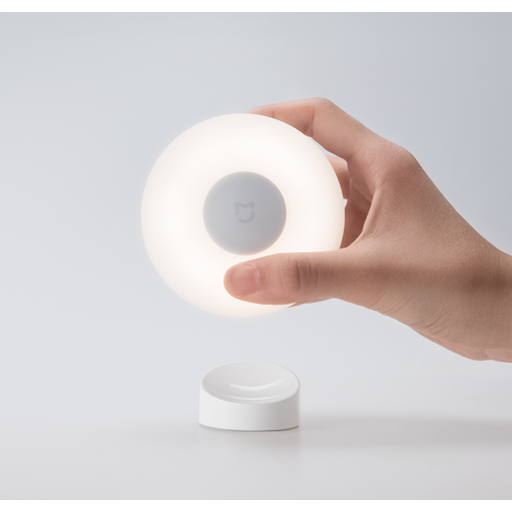
Xiaomi Night Light Motion Activated Bluetooth, White
For motion-triggered night lighting and app-based routines in a connected home.
The product name specifies motion activation and Bluetooth. Three AA batteries are required and are not included.
Joybuy
 No image available
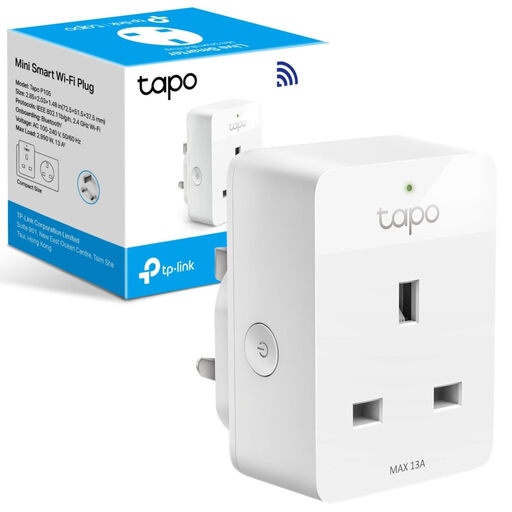
Tapo P105 Mini Smart Wi-Fi Plug (1-Pack)
For app-based switching and recurring plug-in device routines; check that the setup suits your intended controller and use.
The product name identifies a mini smart Wi-Fi plug supplied as a 1-pack.
Joybuy
 No image available
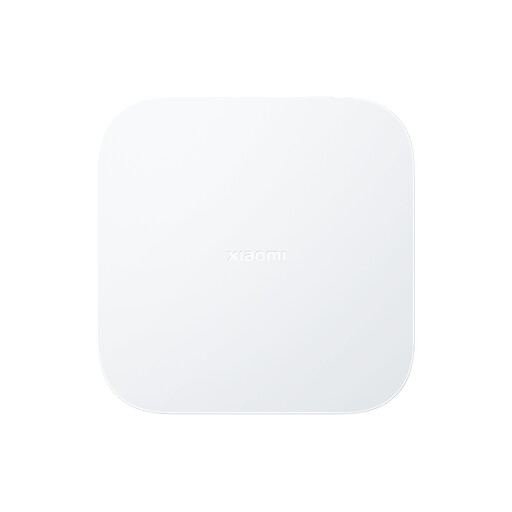
Xiaomi Smart Home Hub 2
Consider a hub if you want to coordinate compatible smart-home devices and use routines; check that your existing products work with the hub.
Joybuy
Smart-home privacy and update FAQs
Do smart speakers, plugs, hubs and connected appliances fall under the UK consumer-connectable-product security regime?
Relevant consumer products that can connect to the internet or a network generally fall within the regime’s scope, subject to specified exclusions. UK Government guidance and the UK National Cyber Security Centre give examples including smart speakers and domestic appliances; the rules do not certify every product listing. Government guidance also identifies exclusions, including medical devices, electric-vehicle charge points and smart-meter products, and a specified Northern Ireland supply exception.
How can I check a device’s minimum security-update period before buying?
Check the manufacturer’s statement for the exact product, including the stated end date and any purchase or pairing conditions. UK regulations define the support period by its length and an end date, so check hubs and paired devices separately. A minimum update period is not a hardware warranty.
What should I check about privacy controls and app permissions during setup?
Review what information the service collects or shares, the app permissions it requests and the privacy settings available to you. The Information Commissioner’s Office advises consumers to consider these choices. Check the device instructions for its microphone or camera control as well: a physical control does not describe every kind of information an associated app or account may handle.
Will a smart plug’s energy readings work in every Matter app?
Do not assume they will. For the Tapo P110M specifically, TP-Link says energy monitoring is not currently supported through Matter and directs users to the Tapo app for that feature. Check support for the exact model and controller before buying.
Does the UK security regime set one minimum number of update years for every covered device?
The cited UK consumer guidance does not set one uniform number of years for every product; shoppers should check the minimum period stated by the manufacturer for the device concerned. A stated minimum is not a promise of indefinite updates.


