Apple TV film viewers
If films play through Apple TV 4K, Apple documents how to use one HomePod or a matching HomePod stereo pair for home-cinema audio. That is a different decision from choosing a speaker solely for music streaming.


Choose according to where the soundtracks come from. For films played through Apple TV 4K, Apple documents a home-cinema route using HomePod; for soundtrack albums and playlists, Sonos Era 300 offers Wi-Fi and Bluetooth playback, but works as a TV surround speaker only within a compatible Sonos home-cinema setup. A Dolby Atmos label alone does not establish what a particular TV, app and speaker arrangement will play.
If films play through Apple TV 4K, Apple documents how to use one HomePod or a matching HomePod stereo pair for home-cinema audio. That is a different decision from choosing a speaker solely for music streaming.
If albums and playlists matter more than TV output, consider how people across the seating area will listen and whether you want to expand the system later. Sonos documents room tuning for Era 300 and a separate role for it in a compatible surround system.
If the lounge already uses Alexa or Google Home, check how the exact speaker works with your accounts, playback devices and voice controls before changing ecosystems.
Choose when: Films play through Apple TV 4K and you want Apple’s documented HomePod home-cinema setup.
Trade-off: The route requires Apple TV 4K; a stereo pair needs two HomePods of the same model in the same room. Apple says HomePod mini does not support Dolby Atmos home-cinema audio.
Choose when: Soundtrack streaming is the priority and you may later add Sonos multi-room or home-cinema components.
Trade-off: Sonos describes Era 300 as a surround component with Arc or Beam (Gen 2), not a standalone TV speaker; its optional line-in is not intended for TV.
Choose when: Alexa already handles household listening and your preferred soundtrack service works with it.
Trade-off: Check the exact Echo Studio generation and compatible Fire TV equipment before planning an Alexa Home Cinema setup.
Choose when: Google Home control and speaker groups matter more to you than a dedicated TV home-cinema arrangement.
Trade-off: Google lists pairing with Google TV Streamer; confirm the TV-audio behaviour of your exact devices and apps before relying on that pairing for films.
| Concern | What to check | Who this matters to |
|---|---|---|
| Film-audio immersion | Trace the format through the film, app, playback device and speaker setup; check whether the documented arrangement uses one speaker or more. | I want film audio from my actual TV setup, not just spatial playback of soundtrack albums. Around 36% of consumers may put that playback path first. |
| Existing ecosystem | Check your TV hardware, voice assistant and music accounts against the exact speaker model. | My lounge already runs on one set of devices, and I do not want to replace them to make listening work. For roughly 29% of consumers, compatibility may be the primary concern. |
| Shared-room listening | Check placement guidance, pairing rules and any room-tuning feature relevant to your chosen setup. | People sit in different parts of the lounge, so I care about usable sound across the seating area and understandable dialogue. About 21% of consumers may prioritise that shared-room experience. |
| Flexible sources | Check Wi-Fi, Bluetooth or line-in for the sources you intend to use, including required accessories and source restrictions. | Guests bring different devices, and I want an uncomplicated way to play their soundtrack choices. Source flexibility may come first for around 14% of consumers. |
An Atmos-capable speaker does not establish that your film, app and TV setup will deliver that format. Apple documents a specific Apple TV 4K and HomePod arrangement; Sonos gives Era 300 a different role in TV surround.
List your TV or streaming box, apps and intended speaker arrangement, then check the audio path documented for those exact products.
The arrangement you want may also require compatible playback equipment, additional speakers or the appropriate streaming tier.
Sonos says Era 300 line-in is not intended for TV. A physical connection alone is therefore not a reason to choose it for television sound.
For TV audio, assess a documented home-cinema configuration; use line-in only for a suitable non-TV source.
Era 300 line-in requires a Sonos Line-In Adapter and a 3.5 mm auxiliary cable.
Apple requires two HomePods of the same model for a stereo pair. The speakers also need suitable positions around the TV.
Check the model of each speaker and the available space before deciding on a pair.
A pair requires a second compatible speaker and space for both.
For music played in a business or organisation, PPL PRS says TheMusicLicence will usually be needed. The position depends on how the particular venue is used.
If the lounge is part of a workplace, club or managed venue, check its music use with PPL PRS before arranging shared playback.
HomePod (2nd generation) is relevant when Apple TV 4K supplies the film audio.
Era 300 suits listeners considering spatial-music streaming and a possible later Sonos system.
Echo Studio is relevant to Alexa-led soundtrack streaming and a compatible Fire TV arrangement.
Google Home Speaker is relevant to Google Home control and grouped listening.
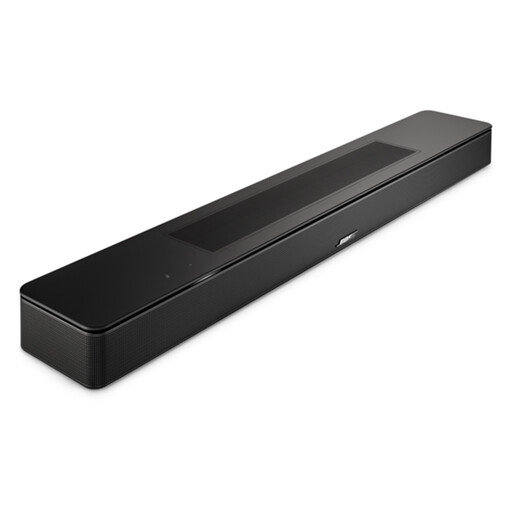
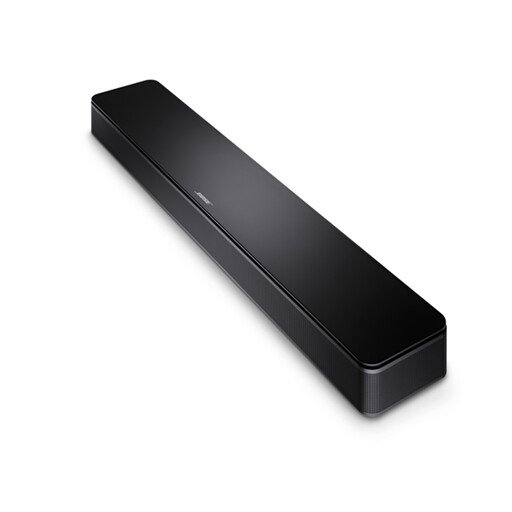
These Bose soundbars and TV speaker are options to consider when soundtrack playback comes from a television. They serve a different starting point from choosing a standalone speaker primarily for soundtrack streaming; check the TV connection and audio formats for your own setup.
 No image available
Consider this soundbar if films on the TV are your main soundtrack source. Check that your TV connection and playback devices can deliver the audio format you want; the film and app matter too.
 No image available
Consider this compact soundbar when the lounge’s TV is the main source. Confirm compatibility with your TV and playback device, whether the intended format reaches the soundbar, and what is needed if you plan to wall-mount it.
 No image available
Consider this TV speaker if television playback and dialogue are more important than building a voice-controlled music system. Check your TV connection and the sound settings you need; confirm smart-control or surround-format requirements separately before choosing it.
No: speaker support alone does not establish the TV-audio result. Check the film or programme, app, playback device, output settings and speaker arrangement together. Apple documents an Apple TV 4K and HomePod route, while Sonos places Era 300 in a compatible surround setup with Arc or Beam (Gen 2).
Yes. Apple documents home-cinema audio from Apple TV 4K with one HomePod or a stereo pair. If you later choose a pair, the two HomePods must be the same model and assigned to the same room.
For its HomePod home-cinema setup, Apple advises placing the speakers on either side of the TV, about 1.2 m apart. Check that the lounge can accommodate that arrangement rather than applying the guidance to other speaker models.
No. Sonos says Era 300 line-in is not intended for TV, even when used with the required adapter and 3.5 mm cable. If TV sound is essential, assess a documented Sonos home-cinema arrangement instead.
The answer depends on the venue and how the music is used. PPL PRS says businesses and organisations will usually need TheMusicLicence when they play music; if the lounge is part of a workplace, club or other managed venue, confirm its particular use with PPL PRS.