Who this is for

UK catch-up households

If you rely on broadcaster players as well as other streaming apps, check support for each one on the exact TV or device. Freeview describes BBC iPlayer, ITVX, All 4, 5 and UKTV Play as available through its guide, while warning that service availability can vary by product.

Households keeping a usable screen

If your TV still meets your picture and sound needs but its apps or menus do not, consider whether an HDMI streaming device could meet the need without replacing the screen. Roku says setup requires HDMI, power, internet access and a Roku account.

Accessibility- or privacy-conscious viewers

If you need particular subtitles, audio assistance, dialogue controls or data-sharing choices, check the exact model's settings and declared security-update period. The Information Commissioner's Office advises checking how long a manufacturer says it will provide security updates; Sony's accessibility guidance includes model-year qualifications.

What to check before buying

Integrated smart TV

Consider it when: you need a replacement screen as well as built-in streaming, and the exact UK model has your essential apps and suitable controls.

Trade-off: an app platform or logo does not confirm that every required service is available on that model.

Existing TV with a streaming device

Consider it when: your current screen still suits your viewing needs but its apps or menus do not.

Trade-off: setup adds a device, account and potentially another remote; check the required HDMI, power and internet connections.

External sound for dialogue needs

Consider it when: speech clarity is the main concern, and you are comparing the TV's controls with a compatible external audio option.

Trade-off: extra audio equipment needs compatible connections and setup; eARC alone does not guarantee clearer dialogue.

Concern What to check when buying Who this matters to
Required UK apps Check the exact model's current app list. Freeview warns that service and player availability can vary by product. If a particular catch-up player is essential, I want to confirm support on the exact model before choosing. Consumers who put required UK apps first account for about 33%.
Menus and connectivity Try app search, home-screen organisation and remote navigation. For a separate player, check HDMI, power, internet and account requirements. I want household members to find programmes easily, or to keep a usable screen with an add-on player. Consumers prioritising easy navigation or reusing a screen make up about 27%.
Privacy and ongoing support Review the model's data choices, account requirements and the manufacturer's stated security-update period. If I want control over data sharing or need to understand how long updates are declared for, those checks come first. Consumers whose main priority is privacy or software support represent about 20%.
Dialogue and accessibility Check the required subtitles, audio-description or menu controls on the exact TV and in the apps you use. For a soundbar, check connections on both devices. When I depend on dialogue or accessibility features, I need to confirm the specific controls I will use. Consumers who put hearing or accessibility first account for about 20%.

Buying pitfalls

  • Assuming a platform name guarantees every required app

    Freeview says service and player availability can differ between products, so a general platform description does not establish that a particular TV has the app you need.

    List your essential apps and check each one against the exact TV or streaming-device model before buying.

  • Replacing a suitable screen just to change its streaming menus

    If the picture and sound of your existing TV still meet your needs, replacing the panel may not address the specific problem with its apps or interface.

    Compare an add-on player's current UK apps, account needs and connections with the reasons you are considering a new TV.

  • Assuming smart features involve no privacy choices

    Connected products can involve personal-data settings, and those choices may appear during setup or in the device settings.

    Review the model's data-sharing options and the manufacturer's stated security-update period before choosing.

  • Treating eARC or a soundbar as a promise of clearer dialogue

    HDMI Licensing Administrator describes eARC as a way to send TV audio to a soundbar or receiver; the connection itself does not establish that speech will be easier to understand.

    Check compatible connections at both ends and assess the dialogue or accessibility feature you actually need.

Relevant brands

Hisense

The UK 55E6QTUK is a specific VIDAA smart-TV model to investigate if you are considering an integrated TV.

  • Hisense lists the 55E6QTUK as a 55-inch, 4K, 60 Hz TV.
  • Those manufacturer specifications do not assess menu usability or confirm support for every required app.

LG

The UK-listed OLED55C64LA is a particular webOS variant to check against your app and settings needs.

  • LG identifies webOS for this C6 model.
  • The model-specific platform information does not confirm every app or feature you may need.

Samsung

Samsung's app-search and installation guidance can help viewers investigate its smart-TV app route.

  • Samsung explains how to search for and install apps.
  • General platform guidance does not confirm support for a particular app on every model or throughout its lifetime.

Sony

The UK K-55S3 is a model to check if you are investigating Google TV accessibility or external-audio connections.

  • Sony specifies eARC/ARC for the K-55S3.
  • Sony's accessibility guidance includes model-year qualifications; check the feature on the exact TV.

Roku

A Roku streaming player is an add-on route to consider when your existing TV screen remains suitable.

  • Roku describes setup through an HDMI connection, with power and internet access.
  • Roku also requires an account to download and stream channels; its player-range information does not confirm every app on every device.

Joybuy product choices

These choices focus on integrated smart TVs for home streaming; check the exact model's apps, settings and connections against your needs.

TCL 98Q6C QD-Mini LED 4K HDR Smart Google TV

TCL 98Q6C QD-Mini LED 4K HDR Smart Google TV

For a replacement screen with built-in streaming, the listing describes Google TV as bringing streaming apps together.

The listing specifies a 98-inch 4K screen, Wi-Fi 6, HDMI 2.1 with eARC, a native 144 Hz refresh rate, precise dimming with up to 512 zones and an ONKYO 2.1 Hi-Fi system.

Joybuy

TCL 65V6C Direct LED 4K HDR Smart Google TV

TCL 65V6C Direct LED 4K HDR Smart Google TV

For an integrated streaming setup, the listing describes Google TV access to apps and built-in Google Assistant.

The 65-inch model is listed as 4K HDR, with HDMI 2.1, ALLM and VRR. Its title also specifies Dolby Atmos and 120Hz Game Accelerator (FHD).

Joybuy

Coocaa 40CTQH38 Direct-LED FHD HDR10 Dolby Audio QLED Freely TiVo Smart TV

Coocaa 40CTQH38 Direct-LED FHD HDR10 Dolby Audio QLED Freely TiVo Smart TV

For integrated live and on-demand viewing, the listing describes Freely over Wi-Fi and names Netflix, YouTube and Disney+; check that the apps you need are available on this exact model.

The listing specifies a 40-inch FHD screen, TiVo OS, Wi-Fi, LAN and HDMI eARC.

Joybuy
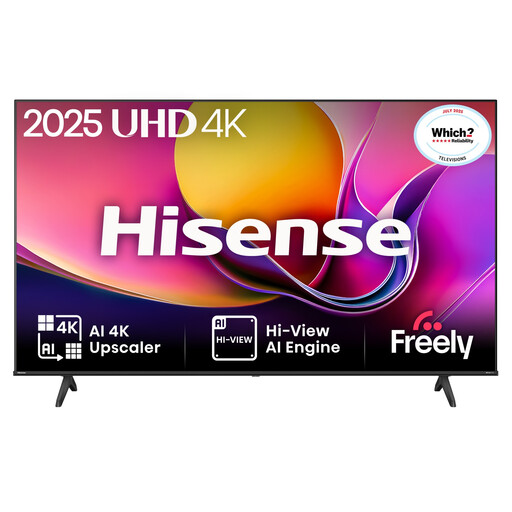
Hisense 43E6QTUK Direct LED 4K HDR Smart VIDAA TV

Hisense 43E6QTUK Direct LED 4K HDR Smart VIDAA TV

For integrated UK on-demand viewing, the listing describes Freely over Wi-Fi and names Netflix, Prime Video and YouTube; confirm your essential apps on the exact model.

The 43-inch model is listed as 4K with VIDAA OS, Wi-Fi, HDMI and USB connections. Its title also specifies AI 4K Upscaler, AI Smooth Motion and Game Mode PLUS.

Joybuy
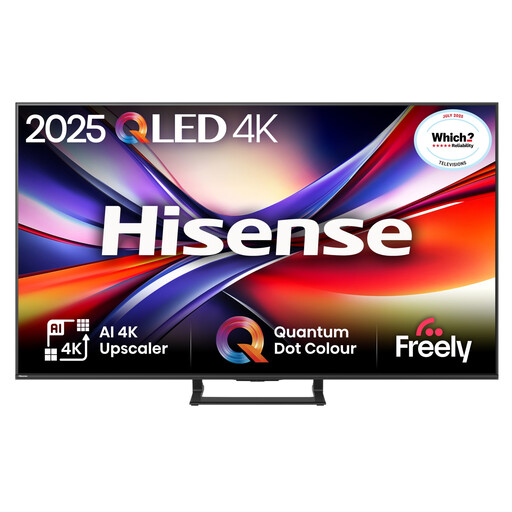
Hisense 50A7QTUK QLED 4K HDR Smart VIDAA TV

Hisense 50A7QTUK QLED 4K HDR Smart VIDAA TV

For a built-in streaming setup, the listing describes VIDAA OS with Freely and names Netflix, Disney+ and YouTube; check each required app on this model.

The 50-inch model is listed as 4K HDR with Wi-Fi, HDMI and USB connections, and hands-free voice control. Its title also specifies Dolby Vision, Dolby Atmos, AI 4K Upscaler, AI Smooth Motion and Game Mode PLUS.

Joybuy

Frequently asked questions

Does Freeview Play guarantee every streaming app on a particular TV?

No. Freeview describes broadcaster catch-up players in its guide but warns that service and player availability can differ between products. Check the exact UK model for the services you require.

Will adding an HDMI streaming player mean I need a new TV?

Not necessarily. If your existing TV has a suitable HDMI input and still meets your viewing needs, a streaming player is an alternative. Check the player's power, internet and account requirements as well as its current UK apps.

What should I check if I need subtitles, audio description or a soundbar?

Check the required accessibility controls on the exact TV and in the apps you use. For a soundbar, check compatible connections on both devices; HDMI eARC is an audio connection method, not proof that dialogue will sound clearer.

What UK security rules apply to connected TVs?

GOV.UK guidance says the consumer-connectable-product security regime took effect on 29 April 2024 and applies to relevant internet- or network-connectable consumer products, subject to specified exceptions. It sets baseline obligations for businesses in the supply chain; it does not establish that an individual TV is compliant or that its apps will remain supported. Check the product's documentation and declared update period.

What should I check before relying on a TV's streaming apps for years?

Check the exact model's current UK app availability and the manufacturer's stated security-update period. Neither a platform name nor an app list guarantees future support for every third-party service.