Households with a working but ageing TV
If the picture and HDMI connection still suit you but the built-in apps do not, compare an external stick or player before replacing the screen.


Keep a suitable TV and add a streaming stick or media player if the main problem is its ageing interface or missing apps. Consider replacing the TV when the screen, picture, HDMI connections or reliability no longer meet your needs; whichever route you take, check the exact device and software version for the UK player apps and accessibility features your household uses.
If the picture and HDMI connection still suit you but the built-in apps do not, compare an external stick or player before replacing the screen.
If BBC iPlayer, ITVX or Channel 4 is part of your regular viewing, check each service against the exact device, model and software version. ITV publishes device-specific support conditions for ITVX.
If spoken navigation, captions or audio description are essential, check both the device controls and the player app. A system feature does not establish access to every programme.
Decide whether the screen itself needs changing, then check the services and installation requirements of the platform you would use.
| Priority | What to check | Your needs |
|---|---|---|
| Keep or replace the screen | Check the existing TV’s picture, size, reliability and usable HDMI inputs. An external device changes the streaming interface, not the panel or its connections. | My current screen still suits the room, so I would rather change its app interface than replace the TV. |
| UK player apps | Check each required app against the exact model and software version. ITV’s ITVX support list distinguishes platforms and model years; a platform name alone is not enough. | BBC iPlayer, ITVX or Channel 4 is part of our viewing, and I need the players we use on the device we buy. |
| Accessible use | Check spoken setup and navigation on the device, then captions and audio description in the individual apps and programmes. ITV lists audio-description support by platform. | Someone in the household relies on an access feature, so I need to know it works at the point where they will use it. |
| Connections and setup | Check HDMI space, power and Wi-Fi reach; consider a player with Ethernet if you have a suitable wired connection. Google says Google TV Streamer requires a separately sold certified HDMI 2.1 cable, while Apple says Apple TV 4K requires a separately sold HDMI cable. | A compact stick would suit my TV area, or I have a wired network connection I want the player to use. |
| Live and catch-up TV | If an integrated UK TV guide matters, check the exact TV or set-top box for the required services. ITV lists Freely, Freesat and Freeview Play among ITVX-supported platforms, with device-specific conditions. | We want live and catch-up public-service programmes alongside streaming apps, not just an on-demand menu. |
A new display may be unnecessary if the present picture and HDMI input meet your needs; a streaming device can provide another app interface.
Assess the screen first. If it still suits the household, compare compatible sticks and players before deciding to replace it.
ITV’s ITVX device guidance sets different platform, model-year and software conditions. A smart-TV label cannot establish support for the exact set you are considering.
Check the current UK support pages for the apps you watch and match their requirements to the device’s model and software.
A device’s screen reader or caption setting does not mean every app and programme provides the same service. ITV lists audio-description availability by platform.
If an access feature is essential, check the relevant app, programme type and device together, including how the device is set up.
An external player needs a suitable display connection and network arrangement. GOV.UK says a TV Licence is required to watch or record live television, or to watch on-demand BBC programmes on iPlayer.
Check the HDMI input, cable, power and network setup before choosing a device, and assess your viewing against GOV.UK’s TV Licence guidance.
Google TV Streamer requires a separately sold certified HDMI 2.1 cable; Apple TV 4K also requires a separately sold HDMI cable, according to their manufacturers.
These examples help narrow down platform checks; a brand’s features do not establish app or accessibility support on every device it makes.
A plug-in Fire TV route for a household keeping an HDMI-equipped TV.
A compact stick route for adding a streaming interface to an HDMI TV.
A separate Google TV player route where Ethernet or Google TV controls matter.
A separate Apple TV 4K player route for households considering its interface and accessibility controls.
An integrated smart-TV route when the household needs to replace its display.
These options cover replacing the display with a smart TV or adding a Roku streaming stick to a suitable existing TV. Check the exact UK apps you need before choosing either route.
 No image available
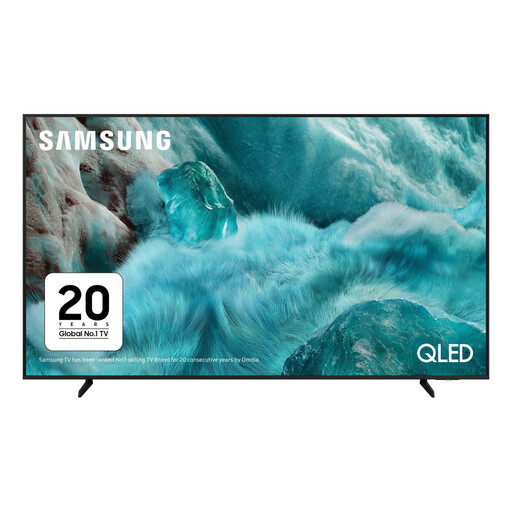
Consider this when replacing the display is part of the decision. Check that a 75-inch screen fits your space and that the exact TV supports your required UK player apps.
 No image available
An add-on option if your existing TV has a suitable HDMI input and you want to keep its screen. Check the exact UK app and software requirements; if spoken navigation is essential, confirm its availability on this model.
 No image available
A display-replacement option for a household considering a 70-inch screen. Check its fit in the room and confirm current UK app and Freeview Play support for the exact model before relying on those services.
 No image available
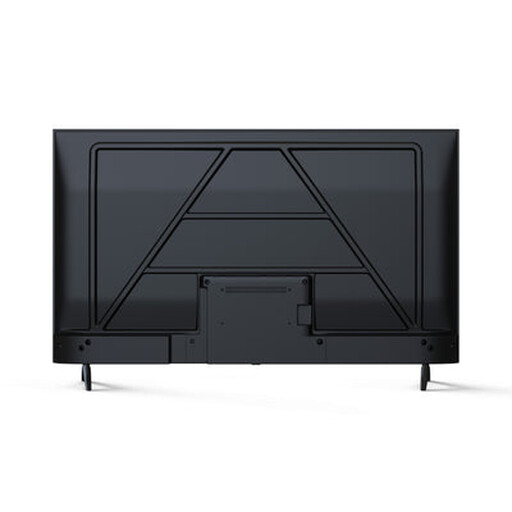
A 50-inch display-replacement option; its title also specifies Direct-LED, 60 Hz, HDR10 and Wi-Fi. Check which platform the exact TV uses and whether it carries your required UK player apps.
 No image available
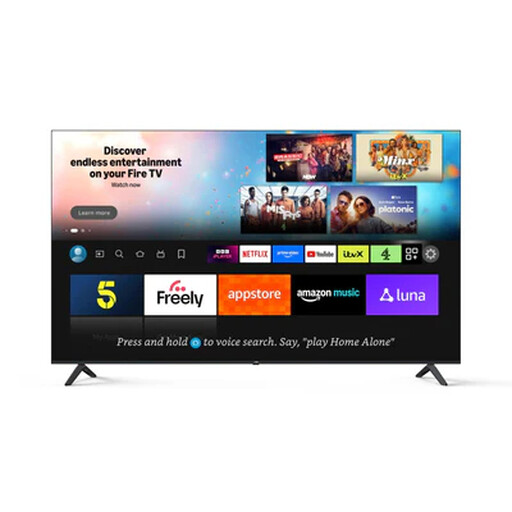
A 50-inch option if you are replacing the screen; the product title specifies QLED and Wi-Fi. Confirm the exact TV platform and support for the UK player apps your household watches.
Not if your current display still suits you and has a usable HDMI input: a compatible stick or player can provide another app platform. Replace the TV if the screen, picture, connections or reliability are themselves the problem.
Start with the services your household uses, such as BBC iPlayer, ITVX and Channel 4. ITV publishes platform-specific ITVX conditions, so check the exact device and software version rather than assuming every device on a platform has identical support.
No. Device settings and access features within an app or programme are separate; ITV lists audio-description support on particular platforms and says it is still being added to others. Check the specific service and device if an access feature is essential.
The device does not determine the requirement. GOV.UK says you need a TV Licence to watch or record programmes as they are broadcast, or to watch on-demand BBC programmes on iPlayer.
Check the display’s HDMI input, power and the network connection the chosen device requires, as well as cable inclusion. Google specifies a separately sold certified HDMI 2.1 cable for Google TV Streamer; Apple specifies a separately sold HDMI cable for Apple TV 4K.