Choose a phone around the task that matters most to your review: capturing usable route evidence, staying operational outdoors or using the device with the reviewer’s accessibility settings. Camera, battery and mapping features can support an inspection, but photographs and navigation cannot establish whether a route suits every visitor; record its physical conditions separately.
Who is this for?
Route-evidence reviewers
People photographing or filming surfaces, gates, signs, narrow points and obstacles, then organising those records with location context. The Department for Transport’s Inclusive Mobility guidance identifies physical route factors that a photograph alone may not establish.
All-day outdoor inspectors
People walking a campsite for an extended visit who need to keep notes and maps available despite battery demands, changing weather or unreliable mobile coverage. Google Maps Help explains how to download an area for offline use before setting out.
Reviewers needing accessible phone operation
People who use a screen reader, magnification or display adjustments to read maps, take photographs and complete inspection forms. Apple Support documents iPhone vision features, while Google Android Accessibility Help documents TalkBack; the chosen apps still need to work with the reviewer’s settings.
What matters when choosing?
Start with the task that would most disrupt the review if the phone could not do it: retaining clear evidence, lasting through the visit or remaining usable with the reviewer’s access settings.
| Concern | What to check | Who this matters to |
|---|
| Route evidence |
Check whether the camera captures both details and wider route context, and whether the inspection app retains the photographs, notes and location information you need. Choose storage for your recording and retention process. |
If I need to show a gate or uneven surface in context, I need records that colleagues can examine later, not just an overview photograph. Around 42% of consumers would put evidence capture first. |
| Outdoor continuity |
Consider battery demands during mapping and recording; download the required map area before the visit and check the exact model’s water-resistance rating. |
When I am away from charging and mobile coverage is patchy, losing the map or inspection notes could interrupt the visit. For roughly 33% of consumers, staying operational would be the primary concern. |
| Accessible operation |
Try the exact handset and inspection apps with the reviewer’s screen reader, magnification, display settings or other required equipment. |
If I cannot read the map or complete a form with my usual settings, camera features will not solve that problem. Accessible operation would come first for around 25% of consumers. |
A phone helps collect evidence rather than measure or certify a route. The Department for Transport’s Inclusive Mobility guidance addresses factors including gradients and clearance, as well as differing needs among people with mobility or visual impairments. Record relevant conditions for each route segment before describing who may be able to use it.
Mistakes to avoid
-
Treating a photograph or map as an accessibility verdict
A route can look passable in an image while a gradient, narrow point, loose surface or barrier affects a visitor. The Department for Transport’s Inclusive Mobility guidance addresses physical conditions that need more than an overview photograph.
Record relevant measurements and conditions by route segment, along with the date and weather. Describe the findings and the access needs considered rather than claiming suitability for everyone.
-
Assuming IP68 makes outdoor handling worry-free
An ingress rating applies to the specified model and does not remove risks from drops, damaged seals or use outside its stated conditions.
Check the exact phone’s rating, protect it against impacts and keep charging connections dry. Treat water resistance as a precaution, not an invitation to expose the phone unnecessarily.
-
Waiting until arrival to check offline maps
Saved locations and map details may be harder to reach when coverage is weak and the relevant area has not been downloaded.
Follow Google Maps Help’s instructions to download the area while connected, then check that it opens before travelling. Keep a separate inspection checklist.
-
Testing phone accessibility but not the inspection app
Built-in tools do not guarantee that a third-party map, website or reporting form works with the reviewer’s settings.
On the exact handset, try opening a map, taking a photograph, adding a note, completing the form and retrieving the record using those settings.
Relevant brands to consider
These model examples illustrate different workflow considerations; a brand name alone does not establish how a reviewer’s apps or access settings will perform.
Google Pixel
The Pixel 9a is an Android example for reviewers weighing camera coverage, battery capacity and outdoor protection alongside their mapping workflow.
- Google Store UK lists a 5,100 mAh typical battery, 48 MP wide and 13 MP ultra-wide cameras, IP68 resistance and 128 GB or 256 GB storage for Pixel 9a.
- Google’s 30+ hour battery-life figure is a manufacturer claim, not a prediction for a day of bright-screen mapping and repeated recording.
Samsung Galaxy
The Galaxy S25 is an Android example for reviewers who want to assess a 6.2-inch handset with several rear-camera options.
- Samsung UK lists a 6.2-inch display and 50 MP, 10 MP and 12 MP rear cameras, including 3x optical zoom, for Galaxy S25.
- Those specifications do not establish better route records for every campsite; check handling and the actual inspection workflow.
Apple iPhone
The iPhone 16 is an iOS example for reviewers whose existing work process or assistive setup centres on iPhone.
- Apple UK lists up to 2,000 nits outdoor brightness, IP68 resistance and main and ultra-wide cameras for iPhone 16. Apple Support documents VoiceOver, Magnifier and Zoom on iPhone.
- Built-in accessibility features do not establish that a particular campsite website or inspection app is accessible.
Joybuy phones for route reviews
These phones offer different starting points for documenting a campsite route or managing an outdoor visit. Compare each variant against your recording process, map and inspection apps, and the reviewer’s access settings; none replaces an on-site assessment of route conditions.
 No image available
Google Pixel 9a, 128 GB, Obsidian
Consider this Pixel 9a variant if the review involves photographs of both route details and their wider setting.
Google Store UK lists 48 MP wide and 13 MP ultra-wide cameras, a 5,100 mAh typical battery and IP68 resistance for Pixel 9a. Its 30+ hour battery-life figure is a manufacturer claim, not an inspection-day guarantee.
Check that your mapping and inspection apps work with the reviewer’s required settings.
Joybuy
 No image available
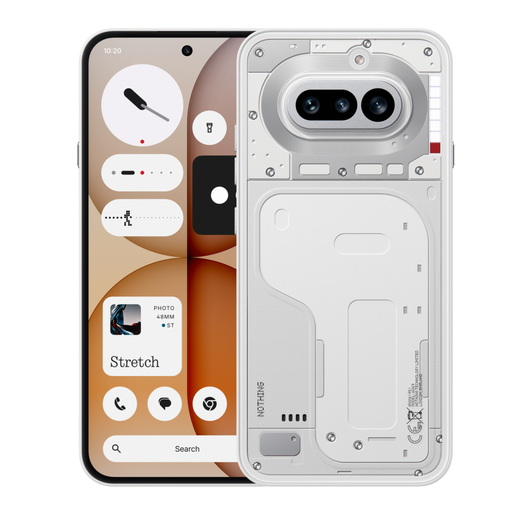
Nothing Phone (4a), 12+256GB, White
Consider this variant if keeping photographs and inspection records on the handset is central to your workflow.
The product is identified as the 12+256GB White variant. Before relying on particular camera or outdoor features, confirm the exact configuration and try your review apps with the required accessibility settings.
Joybuy
 No image available
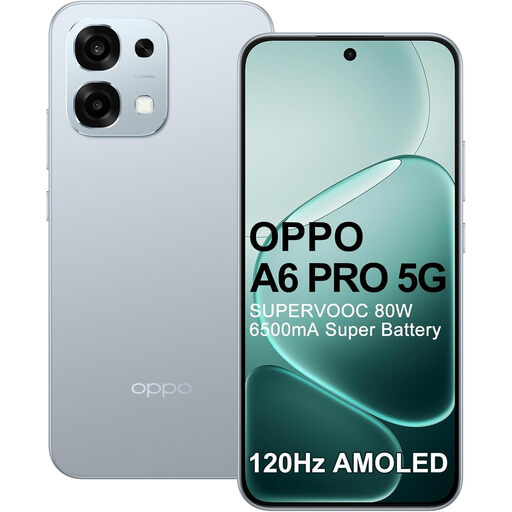
OPPO A6 Pro 5G CPH2781 Europe, 8 GB/256 GB, Lunar Titanium
Consider this variant if you want to assess a larger display for viewing notes and maps during an outdoor review.
Its product name specifies a 6.57-inch AMOLED display, 6,500 mAh battery, 50 MP camera and IP69 rating. Confirm whether its camera arrangement and your required mapping and inspection apps suit the work before purchase.
Joybuy
 No image available
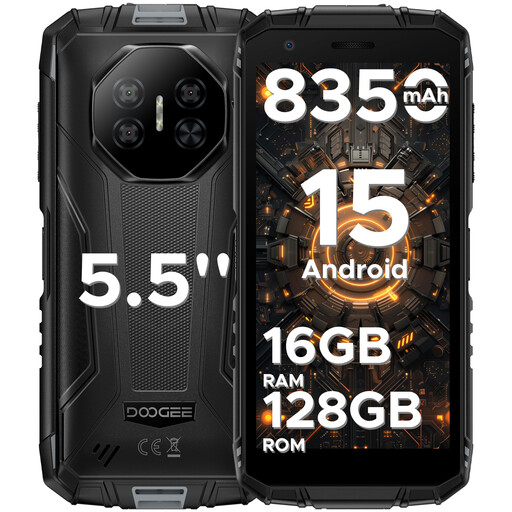
DOOGEE Fire 3 Pro Android 15, 16GB+128GB/2TB
Consider this phone if battery capacity and a smaller display are priorities for carrying the device around the site.
Its product name specifies an 8,350 mAh battery, 5.5-inch HD+ display, 16 MP camera and IP68/IP69K ratings. Battery capacity alone does not establish runtime while recording video and using maps; test the required apps and confirm the camera features your evidence process needs.
Joybuy
 No image available
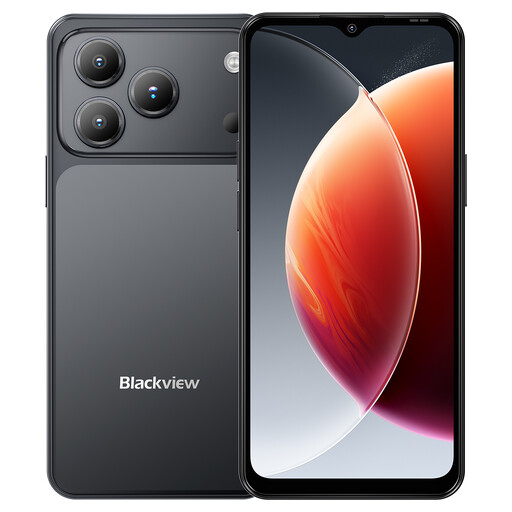
Blackview Wave 7C Android 16, 4 GB + 12 GB RAM, 128 GB, Black
Consider this variant if GPS and local storage are part of your route-recording process.
Its product name specifies GPS, 128 GB storage, a 5,000 mAh battery, a 6.56-inch display and IP54 protection. Confirm the camera arrangement and screen visibility for your conditions, and download the map area before visiting a low-signal site.
Joybuy
Questions about campsite route reviews
Can a smartphone establish that a campsite route is accessible?
No. It can record photographs, video, notes and location context, but suitability depends on the route’s physical conditions and visitors’ access needs. The Department for Transport’s Inclusive Mobility guidance addresses factors such as gradients and clearance; record relevant conditions explicitly rather than treating an image as a verdict.
What should I do before reviewing a route with weak mobile signal?
Download the relevant map area while connected and check that it opens before travelling, following Google Maps Help’s offline-map guidance. Plan for the power demands of prolonged camera use, navigation and a bright screen rather than relying on a published battery-life claim as a guarantee.
Is Android or iPhone more suitable for a reviewer using accessibility features?
Choose the system that lets the reviewer complete the actual inspection tasks with their assistive setup. Apple Support documents iPhone features including VoiceOver, Magnifier and Zoom; Google Android Accessibility Help documents TalkBack, whose setup can vary by device and software version. Try the exact handset, map and reporting app with the required settings before purchase.


