What matters when choosing?
Start with the entry method stated on your booking. Once the required app or wallet is clear, choose the display and battery specification that fit the rest of your day.
| Concern |
What to check |
Who this matters to |
| Access to the valid ticket |
Check the issuer’s required app or browser method, account sign-in and whether it offers an eligible wallet pass. |
If I reach the gate with weak signal, I need the ticket in the form the issuer accepts, not just an image saved on my phone. Around 42% of consumers put reliable ticket access first. |
| Outdoor readability |
Compare the exact model’s display size and stated brightness; consider text size and one-handed handling too. |
When I am checking an entry time or code outside, I want to read it without struggling with the screen or my grip. Roughly 33% of consumers make outdoor readability their main concern. |
| Battery for a day out |
Compare stated battery capacity, then consider your use of maps, messages and ticket apps between charging opportunities. |
If my phone is also guiding me through the trip, I need it working when it is time to enter. About 25% of consumers prioritise battery needs for the day. |
Smartphones on Joybuy
These smartphones offer different screen sizes, platforms and stated capacities to consider for ticket checks and day trips. Before choosing one, confirm that your attraction’s ticket method works on the exact handset you intend to use.
 No image available
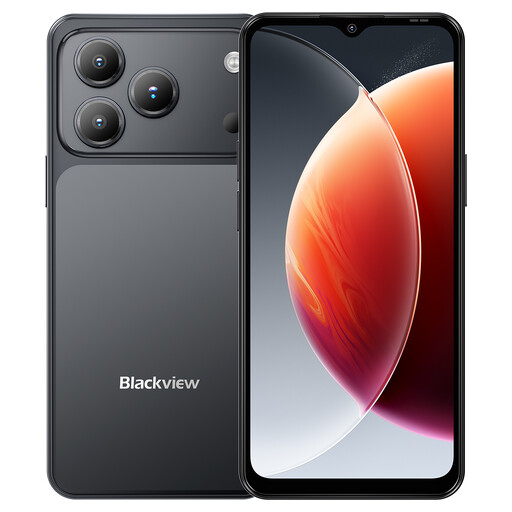
Blackview Wave 7C Android 16, 128GB, Black
Consider this Android phone if you want a stated 6.56-inch display for viewing ticket details. Its title also lists a 5,000mAh battery and 4G Dual SIM; capacity alone does not establish how long it will run during your trip.
Check the attraction’s app or wallet requirements and whether the screen is comfortable for you to read outdoors.
View on Joybuy
 No image available
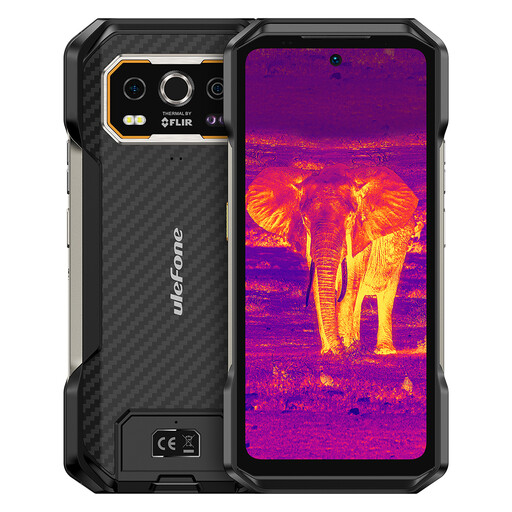
Ulefone Armor 27T Plus 4G, 256GB
Consider its stated 6.78-inch FHD+ display if you prefer a larger area for ticket details. The title lists Android 15, NFC and a 10,600mAh battery, but NFC does not confirm support for your ticket pass and capacity is not a measured running time.
Check the issuer’s entry method and whether the handset’s size suits the way you will carry and handle it.
View on Joybuy
 No image available
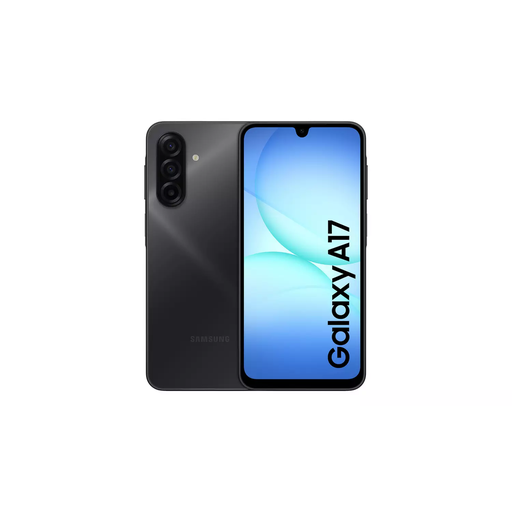
Samsung Galaxy A17 5G A176 Dual SIM, 4GB/128GB, Grey
Consider this Galaxy A17 variant if you are choosing a handset for an Android ticket-app workflow; confirm that the issuer supports the app and entry method you need.
The product title identifies the A176 Dual SIM variant with 4GB and 128GB. Check the exact variant’s display and battery details against your outdoor and day-trip needs.
View on Joybuy
 No image available
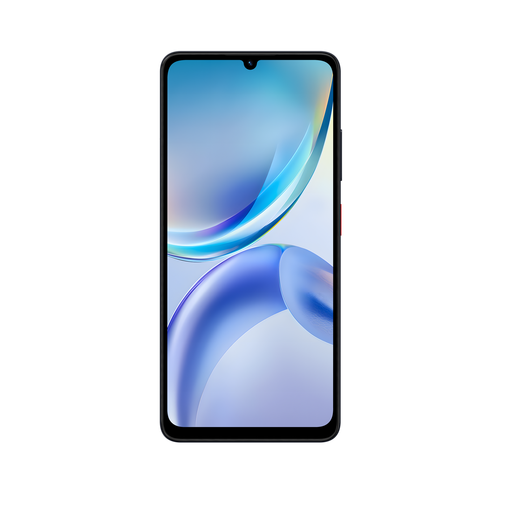
ZTE Blade A36, 4GB/128GB, Black
Consider the Blade A36 when comparing handsets for ticket checks, but confirm the issuer’s required app or wallet method before relying on it for entry.
The product title identifies this as the Black 4GB/128GB variant. Check its display and battery specifications for your intended day out rather than assuming that storage determines ticket readability or running time.
View on Joybuy
 No image available
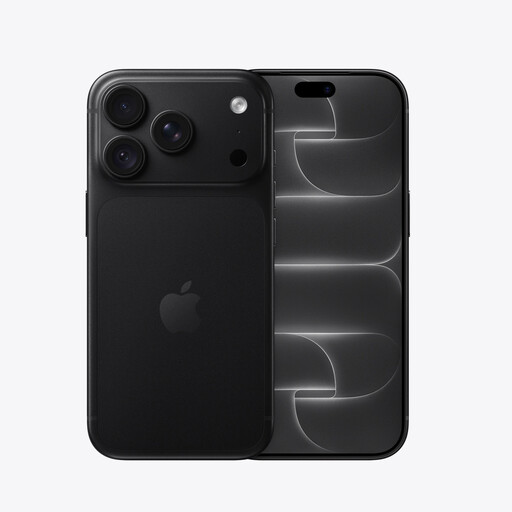
iPhone 18 Pro, 256GB, Black
Consider this iPhone variant if your booking uses an iPhone-compatible app or an eligible Apple Wallet pass. Check the issuer’s instructions for the actual ticket before relying on either method.
The title identifies the 256GB Black variant. Confirm the exact model’s display and battery details for your trip rather than relying on a running-time claim.
View on Joybuy
Frequently asked questions
Can I use a screenshot of my attraction or event ticket?
Do not rely on a screenshot unless your ticket issuer expressly accepts one. Ticketmaster says screenshots cannot be used for its Mobile Entry tickets, and its moving barcodes can refresh. Follow the instructions for your particular booking.
What should I do if the venue has weak mobile signal?
Check the ticket’s access instructions before travelling and add it to a mobile wallet if the issuer offers that option. Ticketmaster recommends an eligible wallet pass to help avoid connectivity problems at the venue; do not assume every ticket can be accessed offline.
Will any iPhone or Android phone work with my ticket?
Not necessarily: the accepted method depends on the attraction or ticket issuer and your booking. Check whether you need its app, a browser ticket or a supported wallet pass, and confirm that your intended handset can use that method.
Do I need a large screen to show a QR code?
A large screen is not automatically required, but it may make booking details easier for you to read. Compare text size, outdoor visibility and one-handed handling on the handset you are considering; the venue’s accepted scanning method still takes priority.
What after-sales details should I check for a ticket-use phone?
Check the seller’s warranty and returns terms for the exact handset, along with its condition, network compatibility and whether it is unlocked. Confirm these details for the model and seller you choose rather than assuming they are identical across listings.


