What matters when choosing?
Choose the screen format around how much of the park you need to inspect at once, then weigh carrying comfort and offline-map preparation. The display figures below are manufacturer specifications, not a test of readability in a moving carriage.
Large foldable workspace
Consider it when: You regularly inspect a dense layout and want to open a larger map view; Samsung lists a 7.6-inch main display for the Galaxy Z Fold8.
Trade-off: You must be comfortable carrying, opening and using a folding device, not just viewing its unfolded screen.
Large conventional phone
Consider it when: You want a broad, single-panel map view without a folding mechanism; Google lists a 171 mm display for the Pixel 10 Pro XL.
Trade-off: Check whether a large handset is comfortable to hold and carry throughout your journey.
Lighter conventional phone
Consider it when: You make shorter map checks and put carrying comfort ahead of maximum visible area; Apple lists the iPhone 17 at 177 g with a 6.3-inch display.
Trade-off: Expect to zoom or pan more often when examining a detailed layout.
| Concern |
What to check |
Who this matters to |
| Map workspace |
Compare the usable display, resolution and device dimensions; if possible, view a detailed map on each screen before choosing. |
If I need to follow small paths and find entrances across the park, I want enough of the layout visible without constant panning. Around 37% of consumers put map workspace first. |
| Offline access |
Check whether your chosen mapping app can save the required area, and download or refresh it over Wi-Fi before travelling. |
When the train connection drops, I still need to open the park area I saved. For around 36% of consumers, dependable offline access is the primary concern. |
| Carry and charging |
Check the handset’s weight and dimensions, plus the charger needed for any charging feature you intend to use. |
I make occasional map checks and would rather carry a manageable phone than maximise screen area. Carrying and charging practicality come first for around 27% of consumers. |
Smartphones to consider on Joybuy
These choices cover folding and conventional phones for different map-viewing and carrying preferences. Compare the exact variant you intend to buy, and check offline-map use with your preferred app before travel.
 No image available
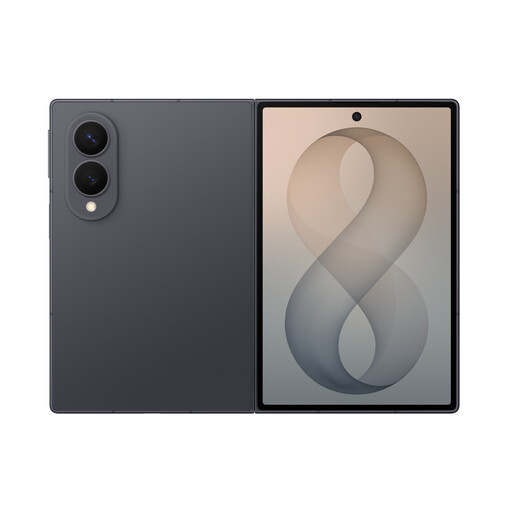
Samsung Galaxy Z Fold8 Graphite 256GB
Consider this folding model if opening a larger map view matters more to you than keeping to a conventional handset. Samsung lists a 7.6-inch main display and 201 g weight for the Galaxy Z Fold8; assess the folded size and take care with the folding screen.
View on Joybuy
 No image available
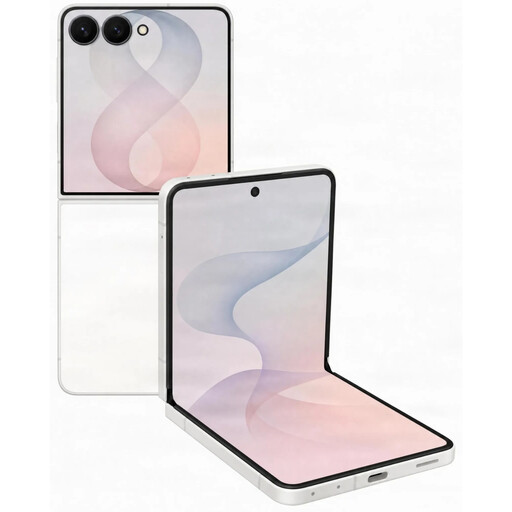
Samsung Galaxy Z Flip8 5G 512GB Cream
Consider the Flip8 if you want a phone that folds down between map checks. Check its opened map view and folded handling for yourself, and confirm what charging accessories come with this variant.
View on Joybuy
 No image available
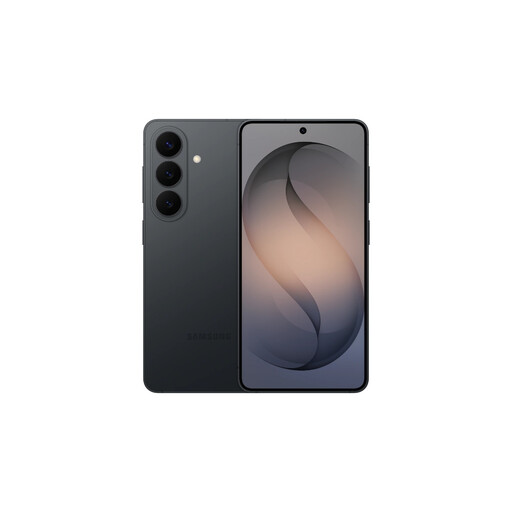
Samsung Galaxy S26 Black 12GB 256GB
This conventional-phone option is worth considering for occasional map checks if carrying a larger handset is less appealing. Compare its screen with a detailed park map before deciding how much visible area you need, and check the included charging accessories.
View on Joybuy
 No image available
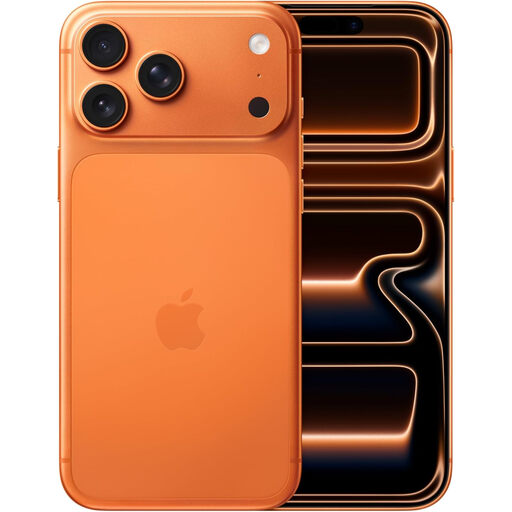
Apple iPhone 17 Pro Max 256 GB Cosmic Orange
Consider this conventional iPhone if you prefer a larger map view without a folding screen. Check whether its size and weight suit your journey, and confirm the applicable battery specification before relying on a video-playback figure.
View on Joybuy
 No image available
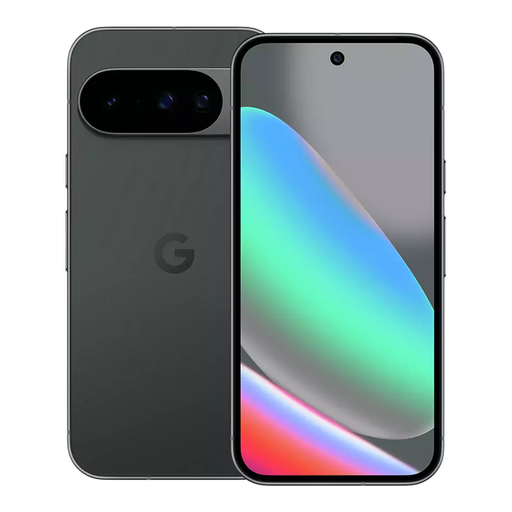
Google Pixel 10 128GB Obsidian
This conventional Pixel may suit shorter map checks when you do not need the broadest viewing surface. Compare the map detail you can see at your usual zoom level, and make sure your preferred app can save the area you need.
View on Joybuy
Common questions
How can I keep a park map available when train signal is weak?
Download the required area in a mapping app before you travel, then check that the saved map opens. Google Maps Help says a downloaded area can be used when the internet is slow or unavailable, provided the area you need is within the saved map.
Will an offline Google Map still give walking directions?
No. Google Maps Help says walking, cycling and public-transport directions are unavailable offline. Save the park area for viewing, but check the station-to-park directions while connected or keep those route details separately.
Can I count on mobile coverage throughout a train journey?
Do not rely on continuous coverage for a map you need during the journey. Ofcom reported poor mobile performance in 58% to 83% of its train tests, depending on the network; its coverage checker can help you examine your usual areas, but downloading the map beforehand remains a useful precaution.
What should I do if a newly bought phone is faulty?
Raise the fault with the seller rather than treating a change-of-mind returns policy as your only option. GOV.UK explains that consumer rights protect purchases of goods and directs people seeking faulty-goods advice to Citizens Advice in England and Wales, Advice Direct Scotland or Consumerline in Northern Ireland.


