What matters when choosing
Start with how you will get current diversion information in the hotel, then plan for a weak connection and decide whether a second mobile line would help.
| Concern |
What to check |
Who this matters to |
| Live diversion information |
Check the network used by your plan and compare predicted coverage at the hotel postcode with Ofcom’s checker. Its indoor prediction is a guide, not a guarantee for a particular room. |
I need to see current traffic and diversion changes before setting off, rather than rely on a saved route. Around 42% of consumers put live-data access first. |
| Offline route fallback |
Check available storage and whether your map app can download an area covering the whole intended route. Google Maps Help says offline guidance has limits, including for some travel modes. |
When the connection drops, I still want driving guidance for the route I prepared. Around 33% of consumers prioritise an offline fallback. |
| Flexible data access |
Check the exact model’s SIM arrangement, provider support and unlocking status if you intend to add another plan; compare its stated update policy if you plan to keep the phone for years. |
I want to retain my normal number while adding a data line, and I expect to use the phone beyond this trip. For around 25% of consumers, that flexibility is the primary concern. |
Joybuy smartphones for route checks
These smartphones offer different stated storage and SIM configurations for preparing a diversion check. Match a phone to your plan and map needs, and check the hotel’s predicted network coverage separately.
 No image available
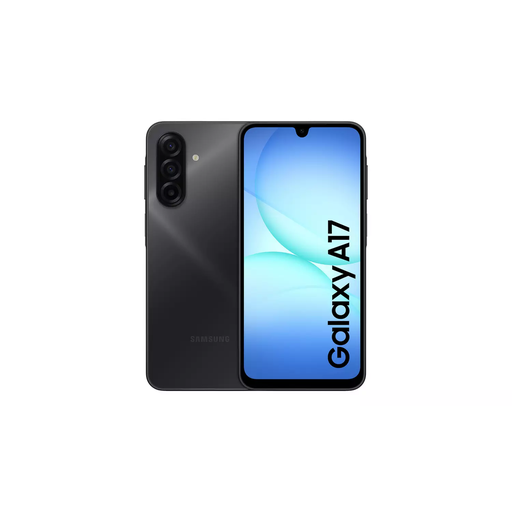
Samsung Galaxy A17 5G A176 Dual SIM, 4GB 128GB, grey
Consider this variant if you want to check whether two SIM lines could keep your usual number and a separate data plan available.
The product name specifies Dual SIM, 4GB memory and 128GB storage. Confirm the SIM formats and compatibility with your intended provider, and check free space before downloading maps.
View on Joybuy
 No image available
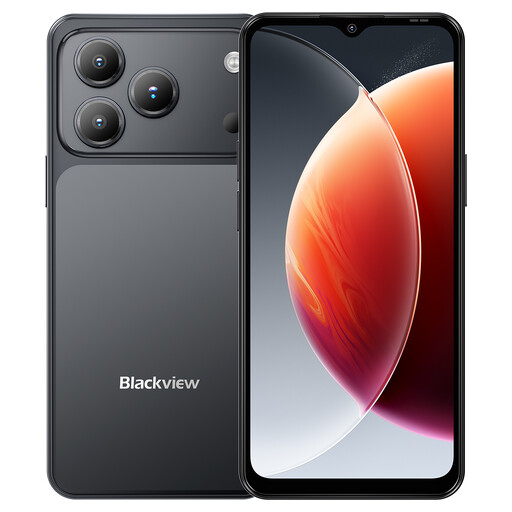
Blackview Wave 7C Android 16, 128GB, black
Consider its stated dual-SIM arrangement if you want to keep a regular line while checking whether another data plan suits your hotel location.
The product name specifies 4G Dual SIM, 128GB storage, a 6.56-inch display and GPS. Its advertised 16GB memory combines 4GB RAM with 12GB of additional memory; do not treat that as 16GB of physical RAM. Confirm provider compatibility and available space for your maps.
View on Joybuy
 No image available
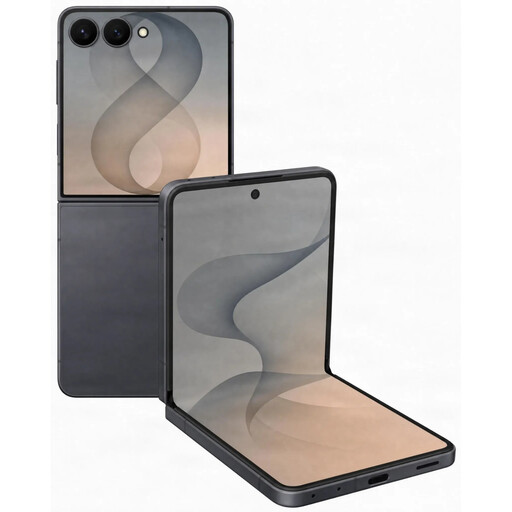
Samsung Galaxy Z Flip 8 5G, 512GB, graphite
Consider this model if you want its folding form and need to assess whether the exact variant can accommodate your intended data plan.
The product name specifies 5G and 512GB storage. Check the exact SIM or eSIM arrangement, provider compatibility and free space for downloaded maps before relying on it for the trip.
View on Joybuy
 No image available
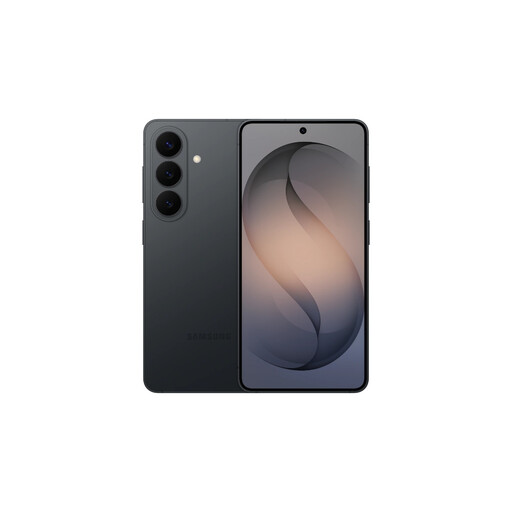
Samsung Galaxy S26, 12GB 256GB, black
Consider this variant if its storage configuration suits your maps and other apps, while checking its exact mobile-plan options separately.
The product name specifies 12GB memory and 256GB storage. Confirm the SIM arrangement, intended provider’s compatibility, available map space and navigation features important to you.
View on Joybuy
 No image available
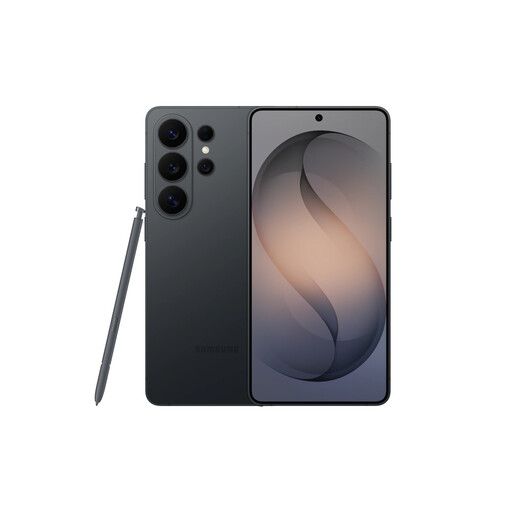
Samsung Galaxy S26 Ultra, 12GB 512GB, black
Consider this variant if you want its stated storage capacity for maps and other files, but assess its fit for the route-checking task rather than relying on the model name.
The product name specifies 12GB memory and 512GB storage. Check usable space, the exact SIM arrangement, provider compatibility and any navigation features you require.
View on Joybuy
Frequently asked questions
Will a 5G phone get a good signal in my hotel room?
A 5G label cannot guarantee indoor reception. Ofcom lets you compare predicted provider coverage for the hotel postcode, but says its in-home results are only a guide and are averaged across a postal district.
What should I do if the hotel connection may fail?
Download a map area covering the hotel and expected driving route while you are connected. Google Maps Help says offline guidance works within the saved area, but transit, cycling and walking directions are unavailable offline; reconnect to check current diversion information.
Can I keep my number and add another data plan?
You can do so if the exact phone variant and providers support the required two-line arrangement. Apple Support documents physical-SIM-plus-eSIM and dual-eSIM options on supported iPhones, while Samsung UK says Galaxy eSIM availability varies by country and carrier; check the plan and unlocking status before buying.
Can I check a changed diversion while driving?
Do not hold and use the phone while driving. GOV.UK states that handheld use of a phone or sat nav while driving is illegal in the UK; set the route before moving and stop safely before handling the device to change it.
Do I need a flagship phone just to check diversions?
A flagship model is not required merely to check a diversion. For a hotel-room check, prioritise a suitable connection and mapping access, then check offline-map space, any second-line requirements and whether the display works for you; camera or processor specifications cannot fix poor indoor reception.


