Choose a smart monitor if you mainly want to stream fixtures without starting a computer, provided your sports service works on that monitor. Choose a conventional monitor if a PC or console already supplies your viewing content; if you need to make recordings from a compatible HDMI source, the setup also needs a suitable capture device, computer and software. A monitor is the display in that recording setup, not automatically the recorder, and the source’s technical and permission requirements still matter.
Who each setup suits
Students who want sport on one screen
A smart monitor may suit a room used for both coursework and streaming, as long as the required sports app is available. Samsung and LG describe direct streaming functions on their smart-monitor ranges; those functions do not establish access to every sports service.
Students planning to record from an HDMI source
If the aim is to make a recording rather than simply watch, the monitor needs to fit the wider source-to-capture-device-to-computer setup described by Elgato. Check the source signal and recording permissions before choosing equipment.
PC or console users who also watch sport
A conventional desk monitor may suit someone whose computer or console handles playback and whose screen also serves study or gaming. Size, stand adjustment and device connections can matter more here than built-in streaming software.
What to check before choosing
Start with where the fixture comes from and whether you need to watch it, use an official replay or make a separate recording. That determines whether built-in apps, an external playback device or a compatible capture workflow is relevant.
| Concern |
What to check when buying |
Who this matters to |
| Direct access to sport |
Check the exact sports app or service on the monitor, including any account requirement, and confirm the connections needed for coursework devices. |
If I want to switch from studying to a fixture without starting my laptop, access to my actual service matters more than a general smart-TV label. Around 42% of consumers put that convenience first. |
| Making a recording |
Identify the source, then check its technical and permission requirements and the complete capture-device, computer and software chain. |
When I need my own recording, watching a stream on the monitor will not meet that need; I have to establish whether my source can enter a permitted capture workflow. Making a recording is the primary concern for around 33% of consumers. |
| Shared study and gaming desk |
Measure the available space and check the stand and video connection against the PC or console; assess refresh rate against that device’s output. |
If the same desk is for coursework, games and sport, I need a screen that fits the space and works with my existing device. Around 25% of consumers prioritise that mixed use. |
Mistakes to avoid
-
Assuming a smart monitor records fixtures
Direct streaming and making a local recording are different functions. In Elgato’s documented HDMI workflow, a capture device sends the source signal to a computer for recording while passing video to the display.
Write down the intended source first. For an HDMI device, check the entire capture chain and whether recording is permitted; for a broadcaster app, check that service’s own replay or download options rather than assuming HDMI capture is possible.
-
Expecting a higher refresh rate to improve every sports stream
A monitor’s 100Hz, 120Hz or 144Hz specification describes the display, not the frame rate supplied by a sports service. A higher-refresh model does not turn a lower-frame-rate stream into higher-frame-rate content.
Check service access and source compatibility first. Consider higher refresh rates for other uses when your connected PC or console can supply a suitable signal.
-
Assuming a monitor avoids TV Licence requirements
TV Licensing says UK viewers need licence coverage to watch or record live TV as it is shown on a TV or streaming service, regardless of device. Its student guidance says a room in halls needs coverage.
Check the coverage for your accommodation before watching or recording live fixtures, and check the separate BBC iPlayer requirement if you use that service.
Brands to consider for these setups
Samsung
Samsung’s M7 M70F is an example of the smart-monitor route for a shared study and viewing screen.
- Samsung lists a 32-inch 4K display, Smart TV Apps and Samsung TV Plus live and on-demand channels for the M7 M70F.
- Those features do not establish availability of a particular sports provider, event or recording function.
LG
LG’s 32U501SB-B illustrates a smart monitor that can also take connected PC or console sources.
- LG lists webOS, a 120Hz panel and two HDMI ports for this model.
- LG says smart-service features can vary by country, region and language; network-based services require an LG Account and acceptance of terms. Check the specific sports app before buying.
BenQ ZOWIE
The ZOWIE XL2411K illustrates a conventional monitor for a PC or console desk setup rather than a built-in streaming route.
- BenQ ZOWIE lists a 24-inch 144Hz panel, a smaller base and stand adjustment for the XL2411K.
- Its gaming-focused specifications do not establish built-in sports apps or a broadcast-recording function; plan the playback source separately.
Joybuy monitors for viewing setups
These smart and conventional monitors offer different ways to display sport alongside study or gaming. Choose according to your playback source and desk space; if making a recording is essential, establish a compatible, permitted recording route separately.
 No image available
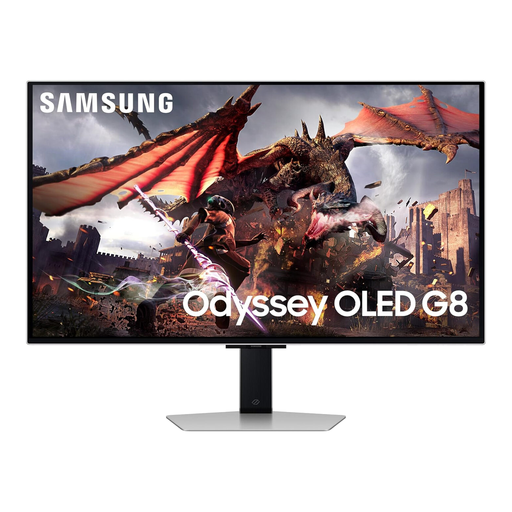
Samsung Odyssey Gaming OLED G8 LS32DG802SUXXU, 32-inch smart monitor
Consider this for a one-screen desk and entertainment setup if your intended sports service is accessible through your chosen playback route.
The product title specifies a 32-inch Ultra HD smart gaming monitor. Check the exact sports app and source connections; the smart-monitor description does not establish a recording function.
View on Joybuy
 No image available
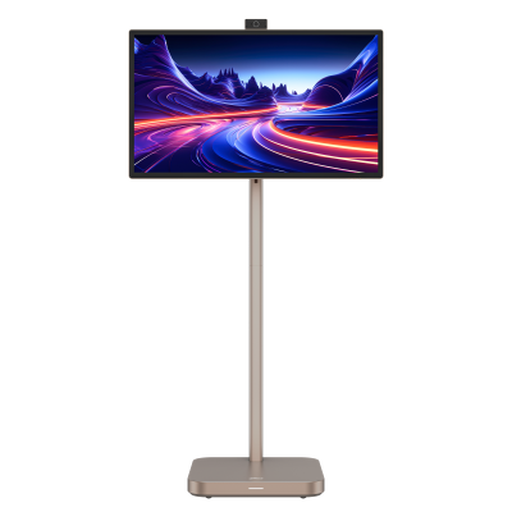
Dahua Explorer, 31.5-inch 4K portable smart monitor
This is a smart-screen option for someone who wants the display to serve entertainment and other room uses; confirm the required sports app before relying on direct streaming.
The product title specifies Android 11, an IPS panel, 8GB+128GB, a built-in battery and a 31.5-inch 4K screen. Check the connection needed for any external source or capture setup rather than assuming the monitor can record it.
View on Joybuy
 No image available
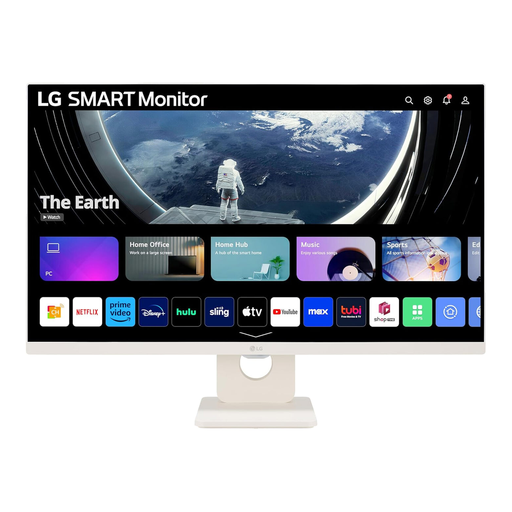
LG Smart Monitor 27U511SA-W, 27-inch Full HD
Consider this if a 27-inch smart display fits your desk and you want both app-based viewing and connections for other devices. Check your particular sports service on this model.
The product title specifies an IPS panel, 100Hz refresh rate, built-in speakers, Wi-Fi, Bluetooth, webOS Smart TV Apps and a remote control. None of those specifications establishes that it records a fixture.
View on Joybuy
 No image available
MSI MAG 275UPD E14, 27-inch dual-mode gaming monitor
This conventional display fits a setup where a PC or console supplies sport and other desk content. Confirm that the connected device provides the signal you intend to use.
The product title specifies 4K UHD at 144Hz and a separate FHD 288Hz mode. These display modes do not determine a sports stream’s frame rate or provide a recording function.
View on Joybuy
 No image available
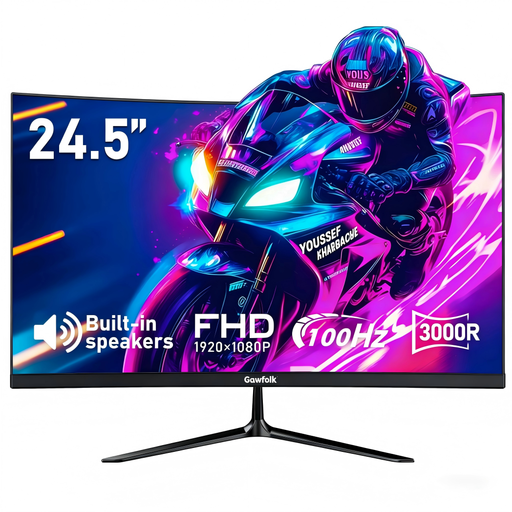
Gawfolk 24.5-inch curved Full HD monitor
Consider this smaller conventional screen if an external device will play the fixture and the available desk space is limited; measure the space before choosing.
The product title specifies 100Hz, a 3000R curve, built-in speakers and HDMI. Playback needs a suitable source, while making a recording requires a separate compatible and permitted workflow.
View on Joybuy
Questions about viewing and recording
Can a monitor record a sports fixture by itself?
Do not assume it can: in Elgato’s documented HDMI capture setup, recording takes place through a capture device, computer and software, while the monitor displays the signal. Check the exact monitor’s manual if recording on the display itself is a requirement.
Do I need a TV Licence to watch or record live sport in a student room?
TV Licensing says you need to be covered by a TV Licence to watch or record live TV as it is shown on any TV or streaming service, including on a monitor. Its guidance says students in halls need coverage for their room; check how coverage applies to your own accommodation before watching.
Does BBC iPlayer require a TV Licence on a smart monitor?
Yes. TV Licensing says BBC iPlayer use requires licence coverage for live, catch-up and on-demand BBC programmes, regardless of whether you use a smart monitor, laptop or phone.
What connections does an HDMI capture setup need?
In Elgato’s HD60 X example, the HDMI source connects to the capture device, its HDMI output connects to the display, and the device connects by USB to a computer running recording software. Check that your own source signal and equipment are compatible and that the intended recording is permitted before using that arrangement.


