Creatives handing over large active projects
If you will copy substantial folders more than once or open artwork from the delivery drive, check the computer’s port and cable alongside the SSD’s rated transfer speed.


Choose a portable SSD if you will transfer large artwork folders repeatedly or carry the drive between locations; choose a portable HDD if the main task is delivering a large, completed archive. Before copying, check the client’s connection and file-system needs, keep a separate verified copy, and plan encryption and password sharing if the files contain personal or confidential material.
If you will copy substantial folders more than once or open artwork from the delivery drive, check the computer’s port and cable alongside the SSD’s rated transfer speed.
If the project is finished, capacity for source files, exports and linked assets may matter more than working directly from the drive. Portable HDD lines from Seagate and Western Digital provide capacity-focused options.
Plan how to protect and transfer access to the files, and retain a separate backup. The Information Commissioner’s Office discusses encryption for stored personal information, while the National Cyber Security Centre advises protecting removable media where theft is a risk.
Size the complete handover folder before choosing capacity, then check the client’s connection, access requirements and the sensitivity of the files. An SSD or HDD still needs a workable delivery format and a separate retained copy.
| Concern | What to check | Who this matters to |
|---|---|---|
| Complete archive capacity | Add up source files, exports, linked assets and versions; allow room beyond the current folder size. | If my finished artwork and working files must travel together, I need a drive that holds the whole archive without splitting it. Around 42% of consumers would put capacity first. |
| Transfers and transport | Check the computer port, supplied cable and drive interface; treat rated sequential speeds as maxima under stated conditions. | When I move large folders repeatedly or check files away from the studio, transfer time and portability shape my choice. About 25% of consumers would prioritise those needs. |
| Confidentiality and recovery | Check encryption for the exact drive, arrange authorised password sharing and retain an independent backup. | If the artwork includes personal or confidential material, I need to control access without making the client’s copy the only recoverable one. Roughly 17% of consumers would make secure handling their primary concern. |
| Client compatibility | Confirm both computers’ ports and whether each person must write to the drive; prepare and test the file system before delivery. | If the client uses a different operating system, I need to know the archive can be opened and, where necessary, written to. Around 16% of consumers would put cross-platform access first. |
A lost or damaged delivery drive could take the sole copy with it. The National Cyber Security Centre also warns that malware can affect storage left connected to an infected computer.
Verify the client copy, retain another copy under your control and disconnect the backup when it is not in use.
Rebuilding source artwork can take time and delay later client requests.
Samsung’s T7 Shield figures of up to 1,050 MB/s read and 1,000 MB/s write depend on USB 3.2 Gen 2, UASP and a supporting host and cable.
Check the full connection path before relying on a rated speed for a deadline-sensitive transfer.
Apple says a Mac may read an NTFS drive without being able to write to it through Disk Utility. Reformatting a drive erases its files.
Ask what the client uses, prepare the delivery volume before the final copy and test a sample file on the intended system.
Changing the format late can mean copying the archive again.
Encryption does not protect files on an unlocked system, and Western Digital warns that forgetting a My Passport password can prevent access to the data.
Agree an authorised way to share the password separately, keep a secure recovery record and confirm that the client can open the archive.
The T7 Shield portable SSD line is relevant when artwork will be transferred frequently or carried between locations.
One Touch portable HDDs are a capacity-focused route for a completed client archive; Seagate describes variants up to 5 TB.
My Passport portable HDDs offer another capacity-focused route; Western Digital lists variants up to 6 TB.
These portable SSDs suit handovers that prioritise repeated transfers; the portable HDDs offer capacity-focused alternatives for completed archives. Check each drive against the full folder size and the client’s computer before choosing.
 No image available
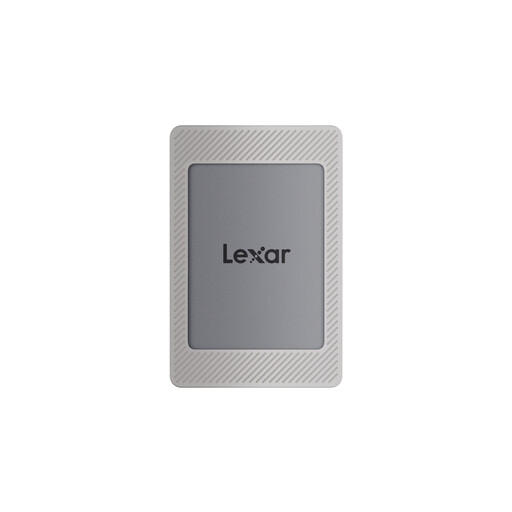
Consider this SSD if the archive fits within 2 TB and you expect repeated large-file transfers.
The product name specifies USB 3.2 Gen 2 and rated speeds of up to 1,050 MB/s read and 1,000 MB/s write. Check the client’s connection and arrange a separate backup.
 No image available
This portable SSD is an option when a 1 TB archive will be moved or checked across locations.
Samsung rates the T7 Shield at up to 1,050 MB/s read and 1,000 MB/s write with compatible USB 3.2 Gen 2, UASP, host and cable support. Its IP65 and 3 m drop-resistance statements reflect controlled tests, not a guarantee against damage.
 No image available
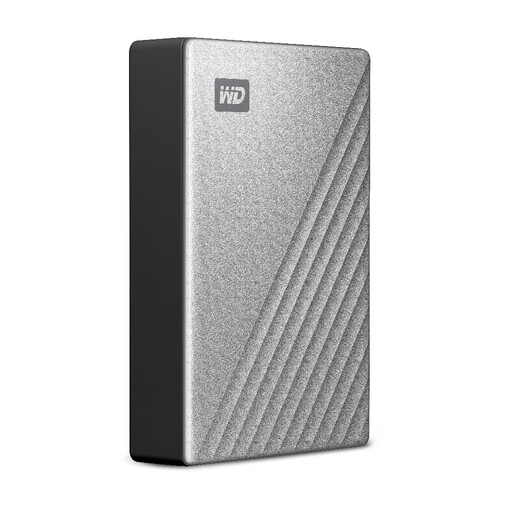
This 5 TB HDD suits a capacity-led, Mac-oriented archive handover when frequent SSD-speed transfers are not the priority.
The model information identifies a USB-C connection. If the client uses Windows, confirm the exact read-and-write workflow before copying; agree password handling if protection is enabled.
 No image available
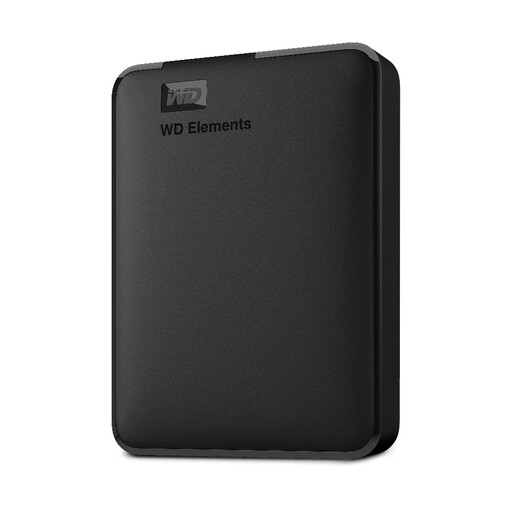
Consider this HDD for a completed archive that fits within 2 TB when frequent fast transfers are not the main requirement.
The product name states USB 3.0 and PC/Mac formatting. Confirm the actual file system and security arrangements needed for the client’s handover.
 No image available
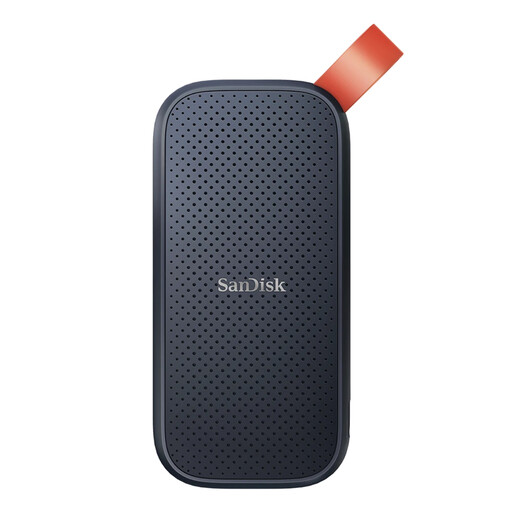
This portable SSD is an option if a 2 TB drive fits the artwork archive and you want to move it between computers.
Check the required cable, connection, file-system workflow and security arrangements for the client’s devices before delivery.
Choose a portable SSD for repeated large-file transfers or access while travelling, and a portable HDD when fitting a large completed archive is the priority. Measure the complete folder first and retain a separate verified copy whichever type you choose.
For a drive over 32 GB intended for Windows use, Apple’s UK Disk Utility guidance identifies ExFAT as the format to choose. Confirm whether both parties need to write to the drive and test it before handover; formatting erases existing files, and a Mac may read an NTFS drive without being able to write to it through Disk Utility.
Assess encryption particularly when the drive holds personal information or confidential client material and could be lost or stolen. The Information Commissioner’s Office describes encryption as protection for stored personal information, while the National Cyber Security Centre advises disk encryption for removable media where physical theft is a risk; agree how the authorised client will receive access.
Agree the authorised recipient and a separate secure way to share the password, then ask the client to confirm they can open the archive. Retain an authorised recovery record: Western Digital warns that a forgotten My Passport password can prevent access to data or new writes.
First confirm that the client can open the files and that you have retained and tested any copy you need. Apple says erasing a storage device deletes its files and that Disk Utility’s secure-erase options are unavailable for SSDs, so do not treat an ordinary format as a sensitive-data disposal method.