For occasional solo viewing, a streaming device with a documented headphone route can let the monitor serve chiefly as an HDMI display. For shared listening, check whether the streamer can send sound directly to a speaker, or whether the monitor and any adapter provide a compatible audio path; replacing the display may make more sense if shared viewing is frequent. Volume buttons intended for a TV, receiver or soundbar do not, on their own, establish that they will control a monitor.
Who each setup suits
People who mostly stream alone
If you want private sound without using the monitor’s buttons or speakers, start by checking the streaming device’s headphone options. Google, Roku and Apple document different Bluetooth or private-listening routes, so the connection method matters as much as the device name.
People who watch together occasionally
A speaker or soundbar needs a workable route from the streamer or display. Check direct Bluetooth pairing separately from wired outputs: an HDMI input on the monitor does not itself establish an audio-return connection.
People weighing up a different display
If the current monitor has HDMI but no practical way to output or control sound, compare the connections needed for an adapter with the audio features of a replacement display. Either choice still needs to meet the intended streamer’s video and protected-content requirements.
What to check before buying
For occasional streaming on a monitor with awkward audio controls, choose how you need to listen before deciding whether to add audio equipment or change the display.
| Concern | What to check | Who this matters to |
|---|
| Private listening |
Check whether the exact streamer pairs with headphones directly or uses a mobile app, and where volume is adjusted. |
If I usually watch alone, I want to hear programmes without depending on the monitor’s speakers or buttons. Around 36% of consumers would put private listening first. |
| Shared sound |
Check direct speaker pairing or a documented monitor audio output; verify ARC/eARC on the actual port before choosing an HDMI soundbar route. |
When someone watches with me, headphones will not provide the room audio we need. Shared sound would be the primary concern for around 29% of consumers. |
| Connection compatibility |
Compare the streamer, monitor and any adapter for supported resolution, refresh rate and applicable HDCP requirements. |
Before adding an audio adapter, I need to know that protected streaming content and my intended picture format can pass through the whole connection. Around 21% of consumers would prioritise compatibility. |
| Changing the display |
Check HDMI and HDCP support, usable sound output and volume control; look for ARC/eARC if a wired soundbar is planned. |
If shared viewing becomes frequent, I would rather assess a display with suitable audio connections than keep adding workarounds. Changing the display would come first for around 14% of consumers. |
Setup mistakes to avoid
-
Assuming any HDMI port can send sound to a soundbar
HDMI Licensing Administrator describes Audio Return Channel, or ARC, as a way for a display to send audio upstream to a receiver or soundbar. A monitor’s ordinary HDMI input does not establish that capability.
Check the monitor manual or port label for ARC/eARC or another audio output before choosing a wired soundbar. If neither is available, assess direct streamer-to-speaker pairing or a compatible audio extractor instead.
-
Expecting TV remote buttons to control the monitor
Google describes remote control of a TV, soundbar or receiver, while Roku describes TV controls on its remote. Those functions do not establish that a particular monitor’s volume will respond.
Decide which device will produce the sound, then check how its volume is controlled with the exact streamer you intend to use.
-
Choosing an audio extractor by connector shape alone
Roku specifies an HDMI input supporting HDCP 2.2 for 4K HDR with Streaming Stick Plus. Apple states that protected content on Apple TV 4K requires HDCP and a compatible TV or receiver. An adapter has to fit the applicable requirements of the full connection.
Compare the extractor’s stated HDCP support, resolution, refresh rate and audio output with the exact streamer and monitor before buying it.
-
Connecting a Fire TV Soundbar by Bluetooth and HDMI at once
Amazon warns that using both connections to the same Fire TV Soundbar can cause connection issues.
Choose one documented connection route that suits the display and follow the instructions for that route.
Relevant brands to consider
Google
Chromecast with Google TV and Google TV Streamer (4K) are worth considering when headphones or a speaker will connect to the streamer rather than the monitor.
- Google documents Bluetooth headphone and speaker pairing for these devices, with one audio device connected at a time.
- The Google TV voice remote can be configured for a TV, soundbar or receiver; check the intended audio device rather than assuming it will control the monitor.
Roku
Roku Streaming Stick Plus is a model to examine if private listening is more important than sound from the monitor.
- Roku lists Bluetooth Headphone Mode for Streaming Stick Plus. Its mobile-app Headphone Mode offers a separate route through headphones connected to a phone or tablet.
- For mobile-app listening, the phone or tablet and Roku must be on the same wireless network. Roku’s remote TV controls do not establish monitor-volume control.
Apple
Apple TV 4K is relevant if you want an HDMI streaming box with a documented Bluetooth headphone route.
- Apple documents Bluetooth headphones and audio sharing with up to two compatible pairs of AirPods or Beats headphones.
- Siri Remote control of a TV or receiver depends on compatible IR or HDMI-CEC control; check the monitor and any external audio equipment separately.
Amazon Fire TV
A Fire TV Stick or Fire TV Cube paired with a Fire TV Soundbar is a route to examine for shared listening.
- Amazon documents Bluetooth setup between those Fire TV devices and its Fire TV Soundbar, as well as wired soundbar connection routes where the display supports them.
- Check the exact pairing and display connections before purchase; Amazon warns against connecting the Fire TV Soundbar through Bluetooth and HDMI simultaneously.
Joybuy products for these routes
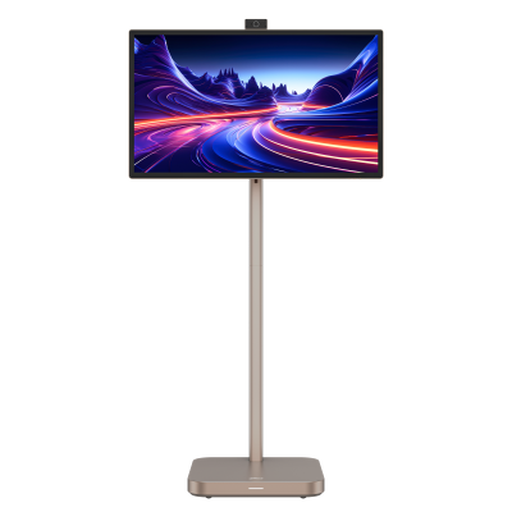
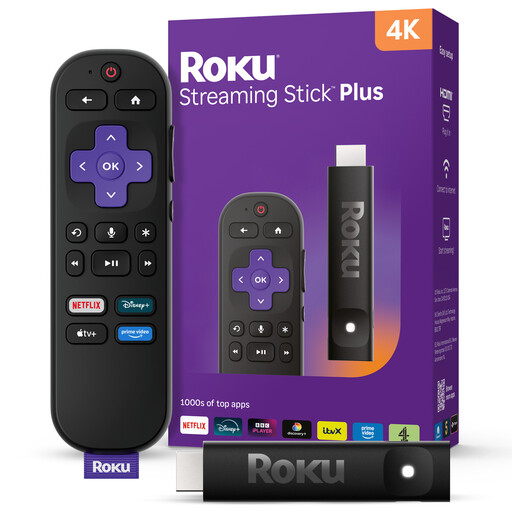
These products represent two different starting points: a smart monitor to assess if you are considering a different display, and a streaming stick to assess for use with your existing monitor. Check the audio-control and connection details needed for your own setup before choosing either.
 No image available
Dahua Explorer 31.5-inch 4K Portable Smart Monitor, Android 11, 8GB+128GB
Consider this if you are assessing a different smart display for occasional streaming rather than adding equipment to your current monitor.
The product name specifies a built-in battery with up to 4-hour battery life. Before relying on it for your audio setup, check its speaker connections, method of volume control and compatibility with any streaming device you plan to attach.
View on Joybuy
 No image available
Roku Streaming Stick 4KPlus
Consider this for occasional streaming on an existing monitor if its private-listening setup meets your needs.
Check how headphones connect to this exact model and how their volume is adjusted. Confirm the monitor’s HDMI and HDCP compatibility before relying on the intended picture format or protected-content playback.
View on Joybuy
Common questions
Will a streaming stick work with a computer monitor?
It can if the monitor and stick have compatible HDMI connections, but a picture alone does not settle audio or protected-content compatibility. Roku specifies HDCP 2.2 support for 4K HDR with Streaming Stick Plus, while Apple specifies HDCP and a compatible TV or receiver for protected content on Apple TV 4K; check the requirements of the exact device you choose.
Will the streaming remote fix awkward monitor volume controls?
Not necessarily: its volume buttons may be intended for a TV, receiver or soundbar rather than your monitor. Google and Roku describe their remote-control functions in those terms, so confirm both where sound will play and how that audio device accepts volume commands.
Can I use headphones instead of adding speakers?
Yes, if the selected streaming device has a headphone route that suits your setup. Google documents Bluetooth headphone pairing for Chromecast with Google TV and Google TV Streamer (4K); Apple documents Bluetooth headphones for Apple TV 4K; and Roku offers mobile-app Headphone Mode through headphones connected to a phone or tablet. Check the exact model and connection method before buying.
When does an ARC/eARC soundbar connection make sense?
Use that route when the display explicitly has a suitable ARC/eARC HDMI port and the soundbar or receiver supports the corresponding connection. HDMI Licensing Administrator describes ARC as sending audio upstream from a display; an ordinary monitor HDMI input does not establish that it can do so.


