Households keeping an older TV
If the screen still suits the room, an HDMI streaming device could add the services you want. Check its power needs, your home internet connection and support for your required apps before keeping the TV.


If your television has a working HDMI input and its picture and size still suit you, a compatible streaming player lets you add internet TV without replacing the screen. Consider a new smart TV when the display itself needs changing or you want the platform built in; consider a set-top box when its particular live-TV interface or service arrangement is the reason for choosing it. For any route, check the exact model against your required apps, connection, power and account needs before buying.
If the screen still suits the room, an HDMI streaming device could add the services you want. Check its power needs, your home internet connection and support for your required apps before keeping the TV.
If ITVX, Channel 4 or live broadcaster viewing matters alongside subscription services, check the exact device and software version. ITV publishes model and platform conditions for ITVX, so a platform name alone is not enough.
If you need a different screen anyway and prefer streaming built into the TV, compare the display and its connected-TV platform together. Confirm that the specific TV supports the services and features you use.
Start with whether your current screen still meets your needs, then check the services and setup requirements of the route you choose. A set-top box is worth considering when you specifically want its live-TV interface or provider arrangement, but its functions and conditions need checking separately.
| Concern | What to check | Who this matters to |
|---|---|---|
| Keep the existing screen | Check for a free HDMI input and a suitable way to power the chosen device. | If my TV still looks right in the room, I want to add streaming rather than change the display. About 29% of consumers put keeping their current screen first. |
| Broadcaster and live-TV access | Check each required service against the exact model, software version and live-TV features. | If I regularly watch a particular broadcaster player, I need its programmes and the features I use to work on my chosen platform. For about 29% of consumers, that access is the primary concern. |
| Connections and setup | Check network reach, power and any required account; confirm how you will control the device. | A device is little use to me if it cannot connect reliably in the TV room or I cannot complete its setup. Getting the equipment working together comes first for about 24% of consumers. |
| A new, integrated display | Check the TV model's apps and features as well as its screen size and connections. | If I am replacing the screen, I would rather have streaming in the new TV than attach another device. About 18% of consumers prioritise that integrated setup. |
ITV's ITVX support information distinguishes between device families, model years and software requirements. A familiar brand does not establish support for every service or feature.
List your required apps and check each one against the TV's exact model and current software before ordering.
Roku warns that some TV USB ports cannot supply enough power for its Streaming Stick.
Check the chosen stick's power instructions and whether a suitable wall socket is accessible.
You may need a mains USB power adaptor if the TV's port cannot supply the required power.
An HDMI connection does not remove the need for power, internet access and any required account. Apple also specifies a compatible display and cable for 4K HDR setup.
Check the complete setup requirements of your chosen model, including the display and cable capabilities needed for the picture format you intend to use.
Ofcom explains that agreements between content providers and connected-TV platforms affect which services platforms carry and promote. Individual services also set their own device-support conditions.
Check current broadcaster support information shortly before buying, especially if one app is your main reason for changing equipment.
Roku's streaming-player route can add apps to an HDMI-equipped TV while letting you keep the existing screen.
Google TV is a platform route available through TVs and separate devices for households willing to use a Google Account.
Apple TV is a separate HDMI media-player route for viewers who want its interface rather than a platform built into their television.
Freely offers a broadcaster-focused route through an enabled TV or a suitable device connected to an existing TV.
These products cover two choices: replacing the display with a smart TV, or adding a Roku stick to an HDMI-equipped TV you already own. Check required broadcaster apps on the exact model before treating either route as a match.
 Image unavailable
Consider this integrated TV if you are replacing a display and want a 40-inch screen. Its product name identifies FHD, QLED and Freely; confirm Freely service and your required apps on this exact model before relying on them.
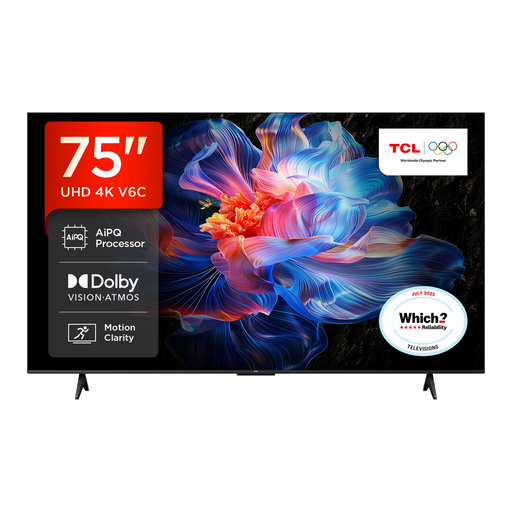 Image unavailable
This is an integrated option if you are replacing the display and a 75-inch screen suits your space. The product name identifies 4K and Google TV; Google's setup guidance calls for a Google Account and a network connection. Check required broadcaster apps against the exact TV model.
 Image unavailable
Consider this stick if you want to keep a TV with an available HDMI input. Check its power requirements, the picture formats your TV supports and the current app support for this exact Roku model before buying.
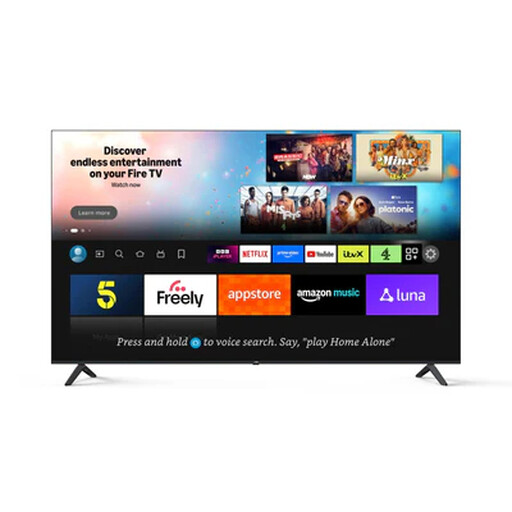 Image unavailable
This 50-inch integrated TV is an option if you are replacing the screen. Its product name specifies 4K, QLED and Wi-Fi; check the model's connected-TV platform and your required UK apps before choosing it for broadcaster viewing.
 Image unavailable
Consider this integrated model if you need a replacement 50-inch screen. Its product name specifies Direct-LED, 4K, Wi-Fi and HDR10; confirm its connected-TV platform and support for each broadcaster app you need.
Yes, if it has a usable HDMI input and the chosen device meets your setup needs. Roku's Streaming Stick guidance calls for HDMI, power and internet; Freely also describes a compatible streaming-device route for older HDMI-equipped TVs. Check the exact device's apps before buying.
Support can depend on the exact platform, model and software version. ITV sets device conditions for ITVX, while Channel 4 states that streaming its content requires an internet connection. Compare each required service's current support information with the TV or device you intend to buy.
Some devices can, but the connection method depends on the model. Google's Google TV setup guidance includes Wi-Fi or Ethernet, and Roku describes compatible Ethernet adaptors for supported setups. Check the chosen device's port or adaptor requirements before planning a wired connection.
Use the power arrangement specified for that stick rather than assuming the TV's USB port is sufficient. Roku warns that some TV USB ports cannot power its Streaming Stick; check the model's instructions and access to a wall socket.