What should you check before buying?
Decide whether the screen itself needs replacing, then check app support and the connection that will carry your streams.
Smart TV with built-in apps
Choose when: You need a new screen and the exact UK TV model offers your essential apps.
Bear in mind: Broadcaster support can depend on the TV model and its software version; an operating-system name alone does not establish compatibility.
Existing TV with a separate player
Choose when: Your current screen and HDMI input still suit you, but its apps do not.
Bear in mind: The player needs an HDMI input, power and its own setup and software updates.
| Priority | What to check | Your needs |
|---|
| Essential apps |
Check each service on the exact UK model and its current app store. ITV Help lists platform and version conditions for ITVX, including tvOS 18 or later on Apple TV. |
I want the broadcaster and subscription apps I use, not just a TV or player labelled smart. |
| Screen and connection |
Check the screen size against the room. If keeping a TV, confirm it has an available, compatible HDMI input for the player. |
My current screen may be sufficient if a separate device can provide the apps I need. |
| Network reliability |
Test stability at the viewing position. Netflix recommends stable speeds of at least 3 Mbps for HD 720p, 5 Mbps for Full HD 1080p and 15 Mbps for Ultra HD 4K; consider wired Ethernet where practical. |
I need streams to remain watchable where the TV sits, including when others at home are online. |
| Picture format |
Match the player, display, service content and connection to the resolution you intend to use. Apple says 4K and HDR streaming on Apple TV 4K require a compatible 4K and HDR TV. |
If I keep a non-4K screen, app access matters more to this decision than a player’s 4K specification. |
Platforms and brands to check
These platform examples help narrow the app and connection checks; they do not establish availability on every model.
Roku
Roku offers both external streaming players and televisions running its platform.
- The Roku Channel Store lists BBC iPlayer and Channel 4, while ITV Help lists Roku support for ITVX.
- ITV Help says Roku devices need firmware v15.1 for ITVX app updates after 1 October; check the device’s current eligibility.
Amazon Fire TV
Fire TV appears in both HDMI streaming devices and televisions with the platform built in.
- ITV Help lists Fire TV devices for ITVX, and Channel 4 provides Fire TV app sign-in instructions.
- Check the required apps on the precise device. Ethernet adapter compatibility is a separate check for a wired setup.
Google TV
Google TV is available on televisions and external players, but service support must be checked by device.
- Channel 4 confirms its app for Chromecast with Google TV and Google TV Streamer. Google specifies an Ethernet port on Google TV Streamer.
- ITV Help identifies particular supported Google TV devices and notes that some Android TV models are unsupported.
Apple TV
Apple TV 4K is an external HDMI player with Wi-Fi-only and Wi-Fi + Ethernet versions.
- Apple specifies Gigabit Ethernet on the Wi-Fi + Ethernet version.
- ITV Help requires tvOS 18 or later for ITVX; Apple says the Wi-Fi-only version has no Ethernet port.
Samsung and LG smart TVs
These built-in TV platform families are relevant if you also need to replace the screen.
- ITV Help lists ITVX on LG Smart TVs from 2016 and Samsung Smart TVs from 2017, subject to its device conditions.
- That ITVX listing does not establish the availability of other essential apps on an exact UK model; check them separately.
Joybuy options for an aerial-free setup
These options include a Roku player for a suitable existing TV and smart TVs for households replacing the screen. Check your required UK apps on the exact device before choosing either route.
 No image available
Roku Streaming Stick 4K
A separate streaming route if your existing TV still suits the room. Roku specifies 4K and Dolby Vision support for the Streaming Stick 4K; check that your TV has a compatible, available HDMI input. ITV Help says Roku devices need firmware v15.1 for ITVX app updates after 1 October, so confirm this device’s current firmware eligibility and your other essential apps.
View on Joybuy
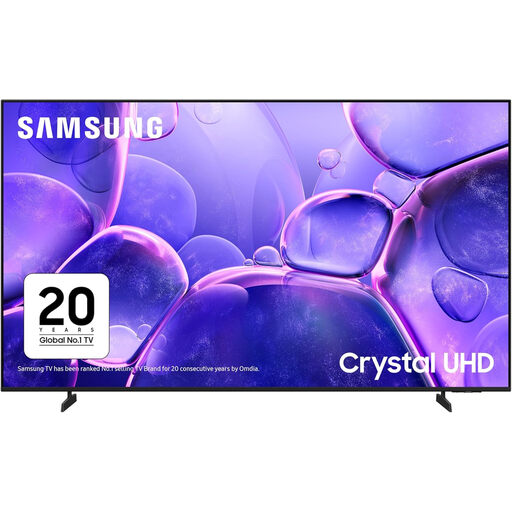 No image available
Samsung U8000F UE85U8092FUXXH 85-inch 4K smart TV
An option when you need to replace the screen as well as add built-in streaming. The product name specifies an 85-inch 4K display and Wi-Fi; check that this size fits the room and that the exact UK model offers your required apps.
View on Joybuy
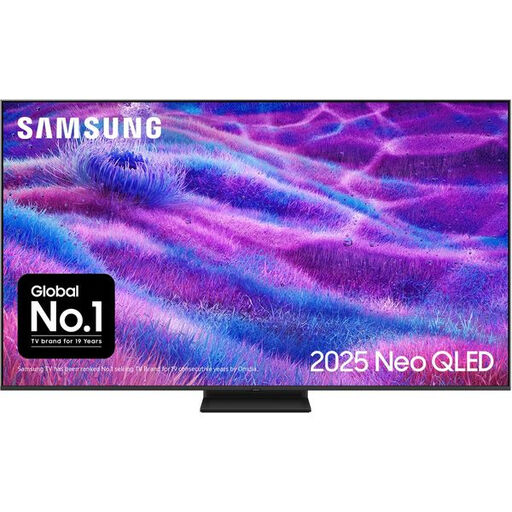 No image available
Samsung QE65QN80FAU 65-inch 4K smart TV
A built-in streaming option if you also want a new screen. Its product name specifies a 65-inch 4K display and Wi-Fi. Check room fit and the required apps on this exact model rather than assuming that every Samsung smart TV has the same app selection.
View on Joybuy
 No image available
TCL 65V6C 65-inch 4K HDR Google TV
A 65-inch built-in Google TV option for replacing a screen. The product name specifies Direct LED, 4K and HDR. Check the current UK app selection for this exact TCL model, particularly if ITVX is essential, and assess whether the screen fits your room.
View on Joybuy
 No image available
TCL 55V6C 55-inch 4K HDR Google TV
A 55-inch built-in Google TV option if you are replacing the television. Its product name specifies Direct LED, 4K and HDR. Confirm room fit and the exact model’s current UK app selection, including ITVX if you use it.
View on Joybuy
Frequently asked questions
Do streaming apps need an aerial?
No. Internet-delivered apps need a working connection and a TV or player that supports the services you intend to use, not an aerial. For example, ITV Help lists ITVX compatibility by platform, model generation and, for some devices, software version.
Do I need a UK TV Licence if I only stream?
It depends on what you watch. GOV.UK says you need a TV Licence to watch or record programmes as they are broadcast and to watch on-demand BBC programmes on iPlayer; using on-demand services such as Netflix or Disney Plus alone does not require one.
Should I replace an older TV or add a streaming player?
Add a player if the existing screen still suits the room, has a usable HDMI input and app support is the main problem. Consider a new smart TV if you also need a different screen or connections; either way, confirm essential apps on the exact model.
What connection speed do I need for streaming?
Netflix recommends stable speeds of at least 3 Mbps for HD 720p, 5 Mbps for Full HD 1080p and 15 Mbps for Ultra HD 4K. Those are service recommendations, not a guarantee for several simultaneous streams; Ofcom says 300 Mbit/s or more is better suited to homes with several people online or substantial video streaming.
When is an Ethernet connection worth checking?
Consider Ethernet if Wi-Fi is unstable at the TV and a wired connection is practical. Google specifies an Ethernet port on Google TV Streamer, while Apple provides one only on the Wi-Fi + Ethernet version of Apple TV 4K; check the precise model before buying.


