Buying priorities
Work through compatibility first, then match performance and portability to the way you will study each day.
| Priority |
What to check |
Your needs |
| Course-software compatibility |
Confirm the named applications, operating system, processor architecture, required ports and external equipment. Check that the operating system is still supported by your institution. |
I need to run required applications, connect to course equipment and work in the department’s teaching environment without changing device later. |
| Performance for coursework |
Match CPU, memory and SSD capacity to course guidance. Check whether graphics-intensive software, high-resolution imaging, simulation or video editing needs dedicated graphics or a larger display. |
I only want to pay for higher performance when my projects genuinely involve creative, engineering, graphics, simulation or media workloads. |
| Portability and daily use |
Compare size and weight with how often you will carry the laptop. Consider charging access, webcam and microphone needs for live teaching and collaboration. |
I want a computer I can carry between lectures and study spaces without making everyday use impractical. |
| Chromebook or tablet suitability |
Confirm every required application and assessment workflow on ChromeOS or the mobile platform. For a Chromebook, check the individual model’s final automatic-update date. |
I need confidence that my primary device can complete assessments and run any required native software, not just browse the web. |
Joybuy product options
Joybuy Windows laptop options for general study and higher-performance creative, engineering or media coursework. Confirm your course’s software and assessment requirements before selecting any model.
 No image available
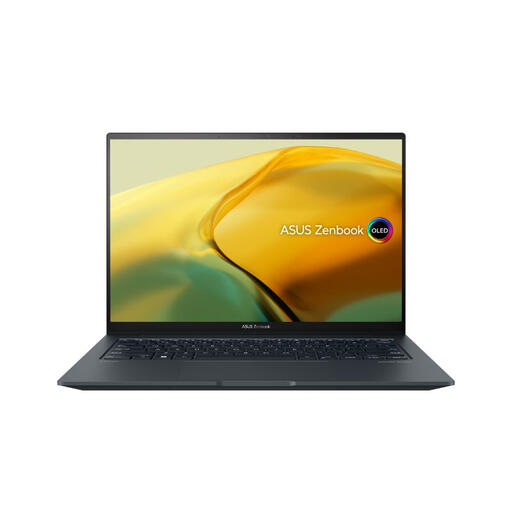
ASUS ZenBook UX3404VC-M3130W, Core i9, RTX 3050
A Windows option for creative, engineering or media coursework where the department confirms the required applications and graphics features.
Stated specifications include a 14.5-inch 2.8K OLED touchscreen, Intel Core i9-13900H, 16GB RAM, 1TB PCIe 4.0 SSD, RTX 3050 graphics, Windows 11 Home and a 1.6 kg weight.
Check named GPU features, external equipment compatibility and expected battery use if campus charging is limited.
Joybuy
 No image available
Lenovo IdeaPad Slim 3 83K7009MUK, Ryzen 5, 24GB
A Windows choice for writing, research and presentation-led study, subject to any specialist course requirements.
Stated specifications include a 15.3-inch WUXGA display, AMD Ryzen 5 7535HS, 24GB DDR5 RAM, 512GB PCIe SSD, Windows 11 Home, Wi-Fi 6, HD webcam and a 1.59 kg weight.
Check processor, integrated-graphics and port requirements for specialist software, and confirm charging needs for a full campus day.
Joybuy
 No image available
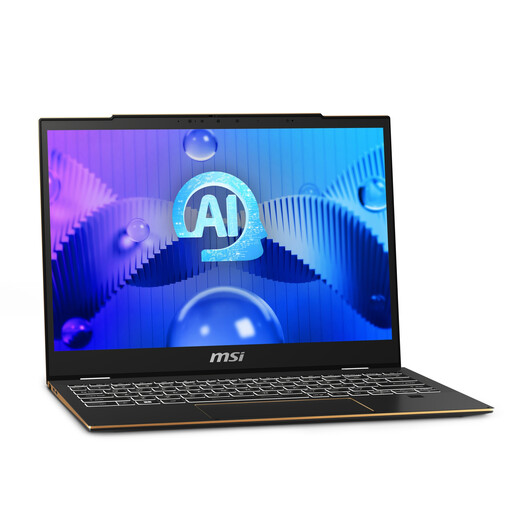
MSI Summit E13 AI Evo, Core Ultra 7, 32GB
A compact Windows option for students who need substantial multitasking capacity while moving frequently between lectures and video sessions.
Stated specifications include a 13-inch-class FHD+ touch display, Intel Core Ultra 7 155H, Intel Arc graphics, 32GB LPDDR5 RAM, 1TB SSD, Windows 11 Pro, Thunderbolt 4 and a 1.39 kg weight.
Confirm that integrated graphics meet any requirements for dedicated graphics, 3D rendering or simulation, and check the exact panel size and ports.
Joybuy
 No image available
ASUS ProArt P16 H7606WW-SE006W, RTX 5080, 64GB
A higher-performance Windows option for GPU-accelerated creative, 3D, video or technical coursework where that capability is specified by the course.
Stated specifications include a 16-inch 4K OLED touchscreen, AMD Ryzen AI 9 HX 370, RTX 5080 Laptop GPU with 16GB GDDR7, 64GB RAM, 2TB SSD, Windows 11 Home, HDMI 2.1, USB4, USB-C, USB-A and an SD card reader.
The stated 1.95 kg weight may be less convenient for all-day carrying; verify software licensing, GPU requirements and required ports with your department.
Joybuy
 No image available
ASUS Vivobook 15 X1504VA, Core 5, 24GB
A Windows option for everyday documents, browser research, online teaching and local course files, provided specialist graphics are not required.
Stated specifications include a 15.6-inch FHD IPS anti-glare display, Intel Core 5 120U, 24GB RAM, 1TB SSD, HDMI, USB-A, USB-C, Wi-Fi 6 and an integrated webcam and microphone.
Check named specialist applications first, and confirm battery performance and charging arrangements for your routine.
Joybuy
Frequently asked questions
What should I ask my school or department before buying a laptop?
Ask for the exact course software, operating system, processor or architecture requirements, minimum memory and storage, required ports or external equipment, and whether remote desktop access is available. The University of Bristol advises checking school guidance where specialist software or hardware may be required; its remote desktop arrangement is specific to Bristol and should not be assumed elsewhere.
Can a Chromebook be my only university laptop?
Only if your institution confirms that ChromeOS supports your required applications and assessments. The University of Cambridge warns that Chromebooks may not suit every university assessment, while Edinburgh, Bristol and Heriot-Watt caution that they may not run required programme software or suit use as a main computer.
Can a tablet replace a laptop for coursework?
Do not assume it can. The University of Cambridge says tablets and smartphones may not suit all assessments, and the University of Bristol says mobile devices are not suitable as the main computer from its experience. Use a tablet as part of a course-compatible setup only when the institution confirms the software and assessment workflow.
What specification should I use as a starting point?
Treat published figures as institution-specific guidance, not a universal rule. UCL gives an example Windows minimum of an i5 processor, 8GB RAM and 256GB SSD for most courses, while the University of Edinburgh recommends 16GB RAM and a 512GB SSD for newly purchased laptops. Your course’s named software takes priority over either general recommendation.
What after-sales cover should I consider?
Check warranty length, exclusions, repair arrangements and whether cover lasts for your expected study period. Edinburgh and Heriot-Watt advise considering a warranty that covers the full course, while noting that their suggested new-device specifications do not require replacement of a working lower-cost device.


