What to check before buying
For survival horror in a shared bedroom, establish your platform and headphone route before deciding how much tactile feedback or control customisation you want.
| Concern | What to check | Who this matters to |
|---|
| Private audio |
Check where game audio reaches your headphones and whether the controller, platform and connection support your headset. |
If someone nearby needs quiet, I want game sound in my headphones rather than through room speakers. Around 42% of consumers put private audio and reduced disturbance first. |
| Platform compatibility |
Confirm the console generation or operating system, connection method and game-controller support. |
I need the controller to work with the device on which I actually play; extra features cannot compensate for a platform mismatch. For around 33% of consumers, compatibility is the primary concern. |
| Adjustable feedback |
Check available speaker, vibration and trigger-effect settings; some effects also depend on game support. |
I enjoy tactile effects when they suit the game, but want to turn them down if they distract me or someone nearby. Feedback control comes first for around 17% of consumers. |
| PC connection and controls |
Check the Windows connection required for your preferred features and whether the configuration software supports it. |
On PC, I would rather confirm my connection and button settings than assume Bluetooth behaves like a cable. Around 8% of consumers prioritise PC connection behaviour and custom controls. |
Joybuy controller choices
These controllers offer choices for PS5, Xbox or Windows PC play. Match a model to your device first, then confirm your headphone route and any feedback settings that matter in a shared bedroom.
 No image available
Microsoft Xbox Elite Wireless Controller Series 2 (Xbox One S/Xbox Series X|S/PC)
Consider this Xbox and PC choice if configurable controls matter alongside private audio.
Check the headset connection and vibration options for this exact Series 2 model and your intended device; on Windows, verify which features work through your chosen connection.
View on Joybuy
 No image available
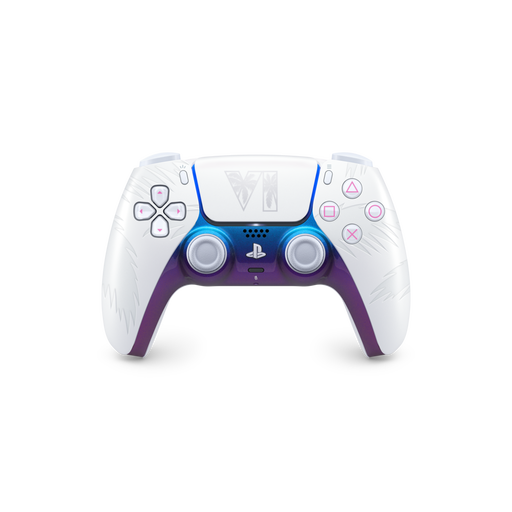
PlayStation DualSense Grand Theft Auto VI White Limited Edition (PS5/PC/Mac/Mobile)
For PS5 play, this DualSense variant suits a setup where you want to check controller-connected wired headphones and adjust controller effects.
PlayStation’s PS5 settings cover speaker volume and vibration intensity. Haptic effects depend on game support; on PC, haptics may require USB and headset-jack audio requires a wired controller connection.
View on Joybuy
 No image available
Sony DualSense Edge PS5 Wireless Controller — White
Consider this PS5 or Windows PC option if configurable controls are important to you.
Before choosing it for a shared bedroom, confirm the headset route and feedback settings for the exact model and device you will use.
View on Joybuy
 No image available
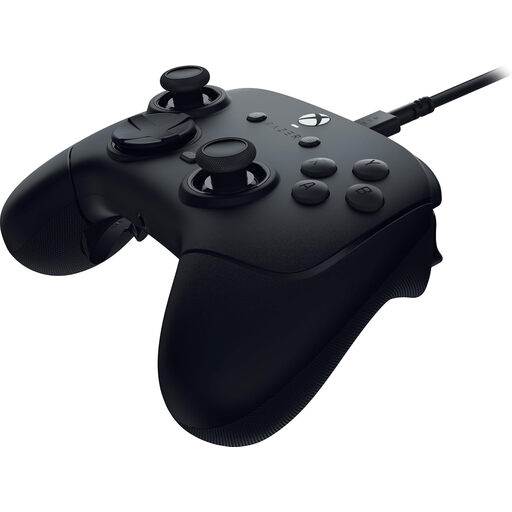
Razer Wolverine V3 Tournament Edition — Black
This is a choice to consider for Xbox Series X|S or Windows PC play if additional controls are a priority.
Check how headphones connect and whether the feedback controls you want are available for this exact model and platform.
View on Joybuy
 No image available
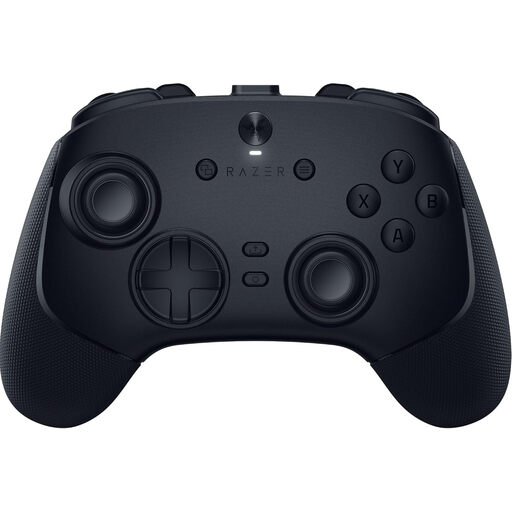
Razer Wolverine V3 Pro Wireless Esports Controller (PC)
Consider this PC variant if configurable controls matter to your survival-horror setup.
Confirm its intended PC connection, headset route and vibration options before relying on it for private, low-distraction play.
View on Joybuy
Questions and answers
Will changing controllers make survival horror quiet enough for a shared bedroom?
Not by itself: route game audio to headphones rather than room speakers. On PS5, PlayStation provides controller-speaker volume and vibration-intensity settings; Xbox provides a vibration on/off option for the Xbox Wireless Controller.
Can I plug wired headphones into the controller?
You can when the exact controller, platform and connection support its jack. The Xbox Wireless Controller has a 3.5 mm stereo headset jack, and the Nintendo Switch 2 Pro Controller has a 4-pole CTIA-standard 3.5 mm audio jack. DualSense headset-jack use on PC or Mac requires a wired controller connection and is not compatible with mobile devices.
Can I turn down vibration instead of replacing my controller?
On the documented routes, PS5 lets you adjust DualSense vibration intensity and Xbox lets you turn Xbox Wireless Controller vibration on or off. You still need to manage game audio separately.
Does a Bluetooth connection preserve every controller feature on PC?
No. Microsoft says Xbox Wireless Controller rumble does not work when playing on a Windows PC through Bluetooth, and most Xbox Accessories app features are not supported through Bluetooth. For DualSense, PlayStation says PC haptics may require USB and headset-jack use requires a wired connection.


