Pen-first PDF readers
If you mainly underline passages, draw and add handwritten notes to PDFs, start with a touchscreen and a compatible pen. Check the working kit you would carry, not just the device itself.


Choose a pen-enabled tablet if marking up PDFs by hand is your main task; choose a Windows 2-in-1 if you also need regular typing or laptop software. For either route, check that your reading-list files and required apps work as intended, and account for the keyboard and pen you will need to carry.
If you mainly underline passages, draw and add handwritten notes to PDFs, start with a touchscreen and a compatible pen. Check the working kit you would carry, not just the device itself.
If you move between annotated readings, typed notes, files and laptop software, a detachable or convertible Windows device may suit the combined workflow. Confirm that its keyboard and your required software fit the way you study.
If you regularly keep a reading open beside notes or references, a dual-screen device is worth considering when you have room to set it up. Lenovo describes this arrangement for the Yoga Book 9i Gen 9; consider whether it fits your usual train seat.
Choose it when: You mainly read and mark up PDFs by hand and can use your required apps on a tablet.
Trade-off: Longer typed notes may call for a separate keyboard. Apple lists compatible Pencil options and a keyboard separately for iPad Air.
Choose it when: You want to write on the screen and switch to laptop-style work with a keyboard. Microsoft describes both modes for Surface Pro 12-inch (1st Edition).
Trade-off: Check the exact package for the Surface Pro keyboard and Slim Pen rather than assuming both come with the tablet.
Choose it when: Typing is a regular part of your journey and you prefer an attached keyboard. Dell lists a touch display and 360-degree hinge for the Inspiron 14 2-in-1 7440.
Trade-off: A touchscreen alone does not establish which active pen works with your exact configuration.
For reading-list PDFs on train journeys, decide which need would determine your choice when several matter at once.
| Concern | What to check | Who this matters to |
|---|---|---|
| Handwritten PDF markup | Confirm pen compatibility and whether your PDF app retains highlights, drawings and comments in the files you use. | If I work through readings by underlining and writing in the margins, direct pen input comes before a laptop-style keyboard. Around 36% of consumers would put handwritten markup first. |
| Typing and software | Check your required apps and services on the chosen operating system, plus the exact keyboard arrangement. | When annotations lead straight into longer notes or reference work, I need a comfortable way to type and use those tools. Roughly 29% of consumers would prioritise that laptop workflow. |
| Travel resilience | Compare the complete kit you will carry, save PDFs before departure and check facilities with your train operator. | If I study without relying on a socket or live connection, carrying the kit and having files ready matter most. About 21% of consumers would make travel resilience their primary concern. |
| Reading workspace | Consider whether you need a reading and notes visible together, and whether the setup fits your usual seat. | With a reading beside my notes or references, I value visible workspace more than a compact single screen. Around 14% of consumers would put that need first. |
A pen or keyboard may be essential to your annotation routine without being part of the device package. Apple lists Pencil and keyboard options separately for iPad Air, while Microsoft describes the Surface Pro keyboard and Slim Pen as accessories or bundle components.
Check what the exact configuration includes, then plan the pen, keyboard and other accessories you would actually take on the train.
National Rail says onboard Wi-Fi and power provision vary by train company. A reading list that needs a live connection may therefore be awkward to use on a particular journey.
Save the PDFs and key references before leaving, charge your device and check your operator's facilities if they matter to your plans.
Dell lists a touch display and 360-degree hinge for the Inspiron 14 2-in-1 7440, but pen inclusion must be checked for the configuration you intend to order.
Confirm the exact model and compatible pen before choosing a convertible for handwriting.
A larger or dual-screen setup gives you another way to arrange readings and notes, but it also needs suitable space for the device and any keyboard or stand.
Think about your usual seat and bag before choosing a two-screen arrangement for regular journeys.
Surface Pro 12-inch (1st Edition) is a detachable Windows option for readers who want screen-based writing alongside keyboard use.
The 11-inch iPad Air is a pen-enabled tablet option for readers whose PDF workflow works on iPadOS.
The Inspiron 14 2-in-1 7440 is a laptop-first option with an attached keyboard and a 360-degree hinge.
Yoga Book 9i Gen 9 is a specialised dual-display option for keeping reading and notes visible at the same time.
These products offer tablet, dual-screen and laptop-style approaches to reading-list annotation. Choose by the way you mark up PDFs, type notes and use your required apps, rather than treating every device as interchangeable.
 No image available
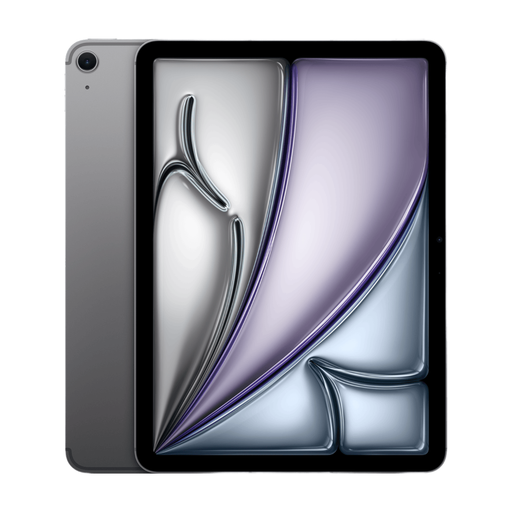
A tablet route to consider if you mainly mark up reading-list PDFs by hand and can use your required study apps on iPadOS.
The listed variant has an 11-inch display, Wi-Fi connectivity and 128GB storage. Check your preferred Apple Pencil and keyboard arrangement for the complete workflow.
 No image available
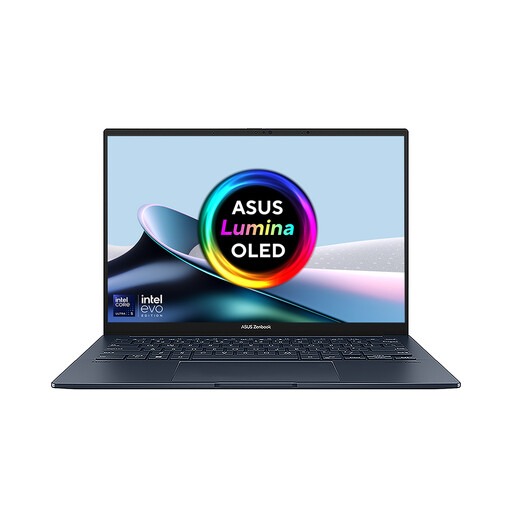
Consider this dual-screen laptop if you regularly want a reading visible beside notes or another document and have space to set up both screens.
The listed variant names an Intel Core Ultra 7 255H processor, 16 GB LPDDR5X memory and a 1 TB SSD. Confirm the exact display specification and pen package before ordering.
 No image available
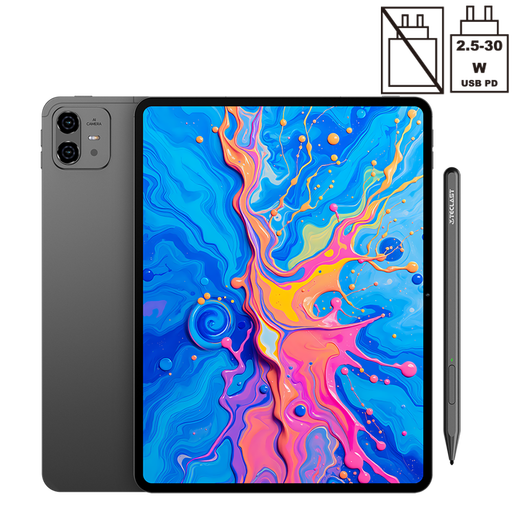
A tablet option for handwritten markup if your reading-list files and required apps work on Android.
The title specifies a 12.7-inch 2K display, 256GB storage, Android 15 and an included stylus. Check whether you also need a keyboard for longer notes.
 No image available
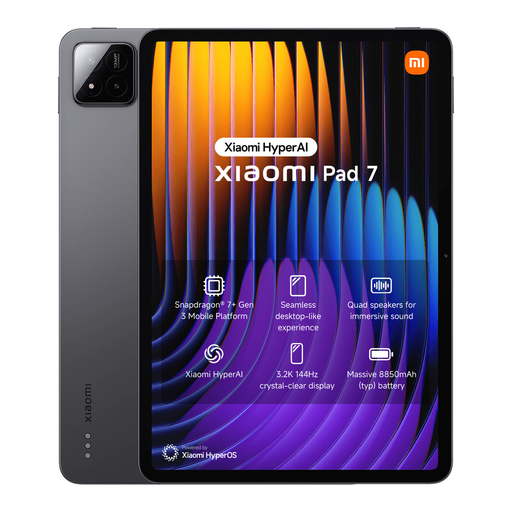
Consider this tablet for pen-led reading if the apps you use can open and retain annotations in your documents.
The title specifies 8GB RAM, 128GB storage and an included Focus Pen. Check the keyboard arrangement separately if typed notes are part of your journey.
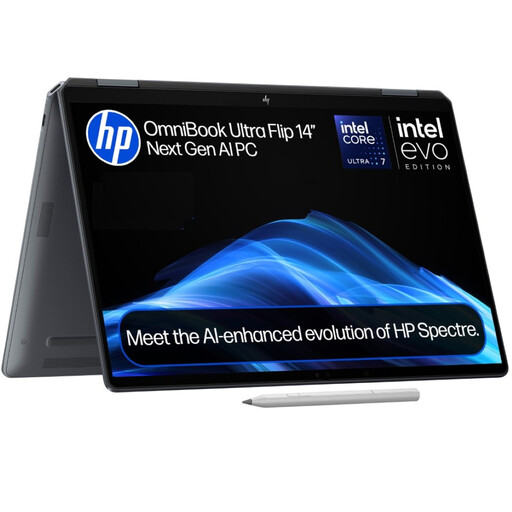 No image available
A laptop-style option if typed notes and Windows work take priority alongside reading and reviewing PDFs.
The title specifies 16GB RAM, a 1TB SSD and Windows 11 Home. If you need handwritten markup, confirm active-pen compatibility and the exact configuration before choosing it.
Not if you can save the PDFs and work in your chosen app without a live connection. If you need cloud files, library sign-in or web research during the trip, check connectivity for your journey; National Rail says onboard Wi-Fi availability and charges vary by train company.
Yes, Adobe describes highlighting and drawing on PDFs with the iPad Files app's markup tools and also documents annotation in Acrobat Reader for iOS. Check whether your institution requires another app or a particular format for saved comments.
Check for a compatible pen and a keyboard arrangement that suits the amount you type. Apple lists Pencil and keyboard options separately for iPad Air, while Microsoft describes the Surface Pro keyboard and Slim Pen as accessories or bundle components; confirm what your exact package includes.
Contact the seller and keep your order details, as statutory remedies may apply depending on the fault and circumstances. The Consumer Rights Act 2015 governs rights concerning faulty goods; a retailer's voluntary returns policy does not replace those rights.