Family helping a touch-first viewer
Choosing for a relative who mainly streams, reads or makes video calls, and wants text and controls they can comfortably see and use.


A touch-first tablet suits someone who mainly watches, reads, makes video calls or uses touch-friendly games; a Chromebook is worth considering when a laptop-style keyboard and pointer are central to everyday use. A keyboard-equipped tablet sits between the two, but check the exact accessories, apps, accessibility settings, account arrangements and remaining update support before choosing.
Choosing for a relative who mainly streams, reads or makes video calls, and wants text and controls they can comfortably see and use.
Choosing for a relative who finds email, web navigation or browser games more comfortable with physical controls than touch alone.
Choosing with attention to separate accounts, accessibility settings, updates and who can help with setup over time.
Consider it when: the main activities are watching, reading, video calls or touch-friendly games.
Trade-off: a larger screen alone does not ensure that text or controls will feel comfortable.
Consider it when: touch works for viewing, but email, web navigation or a particular game is easier with physical controls.
Trade-off: separate accessories add setup and carrying considerations; check compatibility with the exact tablet and app.
Consider it when: the relative primarily wants a laptop-style keyboard and pointer for websites and email, or separate sign-ins for regular users.
Trade-off: it is less like a handheld tablet, and the remaining update period depends on the exact model.
For families choosing a device for an older relative’s streaming, email, browser games or video calls, start with the activities and controls the person already finds familiar.
| Concern | What to check when buying | Who this matters to |
|---|---|---|
| Comfortable viewing and controls | Try the intended website or app at the usual viewing distance; test text size, zoom and contrast. | When reading, watching or following a video call is difficult, I want the services I use to feel manageable. Around 33% of consumers prioritise accessible viewing and controls. |
| Keyboard and pointer input | Try the actual email or game with touch and the proposed accessories; check compatibility and whether a keyboard, pointer or both are needed. | If I write longer emails or use browser games with a pointer, physical controls may suit me better than touch alone. Around 25% of consumers prioritise familiar keyboard and pointer input. |
| Accounts and ongoing support | Check the exact model’s update schedule, plan account setup and decide who can help with updates or sign-in issues. | I want the relative to use an appropriate account and have help with setup and updates over time. Around 25% of consumers put continuing support and setup first. |
| Streaming, games and calls | Check named services on the exact platform and try the controls for any browser-based game; confirm a stand or case fits the device. | If a particular game, streaming service or calling app is part of the routine, I want to know it works on the chosen device. Around 17% of consumers prioritise fit with specific entertainment and calling services. |
A bigger display does not by itself make text or controls comfortable in the service the relative actually uses.
Try the website or app at the preferred viewing distance after adjusting text size, zoom and contrast.
Accessory compatibility and an app’s pointer behaviour are separate questions from whether the tablet supports Bluetooth.
Check the exact tablet-and-accessory pairing, then try the intended typing or game task.
A compatible keyboard, mouse, case or stand may need to be selected separately; confirm what the chosen bundle includes.
Update support depends on the specific model, and not every iPad shows battery-health information.
Check the model’s update schedule, request battery-condition evidence and read the seller’s warranty terms.
A replacement battery or an update end date arriving sooner than expected can affect how long the device remains practical to use.
A service may require a supported app or a suitable browser version on the chosen platform.
Check each named service before buying. Amazon states that Google Play is not supported on Fire tablets.
Apple’s UK iPad range offers a touch-first tablet route; the iPad (A16) is one example, not a recommendation for every relative.
Samsung’s Galaxy Tab range is an Android tablet option; the Galaxy Tab A9+ illustrates a larger-screen model.
Acer’s Chromebook range is a laptop-style alternative for families considering a physical keyboard and pointer for web use.
Fire tablets are a route to consider when checking entertainment and reading against Amazon’s app ecosystem.
These Joybuy options cover laptop-style Chromebook use, touch-first tablets and a tablet bundle with keyboard and mouse for people who prefer physical input.
 No image available
A laptop-style option for someone who prefers a physical keyboard for email and web use.
14-inch WUXGA (1920 x 1200) display; Intel Core 5 120U; 8GB RAM; 512GB SSD; Wi-Fi 6E.
 No image available
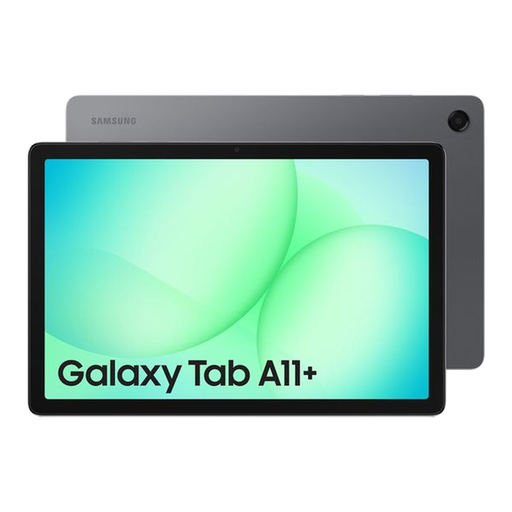
A touch-first tablet option for browsing and viewing, with a stated front camera for video calls.
11-inch 1920 × 1200 multi-touch display; 8GB RAM; 256GB storage; 5MP front-facing camera.
 No image available
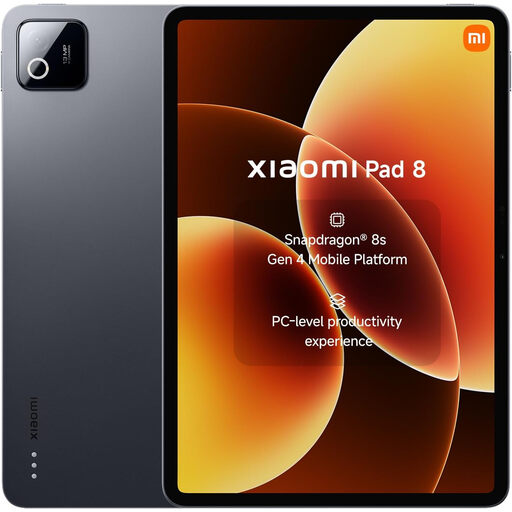
A touch-first option for viewing and browsing, with a listed front camera for video calls.
11.2-inch display; 8GB RAM; 128GB storage; Wi-Fi; 8MP front camera.
 No image available
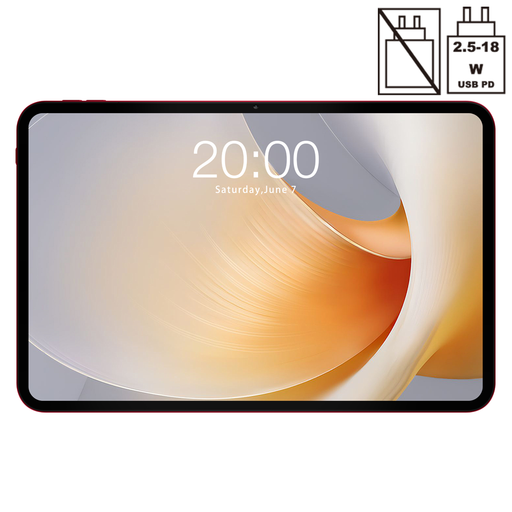
The stated 13.4-inch display is an option to consider for viewing at a distance; check that the intended apps and controls suit the relative.
13.4-inch 120Hz display; Android 15; 256GB storage; Widevine L1; 8MP front camera.
 No image available
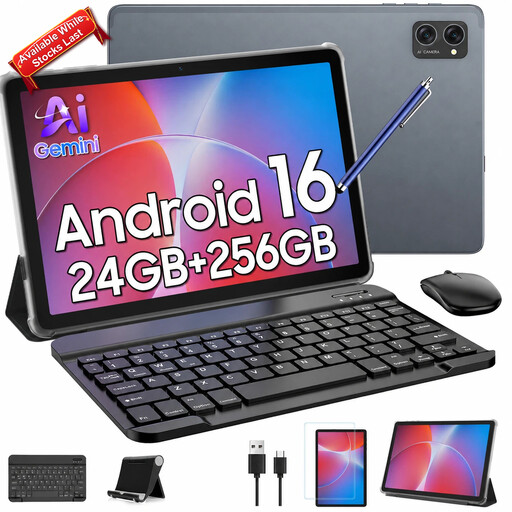
A tablet bundle for someone who prefers physical controls for typing or pointing; check how the accessories work with the intended apps.
10.1-inch In-Cell display; keyboard and mouse included in the product title; Widevine L1; front and rear cameras.
Try larger text, zoom and contrast on the actual website or app, then see whether spoken feedback or other controls help. Apple, Samsung and Google document platform accessibility options; the useful combination depends on the person, device and service.
Plan for the relative’s own account where appropriate. Google says separate regular Chromebook sign-ins keep users’ information and files separate; Apple says Family Sharing can share eligible services without sharing an Apple Account.
Check the exact Chromebook model’s automatic-update schedule, rather than relying on its purchase date. For a Samsung tablet, check model-specific software information; for a Fire tablet, consult Amazon’s device-specific security-update information. Do not assume a fixed remaining support period for an iPad without checking the model.
Check the exact model’s remaining updates, battery-condition evidence, included accessories and the seller’s stated warranty before comparing it with a new device. Apple says supported iPad models can show battery health, while older models may not have that setting. Apple Certified Refurbished products include functional testing and a one-year warranty; do not assume other sellers offer the same terms.
GOV.UK says distance-selling customers generally have 14 days after receiving an item to tell the trader they wish to cancel, followed by another 14 days to return it; exceptions and deductions may apply. Rights for faulty goods are separate from a seller’s or manufacturer’s warranty. Check who the trader is and the applicable return terms before buying.