What to check before choosing
iPad
Consider it when: an iPad app such as Procreate meets your drawing and file-delivery needs.
Trade-off: check the exact Pencil and keyboard separately; Apple’s specifications list Pencil compatibility, not an included Pencil in the iPad Air box.
Android
Consider it when: the available Android apps and pen support handle your documents and creative tasks.
Trade-off: check the package and app compatibility; Samsung lists an S Pen in the UK Tab S11 box, while its travel adapter is not included.
Windows
Consider it when: a required Windows application or desktop-style workflow works on the exact tablet configuration.
Trade-off: for Windows-on-Arm, check application, plug-in and peripheral support; Microsoft and Adobe identify limitations for some configurations.
Start with the task that would stop if the tablet could not do it: running a required app, using a pen, viewing detailed work or typing comfortably.
| Concern |
What to check when buying |
Who this matters to |
| Apps and file workflow |
Check the exact app version, file import and export formats, account needs and any required plug-ins or drivers. |
If a named app or a particular file hand-off is essential, I need to know it works on the exact setup before choosing; around 33% of consumers put required apps and files first. |
| Pen input |
Confirm the compatible pen model, whether it is included, how it charges and whether the app supports the features you need. |
For sketching or handwritten annotation, I want the tablet and pen to work together for my chosen app. Around 27% of consumers prioritise pen input. |
| Screen and demanding work |
Compare the exact model’s screen and storage with your app requirements; where possible, try a representative file under your usual lighting. |
If I need to see detailed pages or work on demanding projects, screen usability and app requirements come ahead of accessory preferences; around 20% of consumers prioritise these factors. |
| Typing and the complete setup |
Check keyboard and case compatibility, what charging equipment is included, and the dimensions and weight of the full kit. |
When I expect to type, present or travel with the tablet, I need a practical setup rather than just a tablet that suits desk use; around 20% of consumers prioritise typing and carrying. |
Joybuy product choices
These Joybuy choices cover Android and iPad tablets for pen-led creative work, annotation and portable productivity. Check app compatibility and the accessories included with the exact configuration before choosing.
 No image available
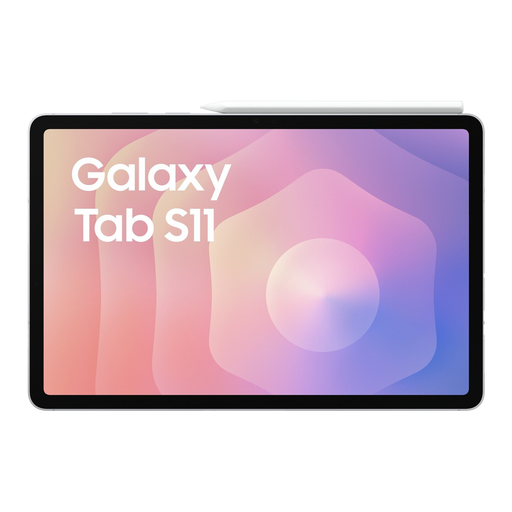
Galaxy Tab S11, 12GB+128GB, Wi-Fi, Gray
For portable sketching or annotation where an included pen suits your app and workflow.
11-inch display; 12GB RAM; 128GB storage; S Pen included. The listed 45W fast charger is sold separately.
View on Joybuy
 No image available
Xiaomi Pad 8 Pro, Gray, 12GB RAM, 512GB storage
For detailed visual work where the specified display and compatible pen suit your tasks.
11.2-inch 3.2K display; Snapdragon 8 Elite processor; 12GB RAM; 512GB storage; USB-C video output. Compatible with the Xiaomi Focus Pen, which is not included.
View on Joybuy
 No image available
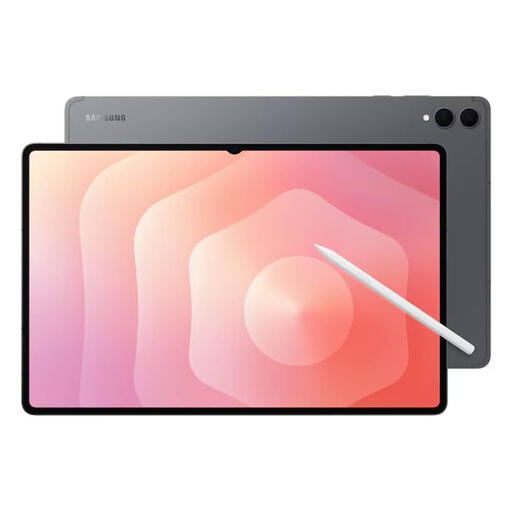
Samsung Galaxy Tab S11 Ultra, 12GB, 256GB, Wi-Fi, Gray
For reviewing large pages or presenting designs where a 14.6-inch display suits your work and carrying needs.
14.6-inch display; 12GB RAM; 256GB storage; Samsung DeX support.
View on Joybuy
 No image available
Apple 13-inch iPad Air (2026, M4), Wi-Fi, 256GB, Space Grey
For a larger drawing or document canvas when your work uses compatible iPad apps.
13-inch display; M4 chip; 256GB storage; supports Apple Pencil and Magic Keyboard. The Pencil and keyboard are sold separately.
View on Joybuy
 No image available
Apple 11-inch iPad Air (2026, M4), Wi-Fi, 128GB, Starlight
For creative work or note-taking in a smaller tablet format, provided your chosen apps support the workflow.
11-inch display; M4 chip; 128GB storage; supports Apple Pencil and Magic Keyboard. The Pencil and keyboard are sold separately.
View on Joybuy
Frequently asked questions
Can a tablet replace my work laptop?
Only if the exact configuration supports the apps, file formats, plug-ins and peripherals your tasks require. A detachable keyboard does not settle those questions; Microsoft and Adobe identify additional checks for some Windows-on-Arm applications and peripherals.
Will a pen or keyboard be included?
Check the exact bundle. Samsung says the UK Tab S11 and S11 Ultra include an S Pen but not a travel adapter. Apple lists Pencil compatibility, while the iPad Air box contents include the tablet and a USB-C cable; Microsoft describes Surface keyboard and Slim Pen use as optional.
How should I keep artwork and project files safe?
Plan an export or backup process that preserves the files you need to deliver. Procreate’s Help Centre says artwork is saved locally on the iPad and recommends regular export or backup; check the equivalent process in your own apps.
What rights apply if I order a tablet online in the UK?
For an applicable distance sale, GOV.UK guidance says you can notify the seller of cancellation within 14 days of receiving the item, then have another 14 days to return it. Fault-related rights are separate, so check which rules apply to your transaction rather than treating a manufacturer’s warranty as the full extent of your rights.
How can I dispose of an old tablet in the UK?
GOV.UK consumer guidance says you can take waste electrical products to a local household waste recycling centre. When you buy a new electrical product, a retailer must accept an old like-for-like product for free, including for an online purchase; a battery that cannot be removed is treated as part of the electrical product.


