Focused train novel readers
If most of your journey is spent reading text-led novels, a compact device designed around reading may suit you better than one built for general apps.


For mainly text-based adventure novels, choose a compact monochrome E Ink eReader if a glare-free screen and fewer app distractions matter most. A conventional tablet makes more sense when you also need colour content and general apps; an Android E Ink reader offers another route if you use several reading services. Whichever route you take, check that your books will work on the device and download the next novel before travelling.
If most of your journey is spent reading text-led novels, a compact device designed around reading may suit you better than one built for general apps.
If your books come from personal EPUB or PDF files, a library or several services, check file handling, digital rights management and borrowing eligibility before choosing a screen.
If the same device needs to handle novels, colour content and other apps, compare a conventional tablet with an Android E Ink reader rather than assuming a dedicated eReader will cover every task.
Choose it when: Text novels are your main activity and you want a reading-focused screen with fewer app distractions.
Bear in mind: Kindle and Kobo have different routes for purchases, personal files and library books; format support alone does not settle whether a protected book will transfer.
Choose it when: You want an E Ink screen but need access to several compatible reading or audio apps.
Bear in mind: Check each required app and allow for more account and settings management than with a single-store eReader.
Choose it when: Reading shares the journey with colour media, browsing or other general-purpose apps.
Bear in mind: A multifunction tablet does not offer the notification-free reading environment Amazon describes for Kindle Paperwhite; consider how you will manage distractions and charging.
| Concern | What to check | Who this matters to |
|---|---|---|
| Reading in changing light | Compare E Ink with a conventional display, and check screen size, lighting controls and any stated anti-reflective treatment. | If I read long stretches of text beside a bright train window and later in dimmer light, I want a screen that suits both parts of the journey. Around 36% of consumers put readable, low-distraction text first. |
| Access to books | Check your usual store, library or file-transfer route, including any digital rights management requirements. | My next novels may be borrowed or saved as EPUB or PDF files, so access to those particular books comes before the device’s other features. For around 29% of consumers, book-source compatibility is the primary concern. |
| Reading without interruptions | Open a downloaded book without a connection before departure; assess battery claims under the maker’s stated conditions. | On a longer trip, I would rather have the whole novel ready than depend on a connection or an untested battery claim. Roughly 21% of consumers place charging and connection independence first. |
| Other uses on the same device | Decide which colour content and specific apps you need, then check whether the device runs them. | I also want to use the device for colour content and everyday apps, so a reading-only design may be too restrictive. Around 14% of consumers prioritise those wider uses. |
A device may accept a file format without offering a straightforward route for a particular purchased or borrowed book, especially when digital rights management applies.
List where your next few novels will come from, then check the relevant store, transfer method or library account against the device you are considering.
An Android E Ink reader offers an app route, but access to an app store does not establish that your chosen service will work as you need it to.
Identify the specific ebook, audiobook or magazine apps you intend to use and check their device compatibility before choosing this route.
A book that still needs downloading makes your reading dependent on connectivity during the journey.
Download the complete book beforehand and check that it opens from the device library without a connection.
Kobo’s waterproofing advice has usage conditions; in particular, Kobo says to dry the USB port before connecting a charger.
Check the conditions for your exact model and let the port dry before charging after it gets wet.
A dedicated route for readers whose novels come through the Kindle ecosystem; Kindle Paperwhite is the text-reading model considered here.
A dedicated eReader route for readers considering Kobo’s store, compatible personal files or library borrowing; Clara BW is the compact monochrome model considered here.
An Android-based E Ink route for readers who need more than one reading service; the Go 7 range is the portable line considered here.
A conventional colour-tablet route for readers who also want general-purpose apps; iPad mini is the portable model considered here.
These choices cover Android E Ink devices for readers considering reading apps and conventional Android tablets for those combining novels with other uses. Check your preferred book service against the exact device before choosing.
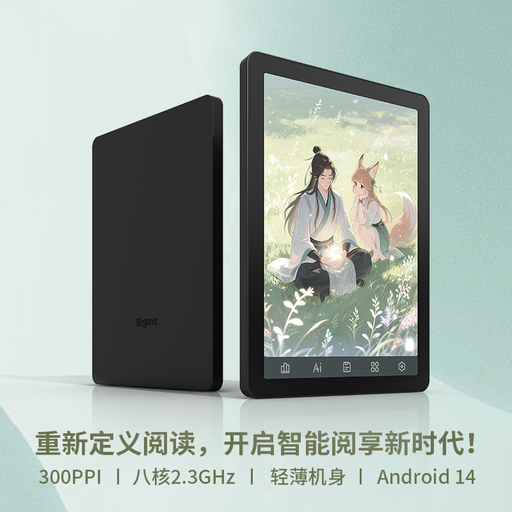 No image available
Consider this Android E Ink device if you want a small screen for novels and intend to use compatible reading apps.
The product name specifies a 36-level front light and Android 14 with Google Play. Check your chosen app and book-transfer method, as well as the device’s weight and reading runtime, before buying.
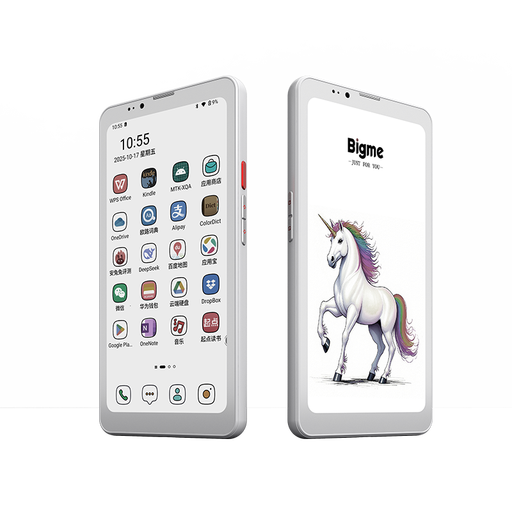 No image available
This is an option if you want an E Ink device for novels but also need some colour content and compatible Android apps.
The product name specifies Android 14. Before choosing it for a journey, check your reading apps and book formats, front-light controls, weight and reading runtime.
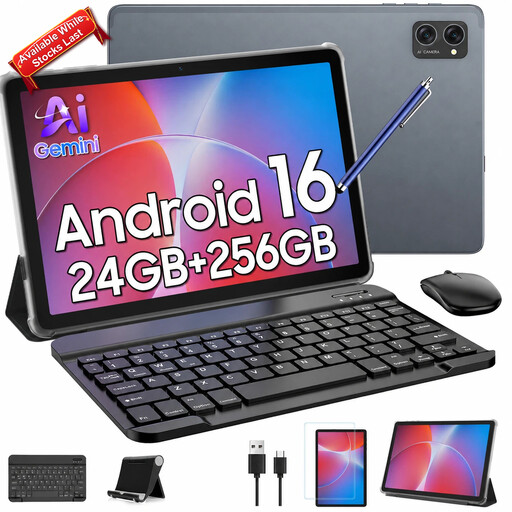 No image available
Consider this conventional tablet if you want to read novels and use general apps on the same larger screen.
The product name specifies a 10.1-inch in-cell display and 256 GB of storage. Check how the screen looks in your usual carriage lighting, whether your reading apps work and how long the device lasts while reading.
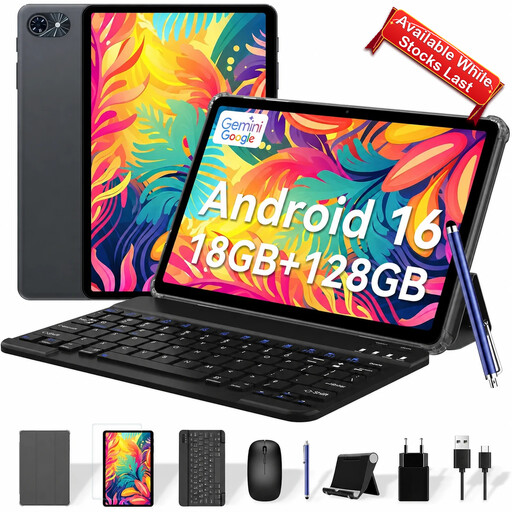 No image available
This larger general-purpose tablet is a route to consider when novels are only one of the tasks you want a device to handle.
Check the screen’s reflections, device weight and compatibility with your books and apps. Confirm the battery specification for this model before relying on it for a long journey.
Choose a dedicated E Ink reader if text novels are the main job and you value a glare-free, low-distraction device; choose a conventional tablet if colour and general apps matter just as much. An Android E Ink reader is another option when you need several compatible reading apps, though each app needs checking.
Both offer routes for supported personal files, but the transfer process and any protection on a book matter. Kobo lists EPUB and PDF support and says Adobe-protected books require Adobe Digital Editions; Amazon lists EPUB and PDF for Send to Kindle. Check the requirements for your particular files before buying.
Kobo lists built-in Libby compatibility for Kobo Clara BW in the United Kingdom. You will still need an eligible library account, and the particular novel must be available through that service.
Yes, if you want to read without depending on a connection during the journey. Download the complete book and check that it opens from your device library before you leave.