Parents setting up a first child tablet
You want to manage apps, content and screen time, and understand what a child-focused bundle includes. Which? explains that tablet controls can cover these settings, though they are not foolproof.


A child-focused bundle can suit families who want a case and included content, while an iPad or compatible Android tablet may be a better fit when particular apps or account features matter more. Check essential apps, how adult and child use will be separated, the exact model’s software-support terms and any subscription renewal before choosing.
You want to manage apps, content and screen time, and understand what a child-focused bundle includes. Which? explains that tablet controls can cover these settings, though they are not foolproof.
You need to check that specific learning or school apps work on the tablet’s platform before setting up its parental controls.
You need to know whether adults and children can have genuinely separate on-device experiences, rather than assuming a child account creates a separate user space.
Start by checking that the tablet can run the child’s essential apps; then decide whether its account and control features suit the way your household will use it.
| Concern | What to check when buying | Who this matters to |
|---|---|---|
| Apps, content and screen time | Check the account setup and the controls available for app downloads, websites, privacy settings and time limits. Which? notes that parental controls are not foolproof. | If I am setting up a child’s first tablet, I want to manage what they can access and when. Around 31% of consumers put controls first. |
| Required apps | List essential school and household apps and check their availability on the exact platform. Fire tablets do not support Google Play; for Family Link app limits, the Android device must meet its version requirements, and system apps cannot receive those limits. | I need a particular learning app to work before I settle on a platform. Consumers who prioritise access to required apps make up about 25%. |
| Software support over time | Check the full model and release for its stated security-support terms, including any seller conditions. Treat software support separately from a case or replacement cover. | For a tablet I expect to keep using, I want clear support terms for the exact model. Around 25% of consumers prioritise useful life and ongoing support. |
| Separate adult and child use | Apple’s Shared iPad multiple-login feature requires organisation-managed accounts and device management. Samsung documents multiple users on Galaxy tablets; check support on the selected model and software version. | If adults and a child will share one tablet, I want their apps and settings kept distinct. Consumers who prioritise separate experiences account for about 19%. |
Fire tablets do not support Google Play, so an app that depends on it may not be available through the same route.
Check each essential school and household app on the exact tablet before choosing a bundle.
The specified Fire HD 8 Kids (2024 release) bundle includes one year of Kids+ that auto-renews at the applicable rate.
Read the renewal and cancellation terms for the exact bundle, and compare the tablet separately from its content subscription.
Keeping the subscription after the included period may involve an ongoing charge unless it is cancelled.
Apple’s Shared iPad multiple-login feature requires organisation-managed accounts and device management; ordinary Family Sharing is a different arrangement.
If separate adult and child spaces are essential, check the selected tablet’s actual user-switching options before buying.
Physical protection, replacement terms and security updates address different concerns.
Check the full model’s software-support terms separately from any case or replacement cover.
A child-focused Fire configuration may suit families considering a bundled case and content, provided the child’s essential apps are available on the platform.
iPads may suit families choosing iPadOS apps and setting up Family Sharing with a separate child Apple Account.
Galaxy tablets offer an Android route with Samsung Kids and, on supported models, multiple user accounts.
The Lenovo Tab One is an Android option to consider when Google Kids Space and Family Link fit the household’s needs.
These Joybuy choices include child-labelled tablets alongside general household tablets to compare. Check app access and account controls on the exact model.
 No image available
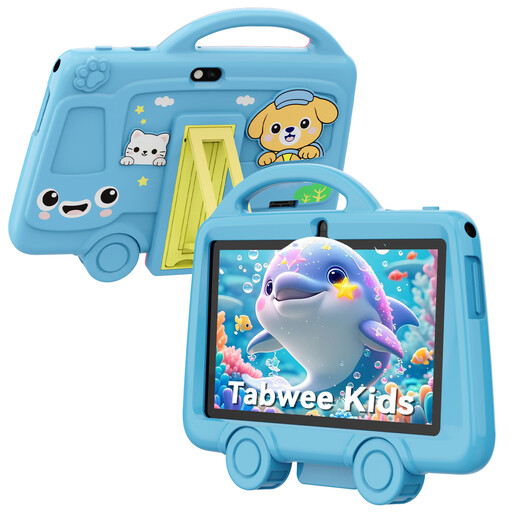
A child-labelled 7-inch option to compare when a compact format is a priority.
3 GB RAM, 32 GB storage, 2.4 GHz Wi-Fi, Bluetooth 4.2 and a 3.5 mm headphone jack; the listing states a weight of 285 grams and a drop-resistant design. Not suitable for children under 3; adult supervision is advised.
 No image available
A child-labelled 7-inch option to compare when a compact format is a priority.
2 GB RAM, 32 GB storage, 2.4 GHz Wi-Fi, Bluetooth 4.2 and a 3.5 mm headphone jack; the listing states a weight of 285 grams and a drop-resistant design. Not suitable for children under 3; adult supervision is advised.
 No image available
A child-labelled 11-inch tablet to compare if you are considering a larger-screen format.
The product name specifies Wi-Fi and 128 GB storage.
 No image available
A general-purpose tablet to compare if the household needs a device for study and media as well as considering a child’s use.
The product name specifies an 11-inch display, Android 16, 4 GB RAM, 128 GB storage and a 7000 mAh battery.
 No image available
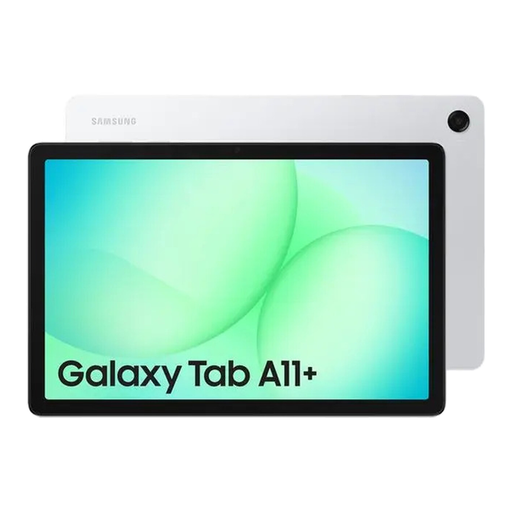
A general household tablet to compare if adults and children may use the same device.
The product name specifies 64 GB storage and a Silver finish. Check the selected model’s user-account and parental-control options before relying on separate experiences.
No, not as a supervised child device. Google says iPads cannot be supervised with Family Link, so use Apple’s child-account and Screen Time arrangements for iPad controls. A parent can still use the Family Link app on an iPhone or iPad to manage a child’s compatible supervised device.
For an iPad, set up Family Sharing with the child’s own Apple Account before configuring their controls. For a compatible Android tablet, set up supervision on the child’s Google Account and check which Family Link features the device supports.
No. Which? explains that tablet controls can help manage downloads, websites, privacy settings and screen time, but they are not foolproof. Review the controls and the apps the child can access on the specific device.
Check content renewals separately from physical cover and software support. The specified Fire HD 8 Kids (2024 release) bundle includes one year of Kids+ that auto-renews at the applicable rate; review the exact bundle’s renewal terms and check the model’s security-support conditions.
No such consumer purchase requirement is established by the Information Commissioner’s Office guidance. The ICO says the Children’s code applies to information-society services likely to be accessed by children, including relevant apps and games; it addresses providers’ handling of children’s data, not a particular tablet or parental-control app that parents must buy.