Reading-first coach travellers
If fiction is your main use, a reading-focused E Ink device is worth considering when glare control and fewer distractions matter more than access to general tablet apps.


Choose a reading-first eReader if short stories are your main use and you value a glare-free screen and long intervals between charges. Choose a compact tablet if you also need reading, library and other apps on one device; check that your preferred service works on it and download your stories before travelling.
If fiction is your main use, a reading-focused E Ink device is worth considering when glare control and fewer distractions matter more than access to general tablet apps.
If you read between stops but also want browsing, messages, video or a library app, compare compact general-purpose tablets and check the services you use.
If you want a colour tablet for occasional stories and entertainment, a Fire tablet may suit you if its app store carries your essential services.
Start with the kind of reading device you want, then check the screen, app access and offline reading before deciding on a model.
Choose it when: Short-story reading matters more to you than running general-purpose apps.
Trade-off: A Kindle or Kobo reading ecosystem is not a substitute for a full tablet if you need broader app use.
Choose it when: You want stories, other apps and colour content on the same device.
Trade-off: You will be reading on a backlit screen; on Fire tablets, Amazon says Google Play is not supported, so app choice needs particular attention.
| Concern | What to check | Who this matters to |
|---|---|---|
| Comfortable text in changing light | Compare screen glare and lighting controls on the exact model, along with access to your books. | Beside a bright window or under uneven cabin lighting, I want text I can read without constantly adjusting my position. Around 42% of consumers put reading comfort first. |
| Portable access to needed apps | Check device size and weight, your reading or library apps, and whether titles can be stored for the journey. | I want one manageable device for stories and the other apps I use between stops. Compact app access comes first for around 33% of consumers. |
| Basic reading and other uses | Confirm the exact storage variant, available app store and any accessories included with the device. | For occasional stories and entertainment, I would rather focus on the functions I will actually use than pay for a more specialised device. Around 25% of consumers prioritise this practical balance. |
A title that has not been downloaded may be unavailable when the coach has no usable Wi-Fi. Rakuten Kobo advises downloading books before travelling without a connection.
Download the short-story collection before departure and check that it opens with Wi-Fi switched off.
Amazon says Google Play is not supported on Fire tablets. An ebook or library app you rely on therefore needs checking in Amazon's Appstore.
Search for the exact reading, library and audiobook apps you need before choosing a Fire model.
If an essential app is unavailable, you may need to use a different device for that service.
A larger tablet provides more page area, but its size can matter when you are holding it in a seat or fitting it into a bag.
Consider how you will hold and carry it, as well as whether you need the extra screen area for other tablet tasks.
Storage and connectivity can differ between configurations of the same tablet family.
Check the exact model, storage, connectivity and included accessories on the product-detail page before ordering.
Kindle Paperwhite is a reading-first option, while Fire HD 8 is a colour-tablet route for reading alongside entertainment.
Kobo Clara BW is a compact, black-and-white E Ink option for readers who want Kobo's ebook ecosystem.
iPad mini is a compact general-purpose tablet to consider if reading is one of several uses.
Galaxy Tab A includes a compact Android tablet route as well as larger models.
These choices include a compact iPad mini, a larger E Ink note-taking tablet and two larger general-purpose tablets. Compare their size and reading-service compatibility against how you expect to read on the coach.
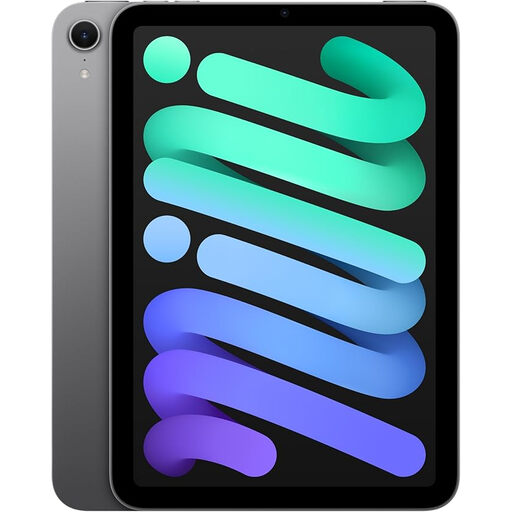 No image available
Consider this compact general-purpose tablet if you want to read stories alongside other apps.
Check your preferred ebook or library app and test a downloaded story offline before travelling.
 No image available
Consider this E Ink note-taking tablet if you want a larger text area and can accommodate its 10.65-inch size on the coach.
It is listed without a reading light, so consider the lighting where you will read. Check support for your preferred books or library service and test offline access before travelling.
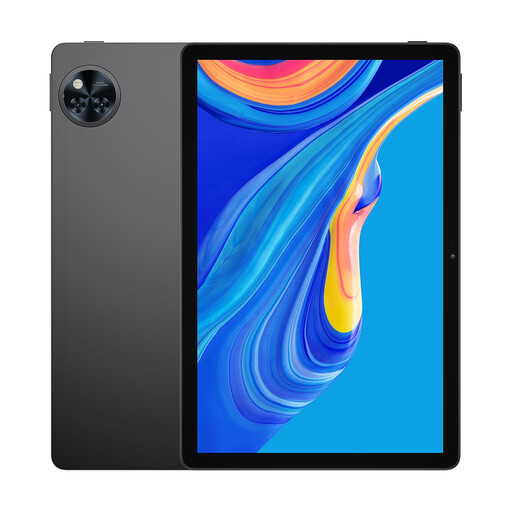 No image available
Consider this general-purpose tablet if you want its 11-inch screen for reading and other tablet uses, and have room to handle it on a coach.
The product name lists 256GB storage. Check that your reading apps support offline downloads and that the device fits comfortably in your bag.
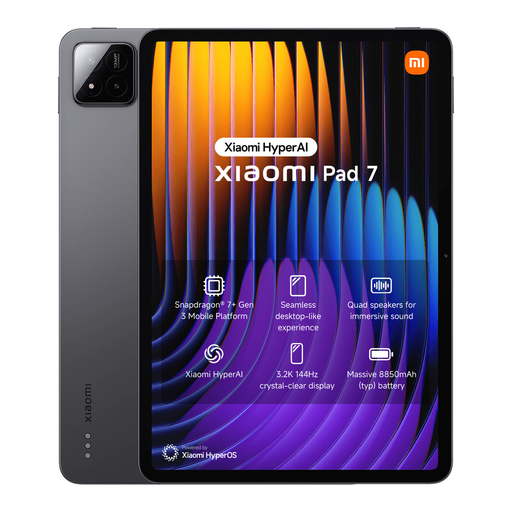 No image available
Consider this general-purpose tablet if reading is one of several uses and a larger device suits how you travel.
The product name lists 8GB RAM, 128GB storage and an included Focus Pen. Check its handling in a coach seat and whether your reading apps allow offline access.
No, if the stories are already stored on your device and your reading app lets you open them offline. Rakuten Kobo advises downloading books before travelling without Wi-Fi; whichever device you choose, open a story with Wi-Fi switched off before departure.
Yes, if your library's service supports an app available on your chosen device. The City of London lists Libby, BorrowBox and PressReader among its eLibrary services; check your own library's catalogue and the device's app store before buying.
Check the information for the exact device being sold in Great Britain rather than assuming one marking rule covers every tablet. GOV.UK sets out product-marking requirements by sector for goods placed on the Great Britain market, including electrical and radio equipment.
For an eligible change-of-mind cancellation, GOV.UK says online customers generally have 14 days after receiving an item to tell the seller they want to cancel, followed by 14 days to return it. Check the applicable exceptions and the seller's return process; a change-of-mind cancellation is distinct from a remedy for a faulty or misdescribed product.