A pen-enabled tablet can suit handwritten lecture notes and PDF reading, provided the exact tablet, pen and study apps work together. Keep a laptop alongside it, or consider a Windows 2-in-1, if your course requires desktop software; check the required applications and any keyboard before relying on a tablet as your only computer.
Who is this for?
Students who handwrite and annotate
If lectures come with PDF handouts or workbooks, writing directly on those files can bring notes and reading together. Leicester Medical School describes students typing or handwriting on iPad workbooks; check that your chosen device and app support your course materials.
Students who also write substantial coursework
A tablet may serve for reading and handwritten notes, while essays, emails and presentations make keyboard fit more important. Apple and Microsoft describe physical-keyboard accessories for compatible devices, but accessory compatibility varies by model.
Students with required course software
Check applications, prescribed versions and peripherals before choosing a tablet as your only computer. University College London advises its students to use the software version used at the university for compatibility; Microsoft documents installation limits for some software and drivers on ARM-based Surface Pro 9 models.
What matters when choosing?
Pen-enabled iPad or Android tablet
Choose it when: Handwritten notes, PDF markup and reading are your main tasks.
Allow for: Pen and keyboard compatibility checks, and separate access to any required desktop applications.
Windows 2-in-1
Choose it when: You want pen input and a detachable keyboard while needing Windows for coursework.
Check carefully: Windows alone does not establish app or driver compatibility; Microsoft identifies restrictions for some ARM-based Surface Pro 9 configurations.
Tablet alongside a laptop
Choose it when: Handwritten annotation matters, but required desktop software has not been confirmed for the tablet.
Allow for: Carrying and charging two devices, and keeping coursework files accessible on both.
| Concern |
What to check |
Who this matters to |
| Handwriting and PDF annotation |
Check pen compatibility with the exact tablet and whether your app can write on course PDFs. |
If lecture materials arrive as PDFs, I want to mark them up rather than keep notes elsewhere. About 31% of consumers put handwriting and direct annotation first. |
| Portable reading and organisation |
Compare size and carrying weight; check offline file access and note synchronisation. |
Moving between lectures, the library and home makes easy access to readings and notes my priority. Around 25% of consumers primarily want portable, organised study materials. |
| Typing coursework |
Confirm the exact keyboard fit and whether its layout and trackpad suit your work. |
When essays and presentations take up more of my study time, typing comfortably matters more than pen use. About 19% of consumers place longer-form coursework first. |
| Software and campus access |
Confirm required apps, versions and peripherals with course IT; follow your institution's Wi-Fi setup instructions. |
If a course depends on a particular application or campus service, I need access to that work before anything else. Roughly 25% of consumers make compatibility their primary concern. |
Buying pitfalls
-
Assuming the pen and keyboard come with the tablet
Accessory inclusion and compatibility vary by device and bundle. A tablet alone may not provide the handwriting-and-typing setup you intend to use.
Check the exact tablet generation, compatible pen and keyboard, and what is included before choosing a configuration.
The stylus or keyboard may need to be obtained separately.
-
Choosing by pen features before checking course software
Course-required versions, desktop applications and peripherals can determine whether a tablet works as a sole computer. Microsoft documents that some software and third-party drivers will not install on ARM-based Surface Pro 9 configurations.
Ask your department or university IT service about each required application, processor architecture, remote-access option and peripheral before replacing a laptop.
-
Relying on campus Wi-Fi for every file
Connecting to eduroam requires the configuration supplied for your institution and device; a note app's cloud access also depends on connectivity.
Follow your university's connection instructions and keep important readings and notes available offline where your chosen app permits it.
Brands to consider for different study setups
Apple
An iPad route for handwritten notes, PDF reading and optional keyboard-based work on compatible models.
- Apple describes Apple Pencil note-taking and compatible iPad keyboards with physical keys.
- Check pen and keyboard support for the exact iPad; these accessories do not establish access to course-required desktop software.
Samsung
An Android tablet route for students considering S Pen note-taking.
- Samsung identifies a 10.9-inch display and S Pen-oriented note-taking for the Galaxy Tab S10 FE.
- Those details apply to the named model, not every Galaxy tablet; check your required study apps separately.
Microsoft Surface
A Windows 2-in-1 route for students weighing pen use against desktop coursework requirements.
- Microsoft describes Surface Pro models with optional keyboard and Slim Pen use.
- Verify the exact configuration and required software: Microsoft identifies application and driver restrictions for some ARM-based Surface Pro 9 models.
Tablets for university notes
These Joybuy tablets offer different sizes and note-taking setups for portable study. Check pen, PDF-app and keyboard fit against your own coursework before choosing one as a laptop replacement.
 No image available
iFLYTEK AINOTE 2, 10.65-inch E Ink tablet with protective case
Consider this note-taking device if handwriting and carrying reading materials are your priorities. Its listed configuration includes a 10.65-inch E Ink display and a protective case; confirm that your intended app can annotate course PDFs and that required course applications work with it.
View on Joybuy
 No image available
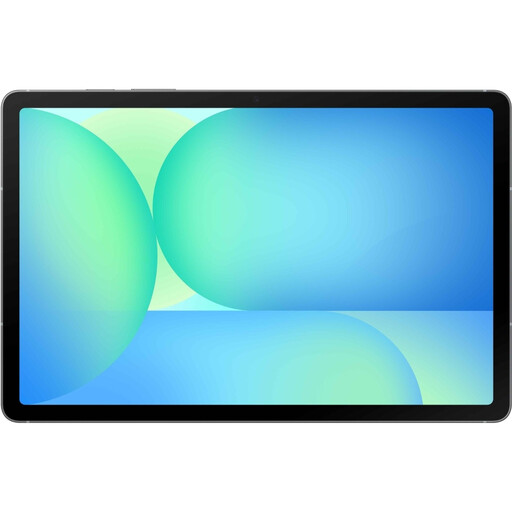
Samsung Galaxy Tab S10 FE, 256GB Wi-Fi, grey
Consider this configuration for a portable handwriting-focused setup; Samsung describes S Pen note-taking for the Galaxy Tab S10 FE. Confirm that your PDF app handles course files and that any keyboard you want fits this model.
View on Joybuy
 No image available
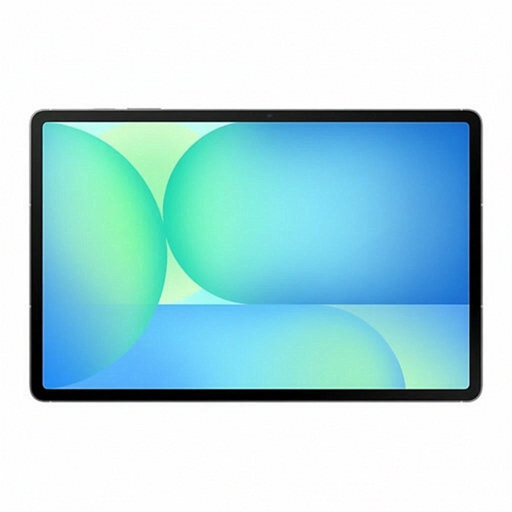
Samsung Galaxy Tab S10 FE+, 13.1-inch Wi-Fi, 128GB, silver
Consider the 13.1-inch model if you want more screen space for reading and handwritten work; its larger size is also worth considering if you carry it between classes. Check PDF-app support and keyboard compatibility for this exact model.
View on Joybuy
 No image available
Apple iPad Mini 7 (A17 Pro), 512GB, Space Grey
Consider this compact iPad for notes on the move, but try your usual PDFs on its 8.3-inch display if you work with dense pages. Check the compatible Apple Pencil and your annotation app; the Pencil is a separate purchase.
View on Joybuy
 No image available
Apple 11-inch iPad Air (2026, M4), Wi-Fi 128GB, Starlight
Consider this 11-inch iPad if you want to switch between handwritten notes and typed coursework. Confirm which Apple Pencil and Magic Keyboard fit this exact model, whether your PDF app suits your course files, and which accessories you would need separately.
View on Joybuy
Frequently asked questions
Can a tablet replace my laptop at university?
A tablet can cover notes, reading and some coursework if your course tools work on it. Keep access to a compatible computer if you need desktop applications, prescribed university software versions or specialist drivers; check the requirements with your department before making the tablet your only device.
What should I check before buying a stylus for notes?
Match the exact pen to the exact tablet generation, then check whether it is included and whether your chosen app can write on your course PDFs. Pen support cannot be assumed from a tablet brand alone.
Do I need a keyboard case?
A keyboard case is worth considering if you regularly draft essays, emails or presentations on the tablet. Check its fit with your model, keyboard layout, trackpad and typing position; it will not by itself make mobile-only software run desktop applications.
Will my tablet connect to university eduroam Wi-Fi?
eduroam provides connection routes for common tablet platforms, but your institution supplies the applicable setup instructions and credentials. Follow your university IT guidance and keep essential files available offline when possible.


