What matters when choosing one?
Start with the work you would do on the tablet, then check its pen, apps and accessories against that workflow. Keep access to a computer where your course requires software the tablet cannot run.
| Concern | What to check | Who this matters to |
|---|
| Handwriting and PDF annotation |
Match the pen to the exact tablet model and check the writing and PDF tools in your intended apps. |
If I write equations or mark up lecture readings, pen input is the reason I would add a tablet. Around 36% of consumers put that handwriting need first. |
| Course software |
Compare your department’s named applications with the tablet’s operating system and any available computer access. |
A specialist application could determine whether I can use a tablet for assessed work. For around 36% of consumers, software compatibility is the primary concern. |
| Typing away from a desk |
Check the exact keyboard-case fit and the layout and stand features you would use. |
When I regularly draft longer text between classes, a physical keyboard matters more than occasional pen input. Roughly 21% of consumers prioritise mobile typing. |
| Refurbished condition and support |
Confirm the exact model, battery and accessory information, seller terms and current software-update status. |
If I choose a refurbished tablet, I need its condition and support to suit the rest of my studies. Around 7% of consumers make that their first concern. |
Tablets for study workflows on Joybuy
These tablets offer pen-input options for taking notes or working with course materials. Before choosing one, check the apps your course uses and the document features you need; a pen does not establish either on its own.
 No image available
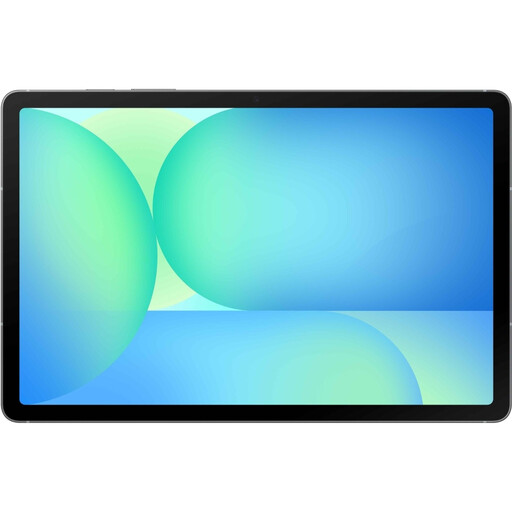
Samsung Galaxy Tab S10 FE, 256GB Wi-Fi, Grey
Consider this tablet for a pen-based note-taking setup if its apps suit your course work. It is the 256GB Wi-Fi variant; confirm the pen bundle and any keyboard compatibility before ordering accessories.
View on Joybuy
 No image available
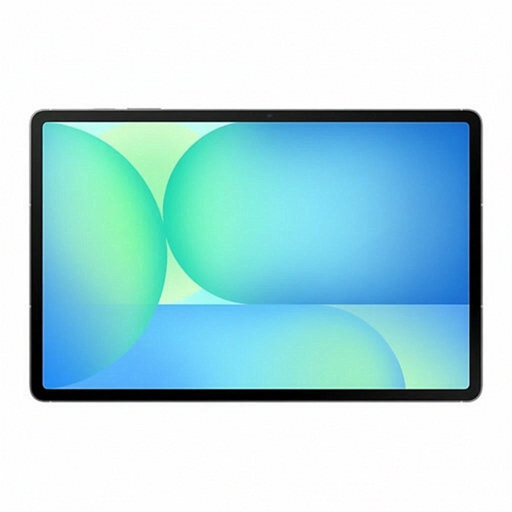
Samsung Galaxy Tab S10 FE+, 13.1-inch Wi-Fi, 128GB, Silver
The 13.1-inch display gives you a larger surface to consider for reading and handwritten work. This is the 128GB Wi-Fi variant; check carrying comfort, pen and keyboard arrangements, and your required apps.
View on Joybuy
 No image available
iFLYTEK AINOTE 2, 10.65-inch E-Ink tablet with protective case
Consider this E-Ink device if handwriting and reading course files are your main tasks. The listing names a 10.65-inch display and protective case; if marked-up PDFs are essential, check how your files can be annotated, exported and synced before choosing it.
View on Joybuy
 No image available
TECLAST ArtPad Pro, 12.7-inch 2K, 256GB, with stylus
This Android 15 tablet is an option to examine for pen-based drawing or notes. Its title specifies 4096-level pressure sensitivity for T-Pen drawing; check the included pen version and whether your note and PDF apps support the functions you intend to use.
View on Joybuy
 No image available
Xiaomi Pad 7, Grey, 8GB RAM, 128GB, with Focus Pen
The included Focus Pen makes this a tablet-and-pen option to assess for study. Check the exact pen version and your intended note-taking and PDF apps before relying on it for handwritten coursework.
View on Joybuy
Questions about study tablets
Can a tablet replace my university laptop?
Only if your required applications and assessment tasks work on that tablet. University College London advises checking course-specific requirements, while the University of Plymouth notes that some demanding subjects may need a higher-specification computer.
Do I need a stylus for university notes?
A stylus is most relevant if you handwrite notes, draw diagrams or make freehand annotations; reading and typing alone do not call for one. Check both the pen’s compatibility with your tablet and the writing features of your chosen app.
When does a keyboard case make sense?
Consider a keyboard case if you regularly draft longer text away from your laptop. Confirm its fit, layout and stand design, and remember that a keyboard cannot make an incompatible course application run on a tablet.
What should I check on a refurbished tablet?
Check the exact model, condition and battery description, included accessories and current software support. Ask the seller for its return and warranty terms in writing; a voluntary warranty is separate from rights that may apply to faulty goods bought from a trader.


