Large-text academic PDF readers
You move between journal pages, scans, fixed-layout PDFs and browser databases. A larger page helps, but you also need to check how your own apps handle text enlargement, contrast and magnification.


Choose a large conventional tablet if your literary criticism spans journal websites, reading apps and fixed-layout PDFs: its larger page and system text controls give you more ways to view different material, though a big tablet may be awkward to hold for long sessions. A 10-inch-class E Ink reader makes more sense when books and compatible personal documents dominate your reading. Before choosing either, try one of your actual PDFs: magnifying a page does not necessarily make its text reflow, and annotation permissions vary by file and device.
You move between journal pages, scans, fixed-layout PDFs and browser databases. A larger page helps, but you also need to check how your own apps handle text enlargement, contrast and magnification.
You mark passages, add marginal comments and need to retrieve notes while working between criticism and primary texts. The deciding test is whether your actual files permit the annotations and exports you use.
You mainly read reflowable books or compatible personal documents and prefer a dedicated E Ink reading workflow to broad app access. Check lighting and document support on the exact device.
Choose it when: Your criticism moves between library websites, reading apps and PDFs, and you need a large page alongside system text and zoom controls.
Trade-off: A larger device may call for a stand or desk rather than prolonged hand-held reading.
Choose it when: Books and compatible personal documents come first; Kindle Scribe, Kobo Elipsa 2E and BOOX Go 10.3 offer different document and app routes.
Trade-off: PDF layout, annotation permissions and access to your required reading services need checking on the particular device.
| Concern | What to check | Who this matters to |
|---|---|---|
| Large text in PDFs | Open a representative two-column or scanned PDF; try zoom, footnotes and landscape viewing. Check text controls separately in the apps you use. | If journal pages stay fixed when I enlarge them, I need to read passages and footnotes without constant panning. Around 44% of consumers would put fixed-layout legibility first. |
| Annotation workflow | Check the file’s protection and markup permissions, then try handwriting and note export on that file. | I need my comments and quotations to remain usable after I finish a text, not just appear on its page. For around 33% of consumers, preserving annotations would be the primary concern. |
| Extended reading | Compare your usual book and PDF formats with the device’s reading workflow; check front lighting on the exact E Ink variant if you need it. | When I spend a long session with books or compatible documents, I would rather keep the reading workflow simple than rely on many apps. Extended reading would come first for around 23% of consumers. |
A scanned or fixed-layout journal page may still need zooming and panning. Rakuten Kobo Help distinguishes magnifying a PDF from changing its text size or style on a Kobo eReader.
Try a representative article in portrait and landscape, including its columns, footnotes and page images.
Rakuten Kobo Help says its stylus cannot write on DRM-protected PDFs or files that disable markup. Amazon also notes that unsupported document elements can restrict some Kindle Scribe markup features.
Check the permissions on your library or publisher file, then try the highlighting, handwriting and export steps you need.
Apple’s UK specifications list a 13-inch iPad Air Wi-Fi model at 616 g before a case. Check the weight of the exact tablet you intend to buy if you usually read one-handed.
Handle the device if possible and consider whether you normally read at a desk, on your lap or while holding it.
A stand or folio may become part of your reading setup if holding the device is uncomfortable.
Amazon says files do not automatically sync between Kindle Scribe and connected cloud drives. That matters if you keep your reading notes in a research archive.
Work through a document import and export before relying on the device for your backup or citation workflow.
The 13-inch iPad Air is a conventional-tablet reference for readers who use several apps, websites and display controls.
The 12.4-inch Galaxy Tab S10+ is a large Android-tablet reference for mixed app and document reading.
Kindle Scribe centres reading, handwriting and imported documents within Amazon’s Kindle workflow.
Elipsa 2E is a 10.3-inch E Ink option for Kobo books, notebooks and eligible personal PDFs.
Go 10.3 offers a monochrome E Ink approach with Google Play Store access and note tools, according to BOOX.
These conventional tablets are options to examine if a large page and access to reading apps matter more to you than a dedicated E Ink workflow. Check your own PDFs and reading position before settling on a model.
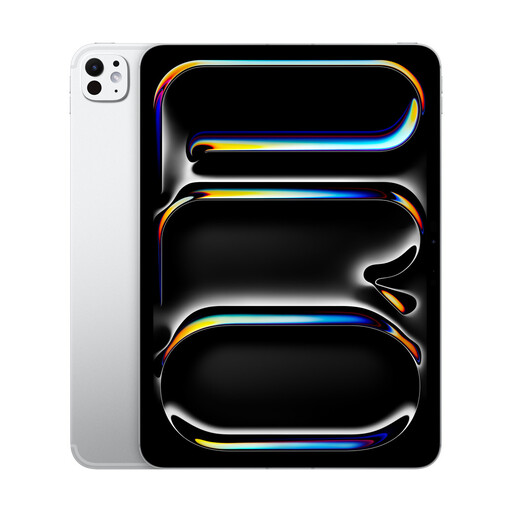 No image available
Consider its 13-inch format if you want a larger page for criticism across apps. Apple documents iPad text enlargement and Zoom, but test your particular PDFs and check the weight if you plan to hold the tablet for long sessions.
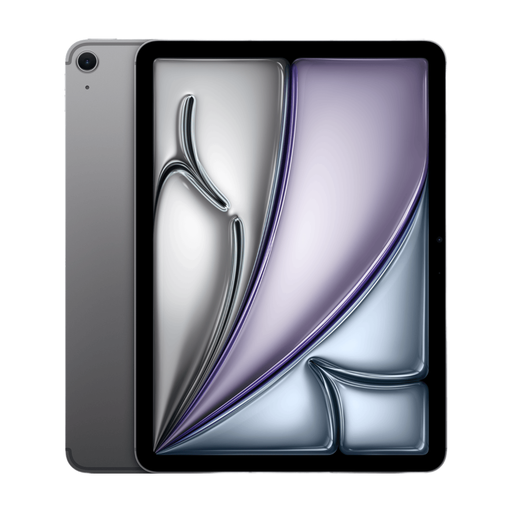 No image available
This iPad Air is relevant if you read across apps and want a large page with iPad text and Zoom controls. Its title says 13 inches while its description also says 14 inches, so confirm the display size for this variant. Test your PDFs, check the weight for hand-held reading and confirm any stylus you need separately.
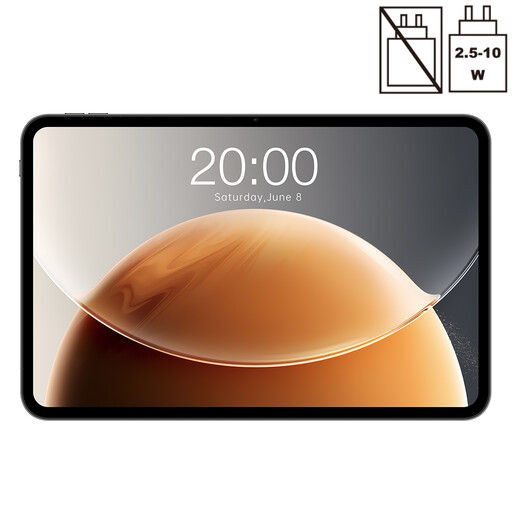 No image available
The stated 13.4-inch screen gives you a large page to assess for journal articles and criticism. The title also specifies a 120 Hz display. Check its text and contrast controls, your reading apps, PDF behaviour and device weight against your own needs.
No: a fixed-layout PDF may need magnification rather than a larger, reflowed font. Apple documents iPad text and Zoom controls, while Rakuten Kobo Help says PDF text size and style cannot be changed on its eReaders even though pages can be magnified. Try a file with the columns and footnotes you normally read.
You can on some supported files, but the PDF’s permissions matter. Amazon describes PDF markup on Kindle Scribe; Rakuten Kobo Help says Kobo Stylus notes are unavailable on DRM-protected PDFs and files that disable annotations. Check an actual course, library or publisher file before relying on handwriting.
No. Amazon says files do not automatically sync between Kindle Scribe and connected cloud drives, so plan to import or export documents when your research workflow requires it.
Use an appropriate electrical-waste collection route rather than putting the device in general waste. GOV.UK says waste electrical products can be taken to a local household waste recycling centre; check local instructions and remove your personal data before handing over the device.