Final Draft Go scriptwriters
You want to draft and revise a formatted stage play while travelling and are willing to use Final Draft Go on an iPad rather than the full desktop program.


Choose an iPad if Final Draft Go meets your theatre-script workflow: Final Draft says its mobile app supports stage-play formatting, but the full desktop program cannot run on an iPad. If you need the desktop program, check an Intel- or AMD-based Windows detachable against Final Draft’s requirements rather than assuming every Surface Pro configuration is compatible. Whichever route you take, plan for a usable keyboard and drafts you can access without train Wi-Fi.
You want to draft and revise a formatted stage play while travelling and are willing to use Final Draft Go on an iPad rather than the full desktop program.
You need the full desktop Final Draft application or another Windows desktop workflow. The exact processor and a workable physical keyboard matter more to you than a tablet-only setup.
You need your current draft available when train Wi-Fi or power is unavailable, alongside a keyboard and stand that fit your journey.
Choose it when: You want an iPad app that Final Draft says supports stage-play formatting and revisions during travel.
Accept that: Final Draft Go is separate from the full desktop program, which cannot run on an iPad.
Choose it when: The full desktop Final Draft application is essential and the exact Windows device meets its published processor requirement.
Check carefully: Microsoft lists Snapdragon X2 processors for its consumer Surface Pro 13-inch (12th Edition), while Final Draft specifies Intel or AMD for Windows.
Consider it when: You already have an Android writing workflow and want features such as a larger display or pen input.
Check first: Confirm that your chosen app handles stage-play formatting, file exchange and offline editing as you need.
| Concern | What to check | Who this matters to |
|---|---|---|
| Scriptwriting software and files | Check the exact app’s stage-play formatting and whether your existing files import and export as required. For desktop Final Draft on Windows, check the processor. | If my script relies on particular formatting and revisions, I need those functions to survive the move between devices. Around 42% of consumers would put the software workflow first. |
| Typing in a confined seat | Check the keyboard’s layout and compatibility with the exact tablet model, then assess its stand and viewing angles. | When I am drafting long stretches of dialogue, I need a physical typing setup I can use comfortably in my seat. For around 33% of consumers, sustained typing would be the primary concern. |
| Portability and offline work | Consider the tablet, keyboard and charger together; check local draft access and power facilities on your usual service. | I need to carry the whole setup and keep writing if the train has no usable connection or socket. That travel resilience would come first for around 25% of consumers. |
Final Draft says the full desktop program cannot run on an iPad; Final Draft Go is a separate mobile product. Functions you rely on at your desk may therefore need a different workflow.
Check your required templates, revisions, reports, imports and exports against Final Draft Go before committing to an iPad-only setup.
The iPad workflow may also require a separate Final Draft Go subscription.
Final Draft specifies an Intel or AMD processor for Windows, while Microsoft lists Snapdragon X2 configurations for the consumer Surface Pro 13-inch (12th Edition).
Read the processor specification for the exact device and seek confirmation for your required Final Draft version before choosing a Snapdragon model.
Apple specifies 464 g for the 11-inch Wi-Fi iPad Air (M4), before adding a keyboard, case, charger or cable. Those additions also change how much space the setup takes on a train table.
Compare the complete kit you would carry and check that its keyboard and stand fit the exact tablet variant.
National Rail says Wi-Fi and power availability vary by train company, and charges may apply.
Make the current draft available offline, charge your devices before leaving and check facilities on the service you normally use.
The iPad Air offers a route to Final Draft Go. Apple specifies an M4 chip, USB-C and a 464 g tablet weight for the 11-inch Wi-Fi model.
The Galaxy Tab S10 FE+ is an Android option for writers considering a larger display: Samsung specifies 13.1 inches and support for up to 2 TB of microSD storage.
Surface Pro offers a Windows detachable format with keyboard options for writers considering a desktop-style workflow.
These Joybuy iPads suit writers considering Final Draft Go for stage-play drafting. Choose between their listed storage and model variants, then check the compatible keyboard, offline file access and complete travel setup before buying.
 No image available
Consider this variant if Final Draft Go meets your stage-play writing needs and you want an 11-inch tablet for travel.
Apple specifies a 464 g weight for the 11-inch Wi-Fi iPad Air (M4), before accessories. Check the exact keyboard and bundle contents; Final Draft Go is not the full desktop program. Confirm offline access to your draft for your usual journey.
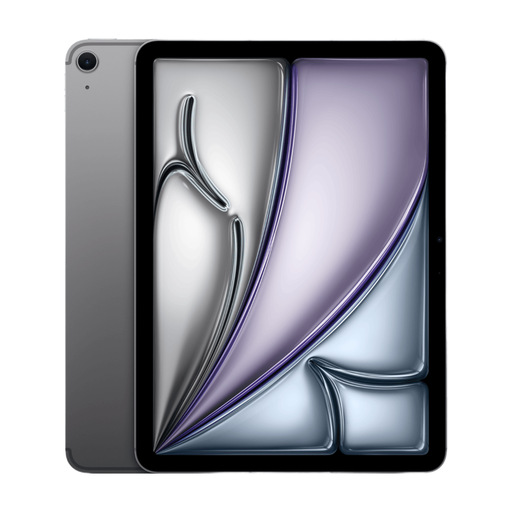 No image available
Consider this variant if you want the iPad-based Final Draft Go workflow with 512GB of listed storage.
Apple specifies a 464 g weight for the 11-inch Wi-Fi iPad Air (M4), before accessories. Check keyboard compatibility and bundle contents, and make sure your script is accessible offline; the full desktop Final Draft program cannot run on iPad.
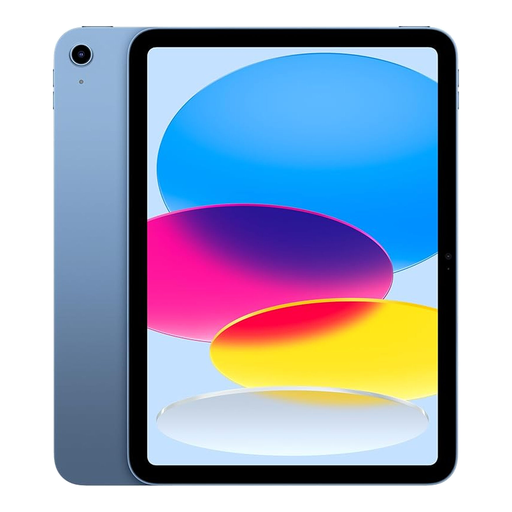 No image available
This 11-inch iPad is another option if Final Draft Go provides the stage-play functions you need.
The listed storage is 128GB. Its listing states Magic Keyboard Folio compatibility; check the exact keyboard and bundle contents, plus offline access to your draft. The full desktop Final Draft program cannot run on iPad.
 No image available
Consider this iPad Air if you want to draft with Final Draft Go and prefer its listed 256GB storage variant.
The listing states Magic Keyboard compatibility. Confirm the keyboard for this M3 model, what comes in the bundle and how you will access drafts offline; Final Draft Go remains separate from the full desktop program.
No. Final Draft says its full desktop program cannot run on iPad; Final Draft Go is a separate app for iPad and iPhone. If desktop-only functions are essential, check a compatible computer and the requirements for your exact Final Draft version.
Not on every journey. National Rail says Wi-Fi and power availability vary by train company, and charges may apply. Check your usual service, keep the current script available offline and charge your devices before travelling.
Check the contents of the exact tablet listing rather than assuming a keyboard is included. Keyboard accessories can be model-specific, so confirm both the bundle and compatibility with your tablet’s generation.
Keep the tablet, stand and keyboard within your seating area. National Rail advises passengers not to block doors or aisles, so stow larger bags and cases in designated areas.