What matters when choosing
Start with the space available for a comfortable screen position, then decide whether more map and interface space justifies QHD on your PC. Treat refresh rate as a separate check, especially if you also play faster games.
| Concern |
What to check |
Who this matters to |
| Desk fit and viewing position |
Measure usable desk depth with the stand and keyboard in place. Check the exact model's positioning or mounting options. |
If the screen would sit too close on my shallow desk, I need a size I can position comfortably. Around 42% of consumers put desk fit and viewing position first. |
| Map and interface space |
Compare native Full HD, 1920 × 1080, with QHD, 2560 × 1440. Check how your PC runs your chosen simulation at QHD. |
When route overlays and vehicle lists crowd my view, I want more native pixels for the interface. For around 33% of consumers, map and interface space is the primary need. |
| Motion and compatibility |
Compare standard rather than solely overclocked refresh rates, and confirm variable-refresh support for your graphics card and connection. |
If I also play faster games, I care whether the refresh features work with my PC. Motion and compatibility come first for around 25% of consumers. |
Joybuy monitors for compact desks
These monitors cover compact Full HD choices and one 27-inch QHD choice for a desk with enough space. Compare each model's dimensions and your seated viewing position before deciding which size works in your setup.
 No image available
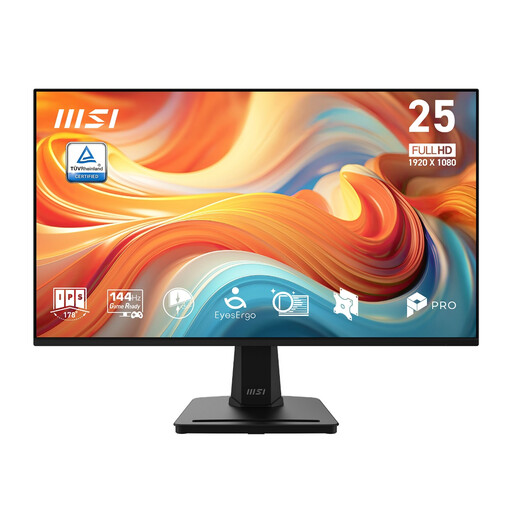
MSI PRO MP251 E14L 24.5-inch Full HD monitor
Consider this compact Full HD option when a 27-inch panel would be difficult to position on your desk.
The product title specifies a 1920 × 1080 IPS display, 144Hz refresh and Adaptive-Sync. Check the stand dimensions and your graphics setup before relying on fit or variable-refresh operation.
View on Joybuy
 No image available
Samsung Odyssey G6 S27DG612 27-inch QHD OLED monitor
Consider this QHD choice if map and interface space matter more to you and you can position a 27-inch screen comfortably.
The product title specifies OLED and 240Hz. Check the exact stand footprint and how your PC runs your chosen simulation at QHD; the listed refresh rate alone does not establish game performance.
View on Joybuy
 No image available
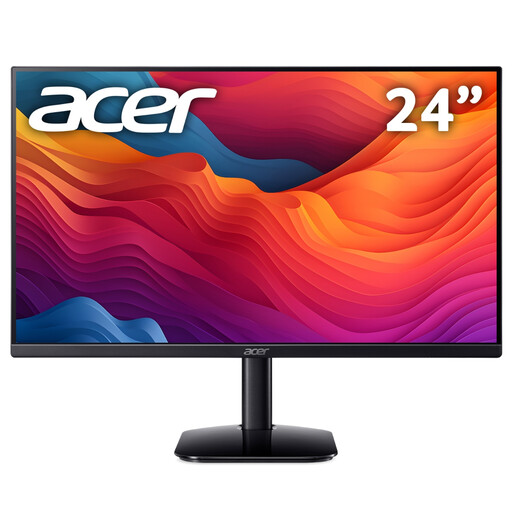
Acer KB2 KB242YP0 23.8-inch Full HD monitor
This smaller Full HD screen is worth comparing when physical desk space takes priority over a larger viewing area.
The product title specifies 1920 × 1080, 144Hz and FreeSync. Confirm its dimensions and whether your graphics setup supports the variable-refresh feature.
View on Joybuy
 No image available
Gawfolk 24.5-inch Full HD 100Hz monitor
This is another compact Full HD option for a desk where screen position is the deciding constraint.
The product title specifies 100Hz. Check the exact model's dimensions, curvature and response-time specifications before relying on those details for your choice.
View on Joybuy
 No image available
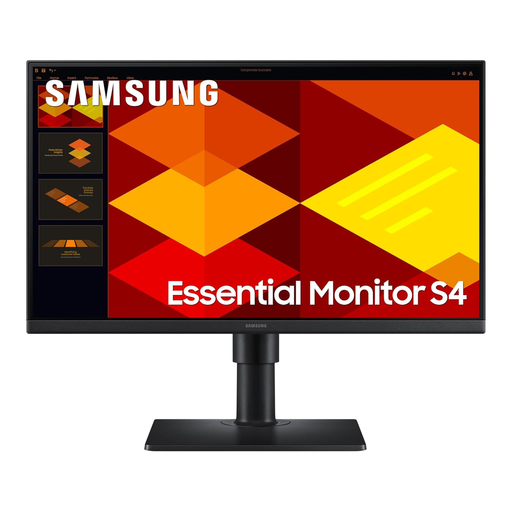
Samsung S40GD LS22D400GAUXXU 22-inch Full HD monitor
Consider this 22-inch option if accommodating the screen matters more than having a larger physical area for maps.
It is a Full HD monitor; compare its exact dimensions and positioning options with your desk before choosing it for longer simulation sessions.
View on Joybuy
Frequently asked questions
Is a 27-inch monitor too large for a small desk?
Not necessarily: the deciding factor is whether you can place it comfortably at your normal seated position. The Health and Safety Executive uses an arm's-length screen distance and a top edge around eye level as workstation reference points; measure the space available with the stand and keyboard in place.
Do I need the highest advertised refresh rate for transport simulations?
No particular refresh figure is required for this choice; compare it alongside resolution, desk fit and the display mode your PC can use. For example, LG lists 180Hz as standard for the 27GS75QN-B, while its up-to-200Hz overclocked mode needs a DisplayPort 1.4-capable graphics card and cable.
Will FreeSync work with every PC?
No: FreeSync operation depends on compatible hardware and the monitor's supported setup. MSI states that its FreeSync feature requires a compatible AMD Radeon graphics card, so check your exact GPU, connection and monitor settings.
What should I check about warranty on a monitor listing?
Check the warranty terms for the exact model on the current product listing rather than assuming the same cover applies across a brand's range. Confirm who provides the cover and which terms apply before you buy.


