For a travel memoir edited at a shared desk, start with a compact monitor whose position can be reset for each user, rather than choosing by screen size alone. A 16:10 display suits document-heavy work; a compact QHD option is worth considering when maps and photographs need more detail, while a 27-inch 4K display needs enough room for both the screen and paper drafts. If you want laptop charging through the monitor, check the USB-C functions and charging requirements of both devices.
Who this setup suits
Shared-desk long-form writers
If several people revise chapters, captions and notes at the same desk, screen adjustment and space for paper matter alongside display specifications. The Health and Safety Executive advises arranging a workstation around the user and avoiding troublesome reflections.
Writers who also curate travel photos
Reviewing photographs or maps beside manuscript text can make a higher-resolution or larger display useful. The choice still has to leave workable space on the shared desk.
Laptop-first desk users
For a laptop that is connected and removed regularly, distinguish USB-C video and data from USB-C Power Delivery. Check the laptop’s video output and charging requirements before relying on one cable.
What to check before buying
Settle the screen’s footprint and adjustment needs first, then choose the document or image workspace and connection features that fit your laptop.
| Concern | What to check | Who this matters to |
|---|
| Shared-desk adjustment |
Check height and angle adjustment, the stand footprint and space for drafts. Plan screen placement to avoid glare. |
When someone else uses the desk, I need to reset the screen without squeezing out my manuscript pages. Around 40% of consumers put shared-desk positioning first. |
| Documents and laptop connection |
Compare aspect ratio and resolution; confirm USB-C video support and whether the monitor can deliver the wattage your laptop requires. |
I spend most of my time revising long passages and want reconnection to be straightforward. Compact document work and laptop connection come first for around 40% of consumers. |
| Photos, maps and fine detail |
Compare QHD and 4K options against the available desk space, viewing position and laptop display support. |
If I regularly inspect travel photographs and maps beside the text, I want more room to see their detail. Around 20% of consumers prioritise that image-and-detail workspace. |
Buying pitfalls
-
Assuming every USB-C monitor charges a laptop
USB-C functions vary by model. BenQ specifies that the GW2490C carries DisplayPort Alt Mode video and data but does not support Power Delivery; Dell lists up to 90W Power Delivery for the P2425E and P2425DE. None of those specifications establishes compatibility with every laptop.
Check the exact monitor’s video and charging functions against your laptop’s USB-C capabilities and required wattage.
Without compatible monitor charging, you will still need the laptop’s separate charger.
-
Choosing a larger screen before planning the desk
A 27-inch display needs room for its stand, keyboard and manuscript pages. The Health and Safety Executive also advises arranging screens to avoid glare and leaving adequate space for documents.
Measure the usable desk width and depth, then decide where paper drafts will sit before choosing a 27-inch model.
-
Overlooking adjustment when users change
A tilt-only stand gives shared users fewer ways to reset the viewing position. Dell’s P2425HE, for example, specifies height, swivel, tilt and pivot adjustment; check those functions on the exact model you intend to buy.
Prioritise the adjustments the desk’s users need, or check mounting compatibility if you plan to use an arm.
If the supplied stand cannot provide the needed position, changing to a suitable stand or arm adds another setup step.
Relevant brands to consider
Dell
Dell’s specified P2425E and P2425DE models illustrate compact document-focused and QHD USB-C options for this decision.
- Dell UK specifies a 16:10 display and up to 90W Power Delivery for the P2425E; the 23.8-inch QHD P2425DE also lists up to 90W Power Delivery and an RJ45 Ethernet port.
- Check the chosen model’s adjustments and your laptop’s USB-C video and charging compatibility; a listed power-delivery figure does not establish one-cable operation for every laptop.
BenQ
The GW2490C is a compact display option for someone who does not require charging through the monitor.
- BenQ’s GW2490C specification lists a 23.8-inch IPS display, a matte surface and USB-C DisplayPort Alt Mode and data connectivity.
- BenQ states that the GW2490C USB-C port does not support Power Delivery, so a laptop needing charge requires another power connection.
LG
LG’s 27U730A-B represents a larger 4K route for reviewing images beside manuscript text where the desk has room.
- LG UK specifies a 27-inch 3840 × 2160 IPS panel and USB-C Power Delivery up to 90W for the 27U730A-B.
- Check its physical fit, positioning and laptop compatibility rather than assuming that a larger panel suits a confined shared desk.
Joybuy monitor choices
These monitors cover compact writing setups, a repositionable display and a larger option for image review. Choose between them by checking the desk layout and the exact connections your laptop needs.
 No image available
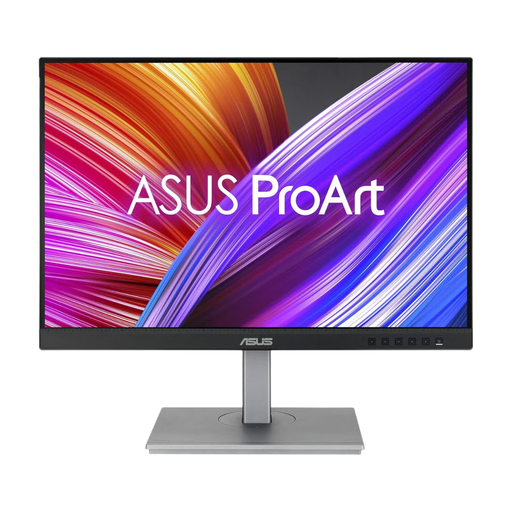
ASUS ProArt PA24ACRV IPS QHD
Consider this compact QHD option if manuscript work regularly includes checking maps or photographs.
Check its stand adjustments against the needs of everyone sharing the desk, and confirm USB-C video and charging compatibility with your laptop.
View on Joybuy
 No image available
ASUS ProArt PA248CNV IPS WUXGA
The WUXGA format is worth considering when long documents take priority at a compact shared desk.
Check the stand positions available to different users and verify the laptop’s USB-C video and charging requirements before planning a one-cable setup.
View on Joybuy
 No image available
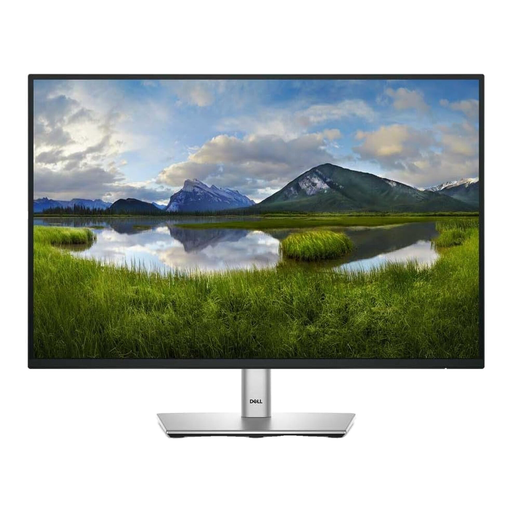
Dell P2425 24-inch monitor
This 24-inch WUXGA model is relevant to document-heavy editing where desk space is limited. The Joybuy product description identifies its resolution as 1920 × 1200.
Check the exact connection and charging functions needed for your laptop. If refresh rate matters to another use of the desk, confirm that specification before buying.
View on Joybuy
 No image available
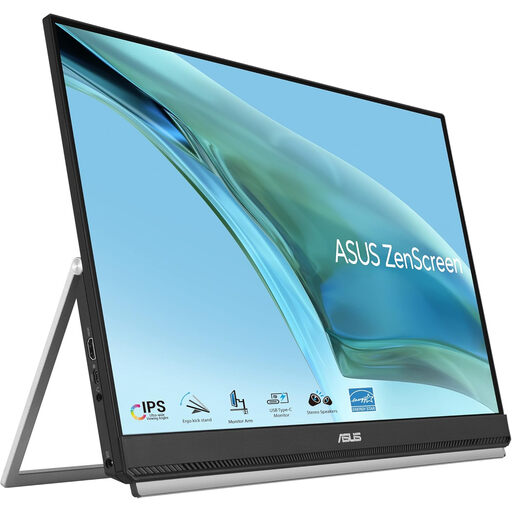
ASUS ZenScreen MB249C IPS USB-C
Consider this model if the shared setup needs a screen position that can change. Check that its mounting arrangement fits the desk rather than assuming it will work like a conventional monitor stand.
Confirm USB-C video support and charging requirements on your laptop before depending on that connection.
View on Joybuy
 No image available
LG 27UP650K 27-inch 4K IPS monitor
The 27-inch 4K display is an option for frequent photograph and map review if the shared desk can accommodate it alongside manuscript pages.
Measure the space for the screen and its stand, and confirm how your laptop will connect before choosing the larger format.
View on Joybuy
Common questions
Will any USB-C monitor charge my laptop with one cable?
No: the monitor must provide Power Delivery, and the laptop must support the relevant USB-C video connection and accept the available charging wattage. Dell lists up to 90W Power Delivery for the P2425E and P2425DE, while BenQ states that the GW2490C USB-C port carries video and data but does not provide Power Delivery.
How should I position a monitor for long editing sessions?
Set the screen for the person currently using the desk and keep space for the documents being edited. The Health and Safety Executive advises an eye level approximately in line with the top of the screen, roughly horizontal forearms and a layout that avoids glare; a document holder may help when referring frequently to paper drafts.
Does a shared work desk need a display-screen assessment?
A shared desk used for work may fall within the UK workplace display-screen-equipment rules, depending on how it is used. The Health and Safety Executive says its guidance covers hot-desking and advises workers who change desks regularly to carry out a basic risk assessment; this workplace context is not a requirement imposed on every private monitor purchase.
What should I do with an old monitor?
Look for an appropriate electrical-equipment collection or take-back service and confirm that it accepts monitors. GOV.UK describes the UK waste electrical and electronic equipment framework as encouraging recovery, reuse and recycling of electrical products and components.


