Choose a tablet by checking that your essential apps and intended downloads work on its operating system, then weigh carrying size against screen space, storage and battery claims. An iPad, Android tablet or Fire tablet may suit different app needs: Apple, Samsung and Amazon specifications are model-specific, and none guarantees that a particular title will be available offline.
Who this guide is for
Offline-first travellers
If you prepare films or reading before a journey, check that your chosen app and titles can be downloaded and that you have enough usable storage. Netflix Help Center guidance covers downloads on supported devices, but availability varies by title.
People who carry a tablet often
If a tablet will be in your bag regularly, balance its size and weight against the screen area you want. Apple Support (UK) and Samsung UK publish specifications for particular models and configurations.
People who need a live connection
If you use email and other online apps away from home, consider whether Wi-Fi or tethering will be enough, or whether you need a cellular model and suitable data service. Which? covers ease of use and other tablet-purchasing factors, while Ofcom advises checking with your provider about roaming.
What to prioritise
For consumers considering a tablet for travel and downtime in the UK, the main decision is which need matters most on their journeys. The percentages below describe approximate shares of consumers prioritising each concern in this scenario.
| Concern |
What to check when buying |
Who this matters to |
| Offline content and storage |
Check that your intended app and titles allow downloads; compare device storage and supported removable storage. |
When I want films or reading ready before losing connectivity, I prioritise reliable downloads and enough space. About 23% of consumers put offline content and storage first. |
| Size and carrying comfort |
Compare the exact model’s dimensions and stated weight, including any case or keyboard you plan to carry. |
If the tablet will be in my bag often, I want a manageable device without giving up more screen space than I can accept. Around 18% of consumers prioritise size and carrying comfort. |
| Battery endurance |
Compare battery figures only when the stated activities and test conditions are clear; plan for your own mix of apps, brightness and connection. |
When I will be away from a socket for long stretches, I focus on how the tablet may last through my own activities. About 18% of consumers put battery endurance first. |
| Screen suitability |
Check the exact model’s screen size and resolution, and consider reflections and the conditions in which you will view it. |
If reading or watching video is my main use, I want a screen that suits those activities, even if it means carrying a larger device. Around 14% of consumers prioritise screen suitability. |
| Operating system and app fit |
Confirm that your essential apps and their required features are available on the intended platform. |
I would rather choose the platform that supports the apps I rely on than assume all tablets offer the same app stores. About 14% of consumers put app fit first. |
| Connectivity and travel data |
Decide whether Wi-Fi or tethering is enough, or whether you need a cellular variant; check your provider’s terms for your destination. |
When I need live access away from Wi-Fi, I consider how I will connect and whether mobile data suits the trip. Around 13% of consumers prioritise connectivity. |
Buying pitfalls
-
Assuming enough storage means every programme will play offline
Download availability, expiry and storage settings depend on the service and title, not just the tablet’s capacity.
Check the titles and account you plan to use, download in advance and test playback before travelling. If you rely on a memory card, confirm that both the tablet and app support the intended download location.
-
Expecting a Fire tablet to have the same app store as other Android tablets
Amazon states that Google Play is not supported on the cited Fire tablet, so an app or feature you expect may not be available through the platform.
Before choosing a Fire model, check that each essential app and its required functions are available through its supported channels.
-
Confusing Wi-Fi and cellular variants, or assuming roaming is included
Connectivity depends on the exact tablet variant, and using mobile data abroad may incur charges. Ofcom advises checking your provider’s terms before travelling.
Check the listing for the exact model and confirm destination-specific data terms with your provider. Where practical, prepare downloads using Wi-Fi.
-
Comparing tablets without the accessories you intend to carry
A case, stand or keyboard may be optional, and accessories can add to the size of your travel setup.
Check what is included and whether each accessory matches the exact tablet model and generation. Consider the complete setup you plan to take.
Relevant tablet brands
Apple
The cited iPad models offer a compact option and a larger-screen alternative for travel and light tasks.
- Apple specifies an 8.3-inch screen and 293 g Wi-Fi weight for the cited iPad mini (A17 Pro).
- Apple’s battery figures are model-specific specifications, not a guarantee of endurance on a particular journey. Check the exact variant and any accessories you plan to use.
Samsung
The cited Galaxy Tab A11 configurations provide a compact Android option with different storage and connectivity variants.
- Samsung specifies an 8.7-inch screen, 64 GB or 128 GB configurations and microSD expansion for the A11 line.
- Match the storage and Wi-Fi or LTE configuration to the exact listing; a memory card does not establish that every app can store downloads there.
Amazon
The cited Fire HD 8 (2024) is a smaller-screen option for reading and entertainment.
- Amazon specifies an 8-inch HD display, microSD expansion and up to 13 hours for the cited variant.
- Amazon says Google Play is not supported on Fire tablets. Check essential apps and intended downloads before choosing this platform; the stated battery figure is not journey-specific runtime.
Lenovo
The cited Idea Tab is a larger Android option for consumers who value viewing area and occasional notes.
- Lenovo lists an 11-inch, 2560 × 1600 display for the cited configuration.
- Lenovo identifies the pen as optional on the cited product page. Check the exact configuration and bundle, and do not assume a particular travel battery life.
Joybuy tablets for travel and downtime
These Joybuy product choices are Android tablets listed for portable media, reading and light tasks. Check the exact model details, app compatibility and connection you need before choosing.
 No image available
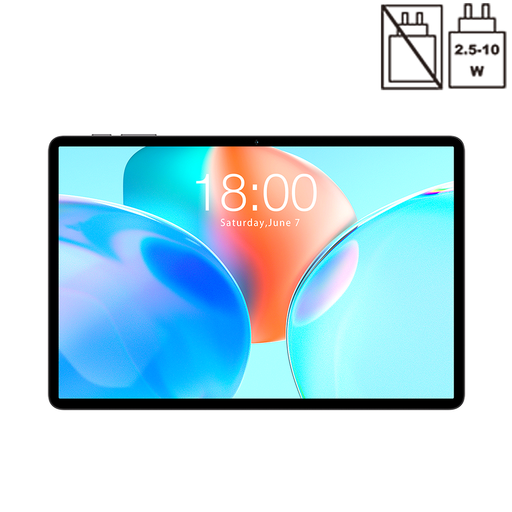
TECLAST P50T, 11-inch, Android 16, 4GB RAM, 128GB
This tablet is listed for travel video, reading and light tasks.
The product name specifies an 11-inch display, Android 16, 4GB RAM, 128GB storage, 5G WiFi and a 7000mAh battery.
Joybuy
 No image available
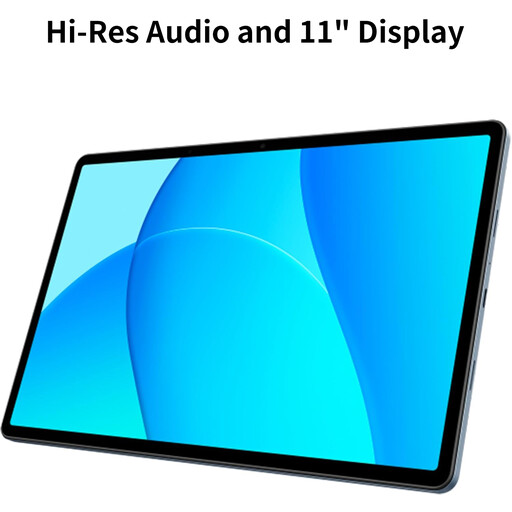
OPPO Pad SE, 128GB, 6GB RAM, LTE, Twilight Blue (OPD2420 EUN)
The LTE variant may suit a travel routine that needs mobile data away from Wi-Fi; check the service and provider terms you plan to use.
The product name specifies 128GB storage, 6GB RAM and LTE.
Joybuy
 No image available
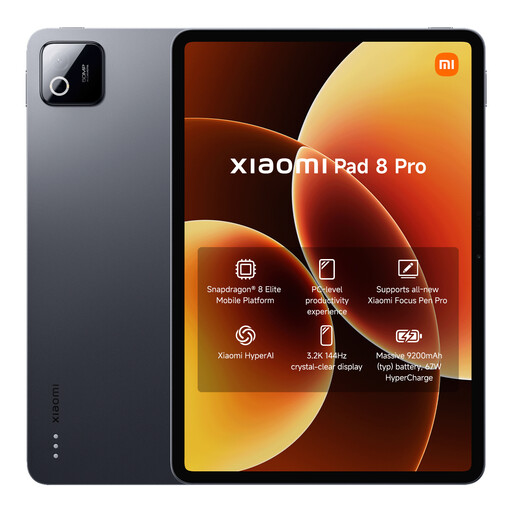
Xiaomi Pad 8 Pro, 12GB RAM, 512GB ROM, Grey
The listed storage configuration may suit consumers who want room for apps and media on a portable tablet.
The product name specifies 12GB RAM and 512GB ROM.
Joybuy
 No image available
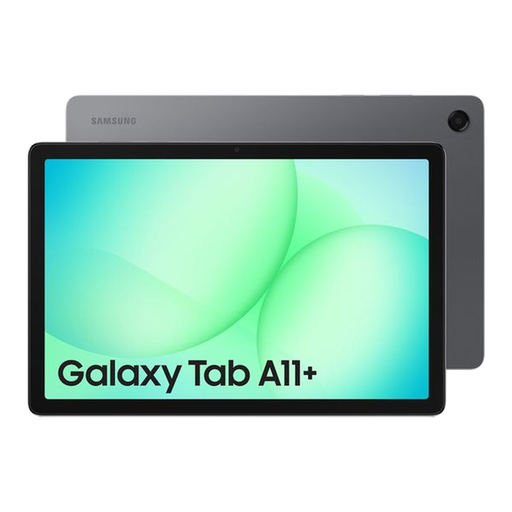
Samsung Galaxy Tab A11+, 8GB, 256GB, Wi-Fi, Grey
This Wi-Fi tablet may suit travel plans where the intended tasks can use Wi-Fi or another connection you arrange.
The product name specifies 8GB RAM, 256GB storage and Wi-Fi.
Joybuy
 No image available
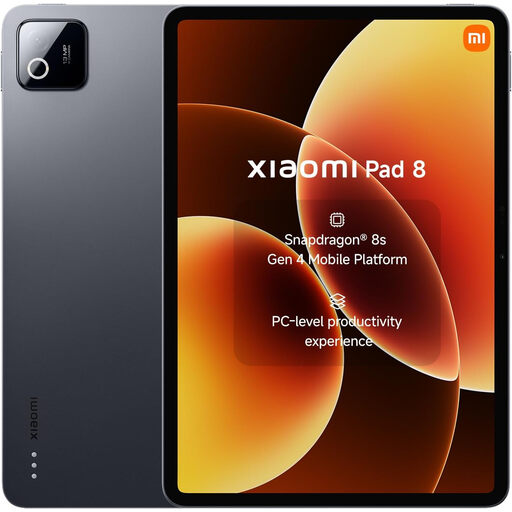
Xiaomi Pad 8, 8GB RAM, 128GB, Wi-Fi, Grey
This Wi-Fi tablet may suit portable media and online tasks when you have a suitable connection.
The product name specifies 8GB RAM, 128GB storage and Wi-Fi.
Joybuy
Frequently asked questions
Can I rely on downloaded films throughout a trip?
Check the service and specific titles before you travel. Netflix Help Center says not every title is available for download and that downloads can expire, so download on suitable Wi-Fi and test playback in the app before leaving. Check your UK account terms for any plan-specific conditions.
Can a memory card hold streaming downloads?
It depends on both the tablet and the app. Netflix Help Center documents an SD-card download-location setting for Android and Fire devices; check that your exact tablet has a supported card slot and set the app’s download location before relying on it.
Do I need a cellular tablet to read and watch content while travelling?
Not if your intended content is available offline and you prepare it in advance. Live email and streaming still need a connection, such as Wi-Fi, tethering or a cellular tablet with suitable service; check what your journey allows.
What should I check about using mobile data abroad?
Ofcom advises checking your provider’s package before travelling because roaming can incur extra charges. Confirm the terms for your destination and consider downloading content before departure.
Is a keyboard necessary for travel email?
A keyboard is optional for light tasks such as email. It may suit you if you regularly type longer messages, but check compatibility with the exact tablet and consider the extra item to carry. Lenovo’s cited Idea Tab listing identifies its pen as optional, so check the exact bundle rather than assuming an accessory is included.


