What matters when choosing?
For a shared-flat dance competition, settle the seating positions and viewing method before comparing screen sizes and display labels.
| Concern |
What to check |
Who this matters to |
| Off-centre viewing |
Look for viewing-angle results for the exact model, and assess reflections from the flat’s usual seats. |
If flatmates sit at either side, I want the dance floor and judges’ reactions to remain clear away from the centre seat. Roughly 42% of consumers put off-centre viewing first. |
| Fast movement |
Compare motion settings and, where available, independent tests using fast-action footage. Do not use a gaming-rate figure as a substitute. |
Quick spins and camera pans make me care about a steady-looking picture during the programme. Around 33% of consumers prioritise movement clarity. |
| Access and installation |
Check DVB-T2 or Freeview HD for aerial viewing, plus the required apps, stand or VESA dimensions and audio connections. |
Before we share a TV, I need it to fit our space and receive the programme the way we plan to watch it; about 25% of consumers place setup and access first. |
These checks can point to different TVs. LG UK describes wide viewing angles and deep blacks for OLED, while Samsung UK and Sony UK list lighting and motion features on particular Neo QLED and Mini LED models. Those descriptions are starting points for comparing individual sets, not results for every TV using the same technology.
Joybuy TVs to consider
These OLED, Mini LED and Direct LED TVs give flatmates different screen sizes and features to compare. Use the seating, broadcast and installation checks above to decide which individual model suits the room.
 No image available
Samsung S90F 55-inch 4K OLED Smart TV (2025; 1-year warranty)
Consider this OLED model if several flatmates will watch from different seats, but assess its picture from those seats and with fast-moving footage.
The Joybuy listing for this 55-inch S90F specifies DVB-T2, Bluetooth 5.3, eARC and a 300 × 200 mm VESA pattern. Confirm access to the streaming apps your flat intends to use.
View on Joybuy
 No image available
Hisense U7Q Pro / 55U7QTUK Pro 55-inch Mini LED 4K TV
This is a Mini LED option to compare if room light is a priority; check its picture from the flat’s side seats rather than relying on the display label.
Its product name specifies 165Hz Game Mode Ultra and a built-in subwoofer. The gaming figure does not establish dance-broadcast motion quality; confirm DVB-T2 compatibility if you will use an aerial.
View on Joybuy
 No image available
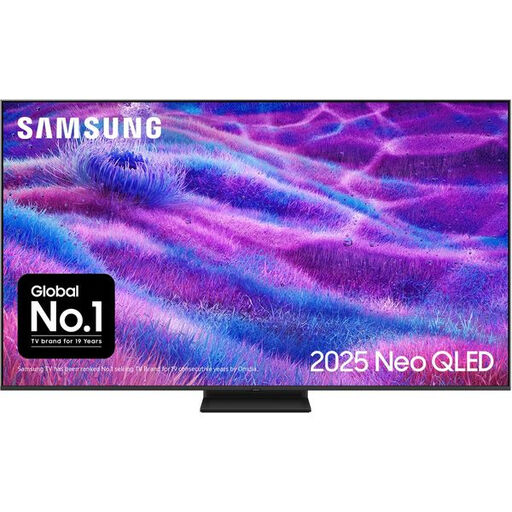
Samsung QE65QN80FAU 65-inch 4K Smart TV (1-year warranty)
The 65-inch size may suit a shared seating arrangement if the screen and its stand fit the intended space.
Check the QE65QN80FAU from the side seats and with fast-moving broadcast footage before treating its screen size or motion-feature descriptions as a reason to choose it.
View on Joybuy
 No image available
TCL 55V6C 55-inch Direct LED 4K HDR Google TV
Consider this 55-inch model if the flat wants a Google TV interface, while checking that its picture works from the usual seats.
The product name specifies a 120Hz Game Accelerator for FHD; do not mistake that for a 4K broadcast-motion result. Confirm Freeview HD reception if using an aerial, and check the stand or mounting dimensions against your space.
View on Joybuy
 No image available
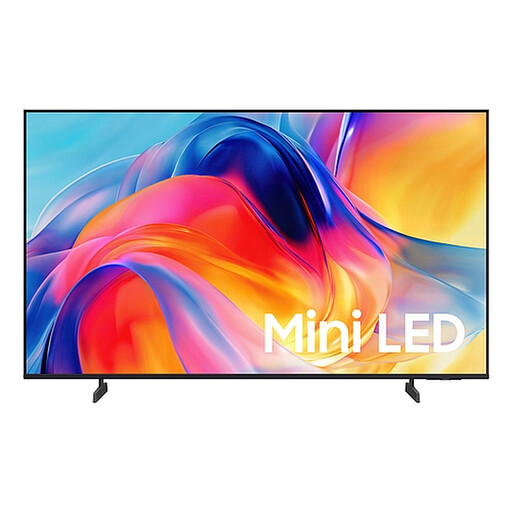
Samsung M73H 55-inch Mini LED 4K Smart TV Class F
This 55-inch Mini LED model is another option to compare for shared viewing; assess motion and the picture from off-centre seats.
Before choosing it, confirm the stand or VESA dimensions and the audio connections needed for the flat’s planned setup.
View on Joybuy
Frequently asked questions
Do we need a TV Licence for a live dance competition in a shared flat?
Check the flat’s TV Licence arrangements before watching live TV or using BBC iPlayer. TV Licensing says a licence covers live channels, including live TV through streaming services, and BBC iPlayer; watching through an app rather than an aerial does not remove the need to check.
What do we need to receive Freeview HD?
For Freeview HD through an aerial, confirm that the TV or a separate receiver supports Freeview HD or DVB-T2. Ofcom explains that standard Freeview receivers limited to DVB-T cannot receive the additional DVB-T2 HD services.
Does a 120Hz or 144Hz specification guarantee clear dance footage?
No: an advertised gaming-rate figure does not establish how a particular TV presents fast broadcast movement. Compare its motion settings and, where possible, fast-action assessments; Which? includes motion stability in fast-action scenes in its TV picture testing.
What should renters check before wall mounting a TV or adding a soundbar?
Confirm whether mounting is permitted, whether the wall and mount suit the TV’s weight and VESA pattern, and which audio connection the soundbar requires. These details are model-specific: the Joybuy listing for the 55-inch Samsung S90F, for example, specifies a 300 × 200 mm VESA pattern and eARC.


