Family quiz-night hosts
You want players in different seats to follow prompts, scores and answer options, without making guests work through complicated controls.


Start with a screen size and seating arrangement that let everyone follow the quiz, then check the exact TV's connections for your console and any soundbar. A 4K TV with a usable Game Mode may suit a quiz-focused household; prioritise 4K120, variable refresh rate (VRR) and automatic low-latency mode (ALLM) if compatible games and hardware will also use them. Gaming features vary by model and HDMI port.
You want players in different seats to follow prompts, scores and answer options, without making guests work through complicated controls.
Your console shares the TV with other entertainment devices. The number and capabilities of the HDMI ports, Game Mode and soundbar connection matter alongside screen size.
You need one TV for group quizzes and compatible high-frame-rate console or PC games. Check 4K120, VRR and ALLM on the exact model rather than relying on its brand or gaming label.
Choose when: Quiz nights, casual console play and everyday viewing are the main uses.
Trade-off: It need not offer the 4K120 or VRR support found on selected gaming models.
Choose when: Compatible console or PC games outside quiz night will use features such as 4K120 or VRR.
Trade-off: Those modes depend on the exact TV, port, source and game; a higher refresh specification does not make quiz text readable from every seat. Samsung UK and Sony UK both advise checking model-specific gaming support.
For either route, work out where people will sit before checking device connections, everyday controls and gaming modes.
| Concern | What to check | Who this matters to |
|---|---|---|
| Shared visibility | Compare screen-size options with your room, stand space and seating positions; assess readability in your usual lighting if possible. | If players sit at different distances, I need everyone to follow the answer choices without changing seats. Around 36% of consumers put shared visibility first. |
| Simple connections | Count the planned HDMI devices and identify the eARC port for a compatible soundbar; check how Game Mode is selected. | When the console and soundbar are both in use, I want to start the quiz without rearranging cables. Connection simplicity comes first for around 29% of consumers. |
| Everyday use | Try the remote and menus where possible, check the apps you use on the exact model, and compare its energy label. | If quizzes are only an occasional use, I also need a TV that works with our usual viewing routines. Around 21% of consumers prioritise everyday use. |
| Advanced gaming | Check 4K120, VRR and ALLM by model and port, then confirm that your console or PC and games support the intended mode. | Alongside quiz nights, I want to play compatible high-frame-rate games on the same screen. Advanced gaming is the primary concern for around 14% of consumers. |
Samsung UK limits 4K120 Game Mode to selected TVs, while Sony UK advises checking HDMI 2.1 features by BRAVIA model. A feature listed for a TV does not establish which port provides it.
Check the specification for the exact model and size, including port count and the ports assigned to 4K120, VRR, ALLM and eARC.
Samsung UK says its listed 4K 144Hz, 165Hz and 240Hz modes require supporting PC games and graphics hardware. A headline refresh figure alone does not establish a benefit for your quiz console.
List the console, PC and games you plan to connect, then check which output modes the complete setup supports.
A compatible soundbar or receiver uses the TV's designated eARC connection for that audio route. The total socket count does not tell you whether the remaining ports meet your console's needs.
Assign the console, soundbar and any other devices to specific ports before choosing a TV.
TV Licensing identifies watching live TV and using BBC iPlayer as relevant activities, including when they happen on devices also used for games.
Check what your household watches through the setup rather than judging by whether it includes a TV or console.
These brands have relevant TV features, but the connections and gaming modes to check differ by product line and model.
Worth considering if the family TV will also serve a compatible console or gaming PC.
Relevant if shared viewing and smart-TV controls are central to your quiz setup.
Relevant if you are considering a BRAVIA and need to plan console and soundbar connections precisely.
These TCL TVs offer screen sizes to assess against your quiz-night seating, with gaming-focused options for households that also use a console. Compare the exact connections and supported modes before choosing one for your devices.
 No image available
Consider this size if a 50-inch screen fits the room and lets players follow quiz prompts from their seats.
The product name specifies a 144Hz native refresh rate and an Onkyo 2.1 audio system. Check the HDMI port layout and the modes supported by your console and any soundbar.
 No image available
The 55-inch size gives households another option to compare with their seating positions and available space.
The product name includes an Onkyo 2.1 sound system and a 288Hz Game Accelerator label. Check the supported resolution and refresh modes for your source rather than treating that label as a native panel refresh rate; confirm port capabilities for your connected devices.
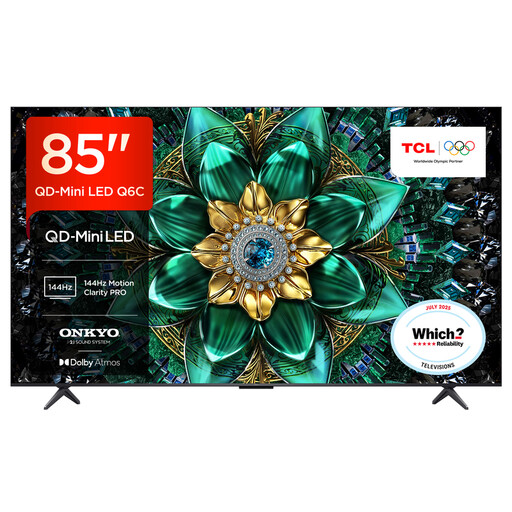 No image available
Consider the 85-inch version only after checking that the room, seating positions and stand or mounting space suit it.
The product name specifies a 144Hz native refresh rate and an Onkyo 2.1 audio system. Map the console and any soundbar to the TV's ports and check which gaming modes each port supports.
 No image available
The 65-inch screen is worth assessing against the distances and angles of your quiz-night seats.
The product name specifies a 120Hz Game Accelerator at FHD resolution; that does not establish 4K120 support. Check the HDMI port count and the connections needed for your console and soundbar.
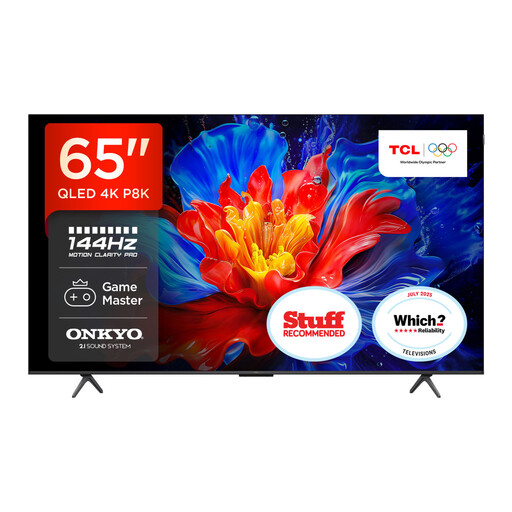 No image available
For occasional family quizzes alongside everyday viewing, compare this 65-inch model with your room and seating layout.
The product name includes an Onkyo 2.1 sound system and a 288Hz Game Accelerator label. Check the actual supported gaming modes, HDMI port count and soundbar connection for the setup you plan to use.
No: make group visibility, a usable Game Mode and the required connections your starting points. A 4K120 mode matters more if you also have compatible games and a console or PC that can use it; Samsung UK says its 4K120 Game Mode is available only on selected TVs.
Check the exact TV's port layout and reserve its designated eARC port for a compatible soundbar or receiver, then confirm that a remaining port meets the console's needs. Sony UK describes eARC as an audio connection to compatible equipment, not a feature of every HDMI socket.
Playing the game itself is not the activity TV Licensing identifies as requiring a licence. TV Licensing says you need to be covered to watch live TV or use BBC iPlayer, including when you do so through a device also used for games.
Yes, for comparing energy information rather than gaming responsiveness or readability. UK guidance from the Department for Energy Security and Net Zero and the Office for Product Safety and Standards says in-scope products must display an energy label at the point of sale; assess it alongside screen size and the connections you need.