Solo late-night viewer
You want to hear a programme through headphones while others nearby are not disturbed. Check the headphone feature on the device playing the content; Roku Support describes private listening through its mobile app.


For private listening, start with a headphone feature supported by the TV or streaming device that plays the programme; add a transmitter only if the existing route cannot handle the source or connection. If someone else needs to hear the programme through speakers, check simultaneous output on the exact equipment before buying, since Bluetooth pairing or a soundbar connection alone does not establish that both will play together.
You want to hear a programme through headphones while others nearby are not disturbed. Check the headphone feature on the device playing the content; Roku Support describes private listening through its mobile app.
You need headphones for one listener while someone else may still want speaker or soundbar audio. Sony documents simultaneous output for particular BRAVIA models, so confirm the behaviour of your exact TV and connections.
You want to use a TV, streaming device or soundbar you already own. Match the source’s output to the receiving device’s input, and check the supported audio format as well as the connector.
Start with the device playing the programme and decide whether audio must also remain available in the room; then match the connection and supported format to your equipment.
| Main concern | What to check when buying | Who this matters to |
|---|---|---|
| Keeping listening private | Identify which device plays the programme and check its specific headphone-audio feature. | If others are nearby, I want to hear the programme without sending sound into the room. Around 31% of consumers put private listening first. |
| Keeping room audio available | Confirm whether the exact TV supports simultaneous headphone and speaker output, and whether the connection keeps the speakers active. | When someone else still needs the programme through speakers, I need both listening routes to work together. Around 25% of consumers prioritise simultaneous personal and room audio. |
| Using existing equipment | Match the TV output to the transmitter or soundbar input; check supported audio formats and connection requirements. | If I want to keep using my current TV, streamer or soundbar, the new route needs to fit its actual connections. Around 25% of consumers prioritise compatibility with equipment they already have. |
| Avoiding picture-to-sound delay | For Bluetooth, check codec support at both ends and test the intended TV or player setup for lip-sync behaviour. | When I watch dialogue, noticeable delay between picture and sound would be distracting. Around 19% of consumers put lip-sync first. |
Bluetooth support alone does not establish that a TV transmits headphone audio. Sony says applicable Google TV and Android TV models need A2DP support for Bluetooth audio devices.
Check the exact TV’s audio-output features first. If they do not provide the route you need, match a transmitter to an actual output on the TV.
Simultaneous headphone and speaker playback depends on the TV model and connection. An adapter’s optical passthrough does not mean it also passes HDMI ARC or eARC.
Confirm the precise headphone-and-speaker arrangement your household needs, including whether the soundbar connection remains active.
Avantree’s low-delay claim for the Oasis Plus 2 depends on compatible headphone codec support.
Check codec support at both ends of the proposed Bluetooth connection before relying on it for synced dialogue.
A soundbar is for room audio. Its TV connection does not, by itself, establish headphone playback.
Choose a soundbar when people intend to listen together in the room, and assess headphone or dual-audio support as a separate requirement.
Its RS 175-U and RS 195 are dedicated TV-headphone systems to consider when the TV or receiver has a matching output.
Roku offers personal-listening options for compatible streaming setups.
Its Oasis Plus 2 is a TV Bluetooth adapter to consider when the available TV output matches its inputs.
Sony TV support information can help check direct Bluetooth headphone use or model-specific dual audio.
LG’s TV sound-output guidance and soundbar range are relevant when the household wants shared room audio.
These Joybuy choices cover personal wireless listening and a streaming route. Check that each headphone or streaming device supports the audio method required by your specific TV and viewing source.
 No image available
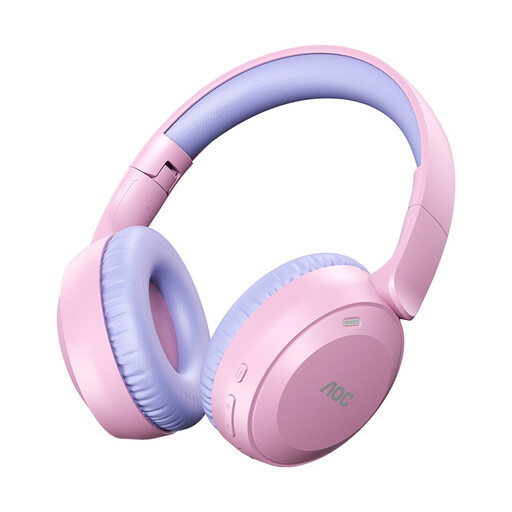
For personal listening from a compatible Bluetooth source; the product name specifies a foldable over-ear design, 182 g weight and 75H playtime.
 No image available
For personal listening from a compatible Bluetooth source; the product name specifies a neckband design and magnetic storage.
 No image available
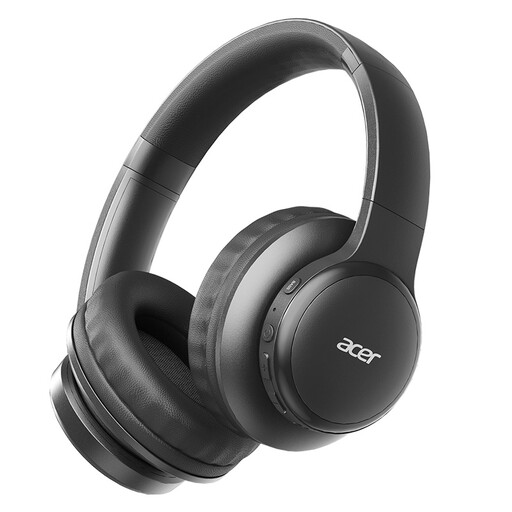
For personal listening from a compatible Bluetooth source; the product name specifies Bluetooth 5.3 and a foldable design.
 No image available
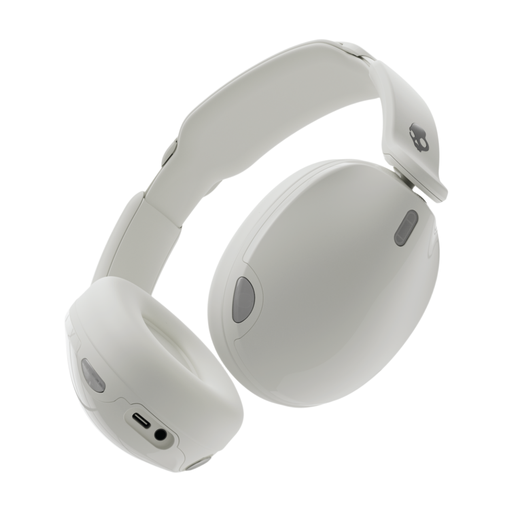
For personal listening from a Bluetooth-compatible device; the product listing identifies wireless over-ear headphones with ANC.
 No image available
For streaming through a TV’s HDMI connection; the product description specifies 4K Ultra HD streaming and a voice remote. Check this model’s headphone-listening feature before relying on it for private audio.
No; the TV must support Bluetooth audio transmission to headphones. Sony specifies A2DP for applicable Google TV and Android TV models, so check the exact TV rather than relying on a general Bluetooth feature.
Sometimes, but it depends on the model and connection. Sony documents dual audio for particular TVs; Avantree says the Oasis Plus 2 can pass optical audio to a compatible soundbar while sending audio to headphones, but it does not provide HDMI ARC or eARC passthrough.
Check that the TV’s optical output uses a format the transmitter accepts, then check the headphone connection and codec. Avantree specifies PCM, not Dolby or DTS, for the Oasis Plus 2 optical input, and says codec compatibility affects its low-delay operation.
Not necessarily; a streaming device’s private-listening feature applies to audio played through that device, not automatically to every TV input. Check the specific player’s headphone method and whether the programme is coming from that source.