Daylight-lounge drama viewers
If you watch with curtains open or lights on, window and lamp reflections may matter as much as the picture settings. Check how the proposed screen handles light from your usual seating position.


Start with the light that reaches the screen: if windows or lamps create visible reflections, check the exact TV model’s stated glare-control treatment before choosing between Mini LED and OLED. Then weigh dark-scene presentation against HDR-format support and film-mode controls; a panel type alone cannot settle those choices.
If you watch with curtains open or lights on, window and lamp reflections may matter as much as the picture settings. Check how the proposed screen handles light from your usual seating position.
Dark interiors, costume colours and filmed motion shape your choice. Filmmaker Mode says its settings disable processing including motion smoothing, so it is worth checking which picture controls the exact TV offers.
If your programmes and playback devices use particular HDR formats or 24 Hz video, check support on the exact model. Sony UK, for example, lists Dolby Vision and 24 Hz input support for the K-55XR5; those specifications should not be assumed for other TVs.
Check reflections in the intended screen position first, then compare picture and format features on models that will fit the room. Samsung UK distinguishes anti-reflection, which softens visible reflections, from anti-glare, which diffuses incoming light; either description needs checking against the exact model.
| Concern | Buying checks | Who this matters to |
|---|---|---|
| Daylight visibility | Check the exact screen’s stated reflection treatment and where windows or lamps will appear from your seat. | With a window opposite the TV, I want to follow faces and costumes without a reflection interrupting the scene; around 36% of consumers put reflection control first. |
| Dark-scene detail | Compare the exact model’s OLED or local-dimming features and its picture presets; assess dark scenes under lighting relevant to your room. | For candlelit rooms and darker interiors, I care more about seeing the scene’s tonal detail than choosing by panel name; roughly 29% of consumers make picture tone their primary concern. |
| Film presentation and formats | Check the required HDR formats, 24 Hz support where relevant, and whether motion smoothing can be switched off. | If my drama source uses a particular HDR format, I want compatibility without unwanted motion smoothing; about 21% of consumers prioritise format and presentation controls. |
| Room fit and ownership | Measure the intended position, check stand or mounting requirements, and read the UK energy label for the exact size. | When fitting a TV to existing furniture or a wall, I need its dimensions and installation requirements to work before ordering; around 14% of consumers put these practical checks first. |
Screen treatments differ between models. Samsung UK distinguishes between softening visible reflections and diffusing incoming light, so a panel label does not tell you how a particular screen will look opposite a window.
Check the full model code for a stated glare-free, anti-glare or anti-reflection treatment, then consider the direction of light in your lounge.
Motion processing can change the presentation of filmed drama. Filmmaker Mode says its settings disable processing such as motion smoothing and sharpening.
Try an available film or Filmmaker Mode and check whether the TV lets you switch motion smoothing off.
Screen treatment, mounting arrangement and physical fit need checking for the size and model you intend to buy. LG UK describes the OLED55G62LW as a wall-mount version, which makes its installation requirements particularly relevant.
Record the complete model code, measure the proposed location and consult the product information sheet for that size.
A Samsung QE65QN80FAU listing does not establish the features of the QE65QN90FATXXU. Similar range names can conceal a model difference that matters to your bright-room decision.
Match the full manufacturer code, screen size and stated features on the product page before ordering.
Samsung UK lists Mini LED, Neo Quantum HDR+ and Glare Free for the 65-inch QE65QN90FATXXU, making that model relevant when reflections are a leading concern.
LG UK describes the OLED55G62LW as an OLED evo G6 wall-mount version with Reflection Free Premium. Its statements about black levels, colour and brightness are LG’s own product claims.
Sony UK specifies a Mini LED backlight, local dimming, Dolby Vision compatibility and 24 Hz input support for the BRAVIA 5 K-55XR5.
These TVs offer different starting points for a bright-lounge setup, including Mini LED models and a QLED model whose title specifies a matte anti-glare screen. Check reflection handling, film settings and room fit for the exact TV you choose rather than assuming the same features across the list.
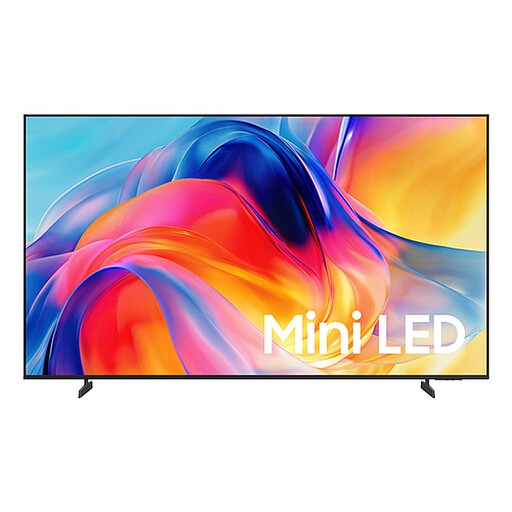 No image available
A Mini LED option if you want to consider that screen type for drama viewing. Check how reflections from your windows or lamps appear on this exact model before choosing it for a bright lounge.
65-inch (163 cm) screen; 4K resolution.
 No image available
Consider this size if the viewing position and intended TV location can accommodate a 75-inch screen. Check its exact reflection treatment and installation measurements rather than transferring features from another QN-series model.
75-inch (190.5 cm) screen; 4K Ultra HD; Wi-Fi.
 No image available
A large-screen QD-Mini LED option for viewers comparing picture features as well as room fit. Confirm the features of the 75-inch variant and check reflections in the intended screen position.
HDR; the product title states up to 512 dimming zones and a 144 Hz native refresh rate.
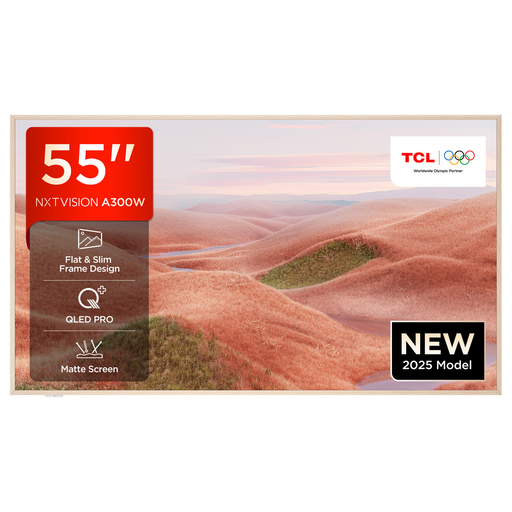 No image available
The product title specifies a matte anti-glare screen, making this model relevant if visible reflections lead your choice. Check whether that stated treatment suits the direction of light in your lounge.
55-inch screen; 4K HDR. Confirm its film-mode controls and mounting requirements if either affects your setup.
 No image available
A 65-inch QD-Mini LED option if you are comparing screens for mixed bright and dark drama scenes. Check its reflection treatment, required HDR formats and film settings against your viewing needs.
HDR; the product title states up to 2048 local dimming zones and a 144 Hz native refresh rate. It also names audio by Bang & Olufsen.
Try it if you prefer a film-like presentation and the exact TV offers the mode. Filmmaker Mode says it disables processing including motion smoothing and sharpening; compare it with the TV’s other picture presets to decide which you prefer.
Read the UK energy label and product information sheet for each exact model and screen size. The label is more relevant to this comparison than assuming either OLED or Mini LED has a particular energy rating.
You need TV Licence cover if you watch live TV on a channel or streaming service, or use BBC iPlayer. TV Licensing distinguishes those uses from other on-demand viewing, so check how you intend to watch rather than deciding on the basis of the TV you buy.
Ask the retailer about its old-TV take-back or collection arrangements before delivery. GOV.UK’s retailer guidance distinguishes free in-store take-back from home collection, for which transport charges may apply.