What matters when choosing?
Settle on a size you can assess from your main seat, then weigh contrast against room reflections and the connections your lecture source and audio equipment need.
| Concern |
What to check |
Who this matters to |
| Slides, captions and maps |
Measure the main seating distance and full TV dimensions; assess a representative slide or map at that distance. |
I want to read timelines and captions from my usual seat without leaning forward; around 45% of consumers put lecture-detail legibility first. |
| Dark-scene contrast |
Compare the exact models using archival footage in lighting similar to your room; treat panel-specific picture claims in their stated scope. |
If I darken the room for documentary footage, I care most about how shadowed scenes and black-and-white material look; roughly 33% of consumers make contrast their primary concern. |
| Reflections and equipment fit |
Check reflection features on the exact model, plus the HDMI and ARC/eARC connections your devices require. |
Daylight on the screen or a laptop and soundbar to connect could decide which TV works for me; about 22% of consumers put room and system fit first. |
Brands to consider
These examples show features worth checking on named TV ranges, not promises that the same specifications apply across a brand.
Sony
Sony's 2025 BRAVIA 5 K-75XR5 is a reference point if you are considering a large 4K Mini LED LCD TV with documented external-device connections.
- Sony specifies 3840 × 2160 resolution, local dimming, four HDMI inputs and eARC/ARC for the K-75XR5.
- Check the dimensions and connections for the precise UK size and model you intend to buy; these specifications do not describe every BRAVIA TV.
LG
The OLED evo G5 range is relevant if you can darken the room and want to investigate contrast for archival or documentary viewing.
- LG describes pixel-level black levels and contrast for its OLED G5; these are the brand's claims for that range.
- Confirm the selected size, stand or wall-mount arrangement and connections rather than extending G5 claims to other LG TVs.
Samsung
Selected Samsung TVs are relevant to investigate if daylight or lamps create distracting screen reflections.
- Samsung says its Glare-Free feature on selected 2025 Neo QLED and OLED models is intended to reduce reflections.
- Confirm that the exact model has the feature; neither the Samsung name nor a panel label establishes its availability.
Joybuy TVs for this setup
These TVs offer different screen sizes and display types to consider for lecture viewing. Check each one against your seating distance, available space and usual lighting before deciding whether it suits your home cinema.
 No image available
Samsung S85F QE83S85FAE 83-inch 4K OLED TV
Consider this OLED model if dark-room archival viewing is a priority and an 83-inch screen works from your main seat. The listed display is 4K; check the TV's full dimensions and your access route before ordering.
View on Joybuy
 No image available
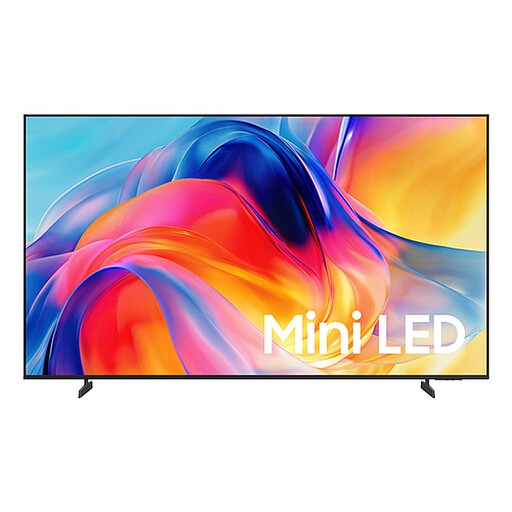
Samsung TU65M70H 65-inch 4K Mini LED TV
This is a Mini LED option to assess if a 65-inch screen fits your usual viewing position. Its title specifies 4K and the 2026 model year; check the full installation dimensions and the connections required by your lecture source and audio equipment.
View on Joybuy
 No image available
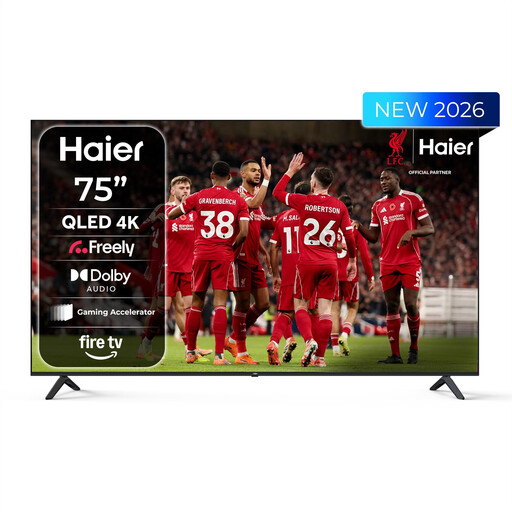
Haier H75S80GUF 75-inch 4K QLED TV with Freely and Fire TV
Consider this model if you want to investigate a 75-inch TV for streamed lectures, and check that your lecture service works with the listed Fire TV setup. The title also specifies HDR10+; confirm the full dimensions, seating fit and connections before buying.
View on Joybuy
 No image available
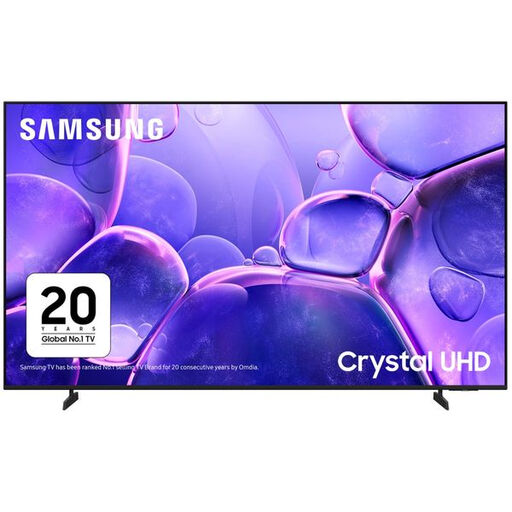
Samsung UE75U8092FU 75-inch 4K TV
This 75-inch 4K model is another size to assess against your seat and the space available. Check whether its connections meet your laptop, streaming-device and audio needs, and allow for its full dimensions rather than the screen diagonal alone.
View on Joybuy
 No image available
TCL 75Q7C 75-inch 4K QD-Mini LED TV
Consider this 75-inch Mini LED model if you want to inspect how lecture slides and archival video look at your viewing distance. The product title claims up to 2,048 local dimming zones and lists a 144 Hz native refresh rate; neither figure establishes how readable your own material will be. Check the full dimensions and required HDMI connections.
View on Joybuy
Common questions
How do I choose a screen size for history lectures?
Measure from your main seat and check the TV's complete dimensions, then assess how easily you can read slides and captions at that distance. As starting-point guidance, commonly quoted figures are 1.9–3.3 m for 55-inch TVs and 2.1–3.8 m for 65-inch TVs; your lecture material and installation space still need checking.
Is OLED automatically the right choice for a dark lecture room?
No: OLED is worth considering if contrast in archival footage is a priority, but the exact TV must also suit your size, connection and installation needs. LG claims pixel-level black levels for its OLED G5 range; assess the model you plan to buy rather than applying that claim to every OLED screen.
What should I check before connecting a soundbar or AV receiver?
Confirm that the exact TV and audio device have compatible connections, including ARC or eARC if that is how you intend to connect them. Sony specifies four HDMI inputs and eARC/ARC for the K-75XR5, but its port arrangement cannot be assumed for another model.
Do I need a TV Licence for an on-demand history lecture in the UK?
Watching an on-demand lecture on a TV does not by itself mean you need a TV Licence. TV Licensing says a licence is required for BBC iPlayer, including on-demand viewing, and for live TV on any channel or streaming service; if you only watch on-demand programmes on other services and never watch live TV, you do not need one. Check the lecture platform and whether the programme is live.


