What matters when choosing?
For history lectures in a small living room, settle the viewing position and screen fit before weighing up sound features and ways to open the lectures.
| Concern |
What to check |
Who this matters to |
| Readable slides and maps |
Measure seating distance and available width; try small text from a representative lecture at your usual seat. |
If dates and map labels carry the argument, I need to see them without moving closer. Around 50% of consumers put readable detail first. |
| Clear speech |
Listen to dialogue at your normal volume; check the audio connections you would use if built-in sound is not enough. |
When a lecturer speaks over archival footage, I need to follow the explanation without repeatedly adjusting the volume. Speech clarity comes first for around 30% of consumers. |
| Access to lectures |
Confirm the exact service, account requirements and a suitable app, casting or HDMI connection. |
If my lectures come from a specialist service or laptop, I want a straightforward way to put them on the TV. Around 20% of consumers make access their primary concern. |
Brands to consider
These model-specific examples offer different TV platforms and listed features; the brand alone does not establish lecture readability, app access or speech clarity.
Samsung
Samsung’s QE43Q7F2AUXXU is a 43-inch 4K QLED model for buyers considering Tizen.
- Samsung lists Tizen, built-in Bixby and Alexa, and Adaptive Sound for this model.
- Adaptive Sound is a manufacturer-described feature, not independent evidence of clearer lecture speech; check the lecture service you intend to use.
TCL
TCL’s 43P7K-UK is a 43-inch 4K QLED model for buyers considering Google TV.
- TCL lists Google TV, hands-free Google Assistant, Dolby Atmos and a two-year warranty for this model.
- Those features do not establish access to a particular lecture service or how speech will sound in your room.
Sony
Sony’s K43S38BP.UKA BRAVIA 3 is a 43-inch Google TV model with manufacturer-listed picture processing and speaker features.
- Sony lists the 4K HDR Processor X1, X-Balanced Speaker and Dolby Atmos for this model.
- These product descriptions are not a comparison of lecture-text readability or speech clarity against other TVs.
Joybuy product choices
These 43-inch 4K TVs are options to assess for lecture viewing in a small living room. Compare each model’s platform with your lecture source, and check screen fit and readable detail from your seat.
 No image available
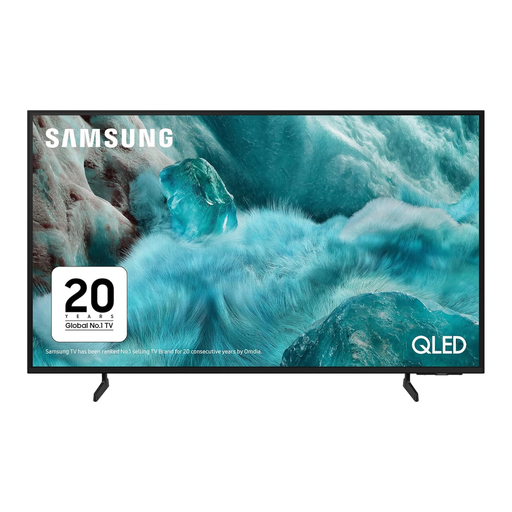
Samsung Q7F QE43Q7FAAU 43-inch 4K TV
Consider this model if a 43-inch screen fits your space; check fine lecture text from your seat and how you will open your lecture service.
The product name specifies 4K Ultra HD and a one-year warranty.
View on Joybuy
 No image available
Haier H43S80GUF 43-inch 4K QLED TV
Consider this model if Fire TV suits your route to lectures, but confirm the exact service and measure the space for the TV.
The product name lists Freely, HDR10+, Dolby Audio and an Alexa Voice Remote. Dolby Audio does not establish speech clarity at your seat.
View on Joybuy
 No image available
TCL 43V6C 43-inch 4K Google TV
Consider this model if you want Google TV for lectures; confirm your particular service and check small-text readability at your viewing distance.
The product name lists Direct LED, HDR and Dolby Atmos. Check the TV’s dimensions and mounting requirements against your space.
View on Joybuy
 No image available
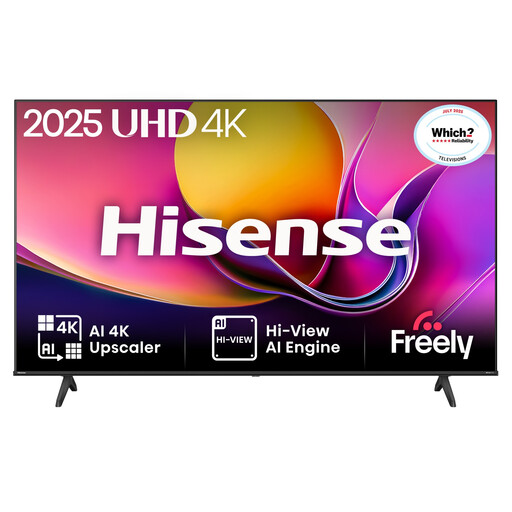
Hisense 43E6QTUK 43-inch 4K VIDAA TV
Consider this model if VIDAA suits your viewing setup; confirm access to your lecture service or a suitable connected-device route.
The product name lists Direct LED, HDR and AI 4K Upscaler. Measure the space available and assess fine slides from your usual seat.
View on Joybuy
 No image available
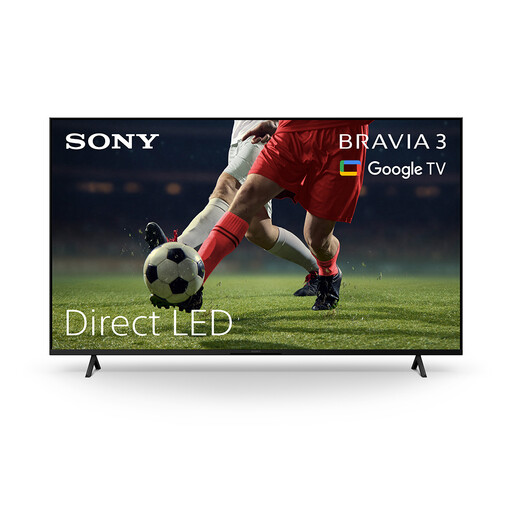
Sony BRAVIA 3 K43S35BP 43-inch 4K Google TV
Consider this model if you plan to use Google TV or Google Cast; confirm that your device and lecture service work with the intended method.
The product name lists Direct LED, HDR, Dolby Vision and Dolby Atmos. Check physical fit, slide readability and spoken-word sound separately.
View on Joybuy
Frequently asked questions
Is a 43-inch TV automatically right for a small living room?
No. The viewing distance, available space and size of the text in your lectures all matter. RTINGS advises choosing a screen large enough to see detail comfortably, so try representative slides from your main seat before settling on 43 inches.
Do I need a TV Licence for pre-recorded history lectures?
Watching only non-live lectures outside BBC iPlayer does not, by itself, meet the viewing conditions GOV.UK sets out for a UK TV Licence. GOV.UK says you need one to watch or record programmes as they are broadcast, or to watch BBC programmes on iPlayer, including on demand.
Can I count on subtitles for every lecture?
No. Caption availability depends on the particular lecture and service. Check a lecture you expect to watch before relying on subtitles as your main way to follow it.
Are built-in TV speakers enough for lectures?
They may suit your setup if speech is clear at your usual seat and volume. Samsung and Sony describe sound features on particular models, but those descriptions cannot establish how dialogue will sound in your room; check your external audio options if needed.


