What should you check before buying?
Start with a representative slide deck at the planned seating positions. Then check reflections, the presentation connection and spoken-word coverage rather than relying on screen size alone.
| Concern |
What to check |
Who this matters to |
| Readable slides and captions |
Check the exact screen size and resolution, then view representative slides and captions from the furthest seat. A 4K panel cannot make small text or a low-resolution source readable by itself. |
I need people at the back to follow map labels and slide text, not just recognise the main image; around 33% of consumers put shared-picture readability first. |
| Side seats and reflections |
Check the exact model and size for viewing-angle and anti-reflection features, then assess the widest seats and likely light sources. |
If seats spread across the room or daylight hits the screen, I need the picture to remain usable away from the centre; roughly 27% of consumers make visibility their primary concern. |
| Lecture connection |
Confirm the presenter’s output, required adapter and the TV’s inputs. If casting is planned, test device and network compatibility. |
I want the lecture to start without changing devices or troubleshooting wireless sharing in front of the group; around 20% of consumers prioritise a dependable connection. |
| Sound and room setup |
Check speech from the furthest seats, and verify the exact TV’s weight and mounting pattern before choosing a mount. Review its displayed energy label too. |
I need everyone to hear the speaker and the screen to fit the planned installation; approximately 20% of consumers put room readiness first. |
Large-screen TVs on Joybuy
These 85–86-inch models are options to assess for a shared lecture display. Compare each exact variant with your seating, lighting, presenter device and sound plan; the product list does not establish which screen will work in your room.
 No image available
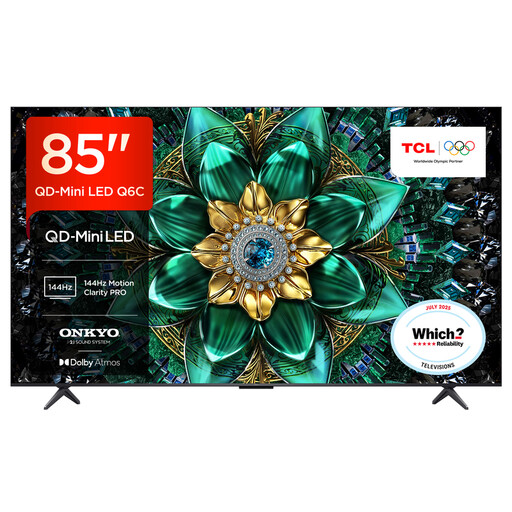
TCL 85Q6C-UK 85-inch QD-Mini LED 4K TV
Consider this model when room reflections are a concern, but inspect the picture from the planned side seats before deciding.
Its product title states up to 512 dimming zones and a 144 Hz native refresh rate; neither figure establishes lecture-slide readability or viewing-angle performance.
View on Joybuy
 No image available
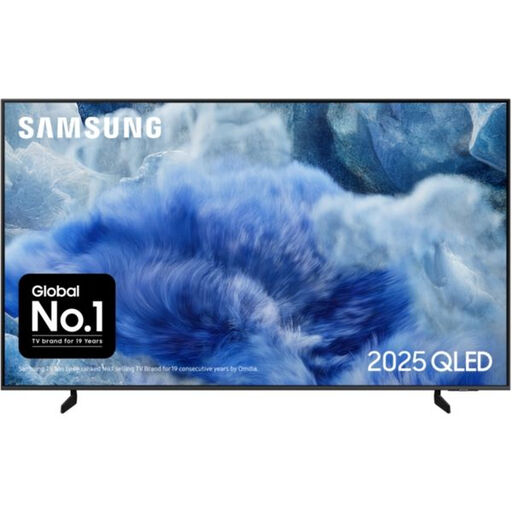
Samsung QE85Q8F 85-inch QLED 4K TV
This is a large-screen option for a laptop-led lecture; check the exact TV inputs against the presenter’s device and any adapter.
If seats are wide or the room is bright, assess side-seat visibility and reflections separately. Test speech from the furthest seat rather than assuming the TV’s sound covers the group.
View on Joybuy
 No image available
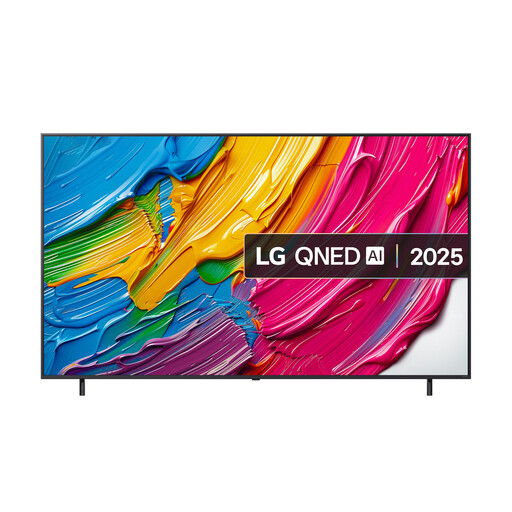
LG 86QNED80A6A 86-inch QNED 4K TV
This 86-inch option is worth assessing when a large shared picture is the priority and the group sits mainly in front of the screen.
LG UK describes local dimming for this exact model. Confirm the planned presentation connection and mounting details, and check visibility from any side seats.
View on Joybuy
 No image available
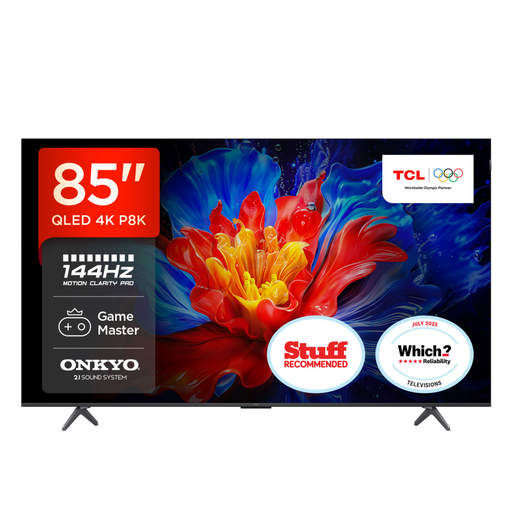
TCL 85P8K-UK 85-inch QLED 4K TV
Consider this large-screen model for a presenter-led setup after checking that the intended laptop connection works.
The product title names an ONKYO 2.1 sound system and a 144 Hz native refresh rate. Neither establishes speech coverage or visibility from the room’s side seats, so assess both where they matter.
View on Joybuy
 No image available
Samsung QE85Q7FAAU 85-inch 4K TV
This is another 85-inch option for a shared lecture image; compare the exact connection options with the presenter’s setup before choosing it.
Check glare and side-seat visibility in the intended room, and confirm the mount requirements if the TV will be wall-mounted.
View on Joybuy
Frequently asked questions
Do I need a TV Licence to show a history lecture?
It depends on how the lecture material is viewed: TV Licensing says a licence is needed if anyone on the premises watches live TV on a TV or streaming service, or uses BBC iPlayer. Its guidance says on-demand programmes on other services do not themselves require a TV Licence; check the material’s copyright terms separately.
Can a school show historic broadcast clips during teaching?
A school may be able to show clips under an applicable education exception or licence, but coverage depends on the institution, material and use. GOV.UK describes copyright licences for state schools in England, including the Educational Recording Agency licence for educational use of broadcast programmes and clips; do not assume it covers a public or commercial lecture.
Should I connect the lecturer’s laptop by HDMI or cast wirelessly?
Use the connection you can confirm works with both the presenter’s device and the exact TV; a tested HDMI connection is a useful fallback for a scheduled lecture. Sony UK lists four HDMI inputs, Chromecast built-in and Apple AirPlay for the K-85XR90, but any wireless plan also needs a compatible device and a suitable venue network.
Can I choose a wall mount by screen size alone?
No. Check the exact TV’s VESA mounting pattern and weight without its stand, the mount rating and the suitability of the wall. LG UK lists VESA 600 × 400 and 57 kg without the stand for the older 86QNED866QA; those figures do not apply automatically to another 86-inch TV.
Should I compare energy labels for these TVs?
Yes. GOV.UK guidance covers televisions under electronic-display energy-labelling rules and says dealers must display labels clearly. Compare the label for the exact screen size and variant you intend to buy.


