Evening film viewers
You usually lower the lights for short films and care about how dark scenes, subtitles and colour look on a compact screen.


Measure the distance from your seat to the screen, then choose for the light in your room: a compact OLED is worth considering for films watched mainly in dim light, while a Mini LED model with glare treatment is worth comparing if windows or lamps reflect in the screen. Check the exact TV model for the picture modes, HDR formats and streaming apps you intend to use; a 4K label alone does not establish those features.
You usually lower the lights for short films and care about how dark scenes, subtitles and colour look on a compact screen.
Windows or lamps may reflect in your screen, so you want to assess visibility in your usual viewing position rather than choose by display type alone.
You want to confirm a film-oriented setting and the HDR formats used by your content before settling on a TV.
Start with where the screen will sit and the light it will face. Then compare film settings and content compatibility on the complete model number, not just the screen size or 4K label.
Consider it when: You mainly watch with the lights down and value the pixel-level black presentation LG claims for its OLED42C55LA.
Keep in mind: Check reflections at your planned screen position; an OLED label does not settle how comfortable daylight viewing will be there.
Consider it when: Daylight or window reflections are a concern; Samsung specifies Mini LEDs and glare treatment for the QE43QN90FATXXU.
Keep in mind: Those features belong to the named model, not every 43-inch Mini LED TV, and do not establish how it will look in your room.
Consider it when: You want an explicitly listed film setting: Panasonic specifies Filmmaker Mode, Dolby Vision and HDR10+ for the TV-43W85BEY.
Keep in mind: Check that its streaming platform carries your preferred services and that your films are supplied in the formats you want to use.
| Concern | What to check | Who this matters to |
|---|---|---|
| Dim-room picture | Compare the exact model’s display type and picture settings, then consider where the screen will face. | If I watch short films after dark, I want dark scenes to remain clear without choosing a screen that overwhelms the room. Around 42% of consumers put dim-room picture quality first. |
| Daylight and reflections | Note windows and lamps opposite the screen; check glare-treatment claims for the particular model. | With daylight falling across my viewing position, I need to see the picture without being distracted by reflections. For around 33% of consumers, bright-room visibility is the primary concern. |
| Film settings and services | Check picture modes, supported HDR formats and access to your required streaming apps on the complete model code. | If my short films come from different services, I want the TV’s settings and format support to match what I watch. Roughly 25% of consumers prioritise that compatibility. |
A 42- or 43-inch diagonal does not tell you whether the TV and its stand will fit your furniture or feel comfortable from your seat.
Measure from your main seat to the planned screen position, as Which? advises, and check the exact model’s width and stand footprint.
Resolution alone does not establish whether a model offers Filmmaker Mode or supports the HDR formats used by your films.
Check the complete model code against its picture-mode and HDR specifications, then check what your streaming services provide.
A preference for dark-scene presentation does not remove the practical effect of a window or lamp reflected in your usual viewing position.
Map the light sources facing the screen and compare model-specific glare claims, such as Samsung’s claim for the 43-inch QE43QN90FATXXU, alongside any OLED you are considering.
These examples show features to compare on named TV models, not promises that every size or model from a brand works the same way.
The 42-inch OLED42C55LA is a compact OLED reference for viewing films in a dim room.
The 43-inch QE43QN90FATXXU offers a Mini LED route to consider in a bright or reflection-prone room.
The 43-inch TV-43W85BEY is a QLED option for comparing named film settings and HDR formats.
The 43-inch K-43S3 is an LCD reference for buyers checking connectivity alongside film-format support.
These 42- and 43-inch TVs offer compact screens to consider for a small living room. Compare each model’s stated features against your lighting, available space and preferred short-film services; the list does not establish a single choice for every room.
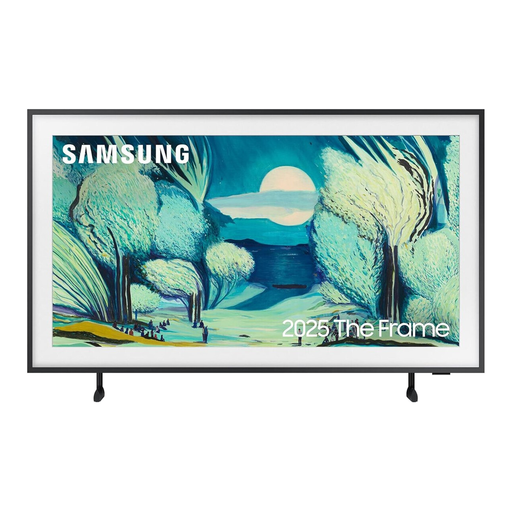 No image available
Consider this model if a compact screen and managing reflections are priorities; check how its stated anti-glare screen suits the position you have in mind.
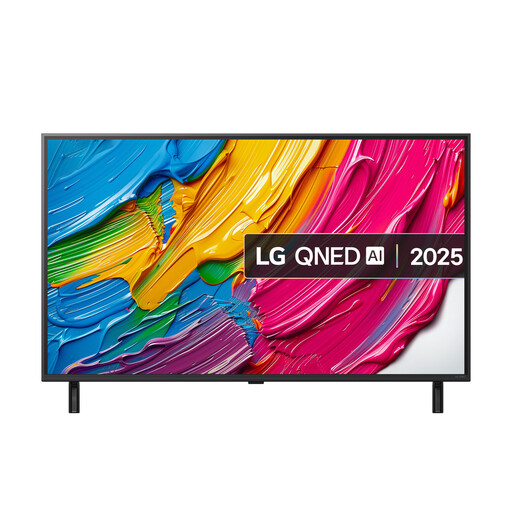 No image available
Consider this compact QNED model if a film-oriented setting is important, and confirm that its picture modes suit how you watch.
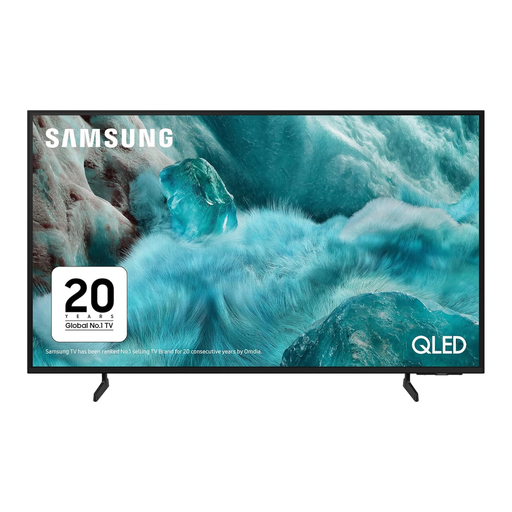 No image available
Consider the Q7F if you want a compact TV for short films and plan to check its film setting and HDR support against your content.
 No image available
Consider this 42-inch OLED if you usually watch in dim light; assess reflections where the TV will actually sit.
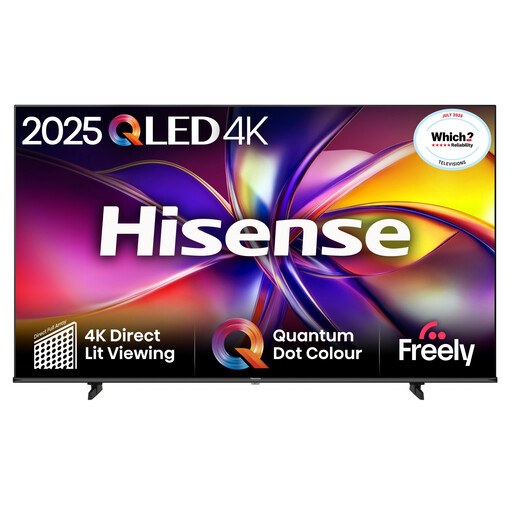 No image available
Consider this compact QLED if Dolby Vision is relevant to your short films, then check the services you use on its smart-TV platform.
Start by measuring from your main seat to the proposed TV position, as Which? advises. Then check the width and stand footprint of the particular 42- or 43-inch model against your furniture rather than relying on its diagonal measurement alone.
No: a compact OLED is one route to consider if you mainly watch in dim light, but room lighting can change the decision. LG claims pixel-level black presentation for its 42-inch OLED42C55LA, while Samsung specifies glare treatment for its 43-inch Mini LED QE43QN90FATXXU; neither specification settles how your own room will look.
Check the exact model for a suitable picture mode, the HDR formats used by your content and access to your streaming services. Panasonic lists Filmmaker Mode, Dolby Vision and HDR10+ for the TV-43W85BEY, but those features should not be assumed for other models with a similar screen size.
TV Licensing says you do not need a TV Licence for on-demand programmes on services other than BBC iPlayer. If you also intend to use BBC iPlayer or watch live TV, check the applicable TV Licensing rules for those activities rather than deciding on the basis of TV ownership alone.